

AirBrush

AirBrush
PIXOCIAL TECHNOLOGY (SINGAPORE) PTE. LTD.
MOD Features
App Information
About AirBrush
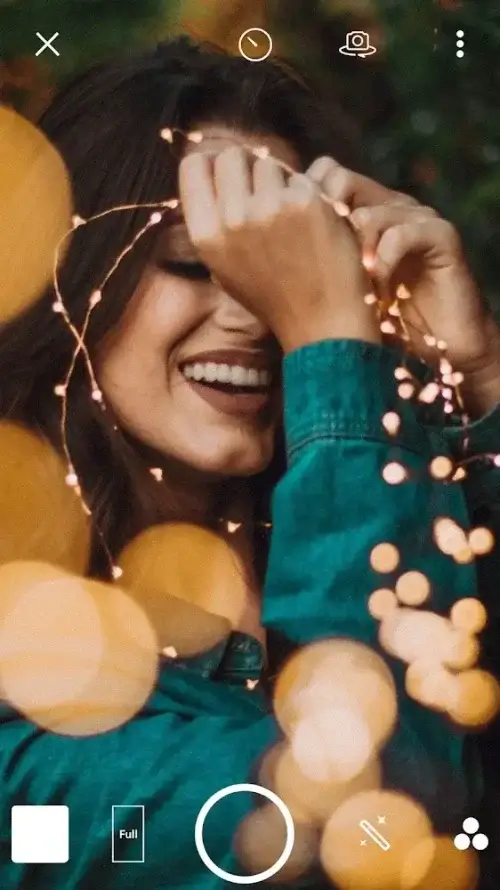
AirBrush offers a range of editing tools to transform the appearance of each photo. Users can enhance their skills and become more proficient in image editing after some practice. The system includes lighting controls, composition tools, and various comprehensive features. The latest update introduces video editing capabilities. Users can highlight specific parts of an image using the Sparkle feature. Additionally, we enable users to express their individuality by sharing unique fonts.
 |
 |
ELIMINATE UNWANTED ELEMENTS
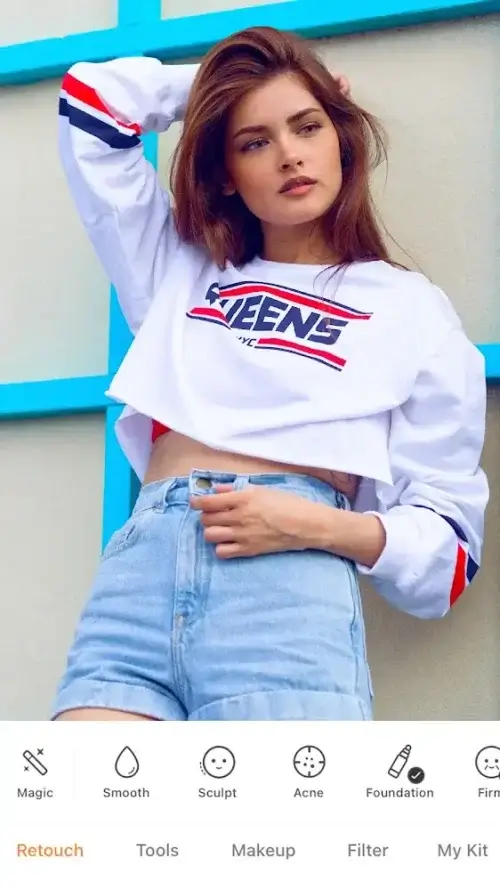
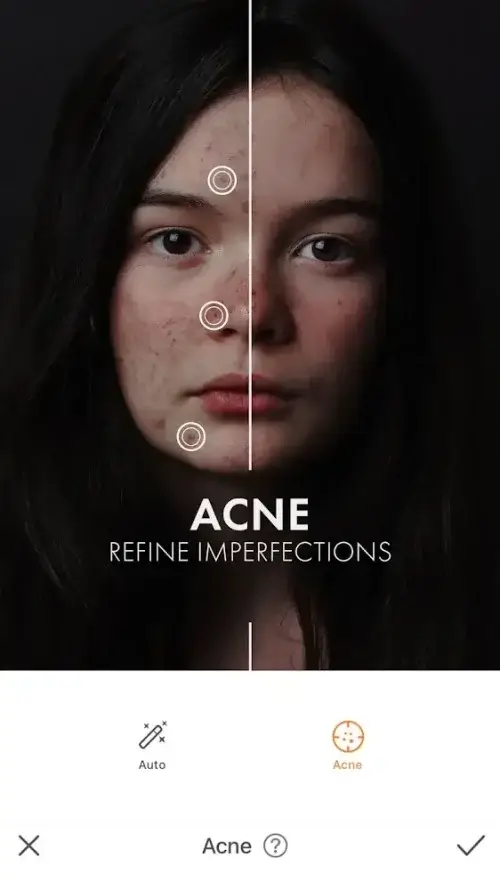
AirBrush is designed to deliver stunning selfies. Users can utilize the scanner to detect facial blemishes, such as acne. The system effectively removes these imperfections for smoother skin. Furthermore, users can eliminate bruises that may accidentally appear in the frame. The blemish remover works to cover them in the most natural way possible. For optimal results, users can apply the application's makeup powders. This allows you to reshape your face to appear more vibrant and lively. Users can tap multiple times to enhance their skin tone. The filter adjusts skin color according to the user's preference. For the best effect, swipe to let the brush apply the powder, adhering seamlessly to the foundation.
 |
 |
FACIAL RETOUCHING
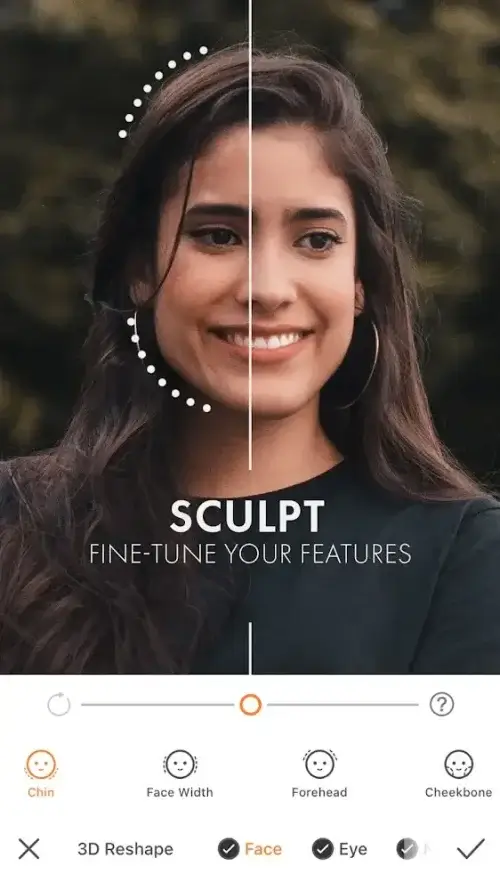
For those seeking whiter and brighter teeth, our teeth whitening tool is ideal. Simply use a brush to apply over the areas that need whitening, and the system will take care of the rest. Users can adjust the whiteness of their teeth using the controller, with natural white color samples available for reference. Additionally, capture the viewer's attention with our eye correction toolkit, enhancing the subject with larger, brighter, and more beautiful eyes. We offer a variety of eyeshadows to embellish your look. Users can swipe to thin surfaces in the image. The thinning tool can work with multiple elements to free up space, allowing you to create a glowing effect to make the face stand out.
APPLY ARTISTIC EFFECTS
Artistic effects are a crucial aspect of AirBrush, enabling users to enhance image quality to HD format. The tools allow for blurring, cropping, stretching, shrinking, and adjustments based on your requirements. Users can choose between automatic or manual adjustment tools to refine image sharpness. Create digital photo effects using the app's overlay and blur features. Important elements become more prominent in your photo background, transforming ordinary photos into captivating images through professional adjustment techniques. Users can upload images from their device for the system to help reframe all essential parts.


