AudioRelay

AudioRelay
Asapha Halifa
MOD Features
App Information
About AudioRelay
The innovative app AudioRelay offers a seamless way to wirelessly transmit audio between various electronic devices. With its remarkable features, Android users can turn their smartphones into wireless speakers for their computers, use their phones as microphones, or listen to their phone's microphone.
WIRELESS AUDIO TRANSFER FROM A PC TO AN ANDROID DEVICE WITH MINIMAL LATENCY
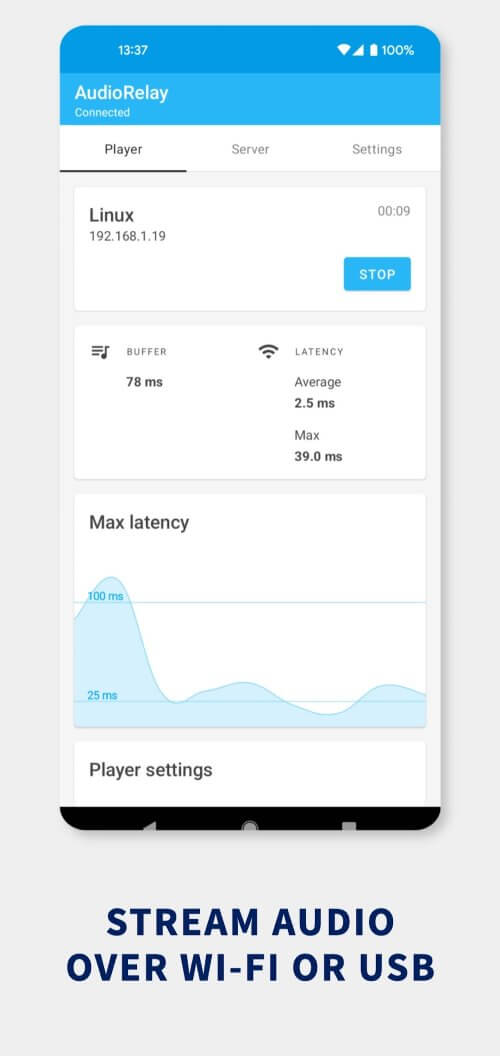
AudioRelay's ability to stream audio from a personal computer to an Android device is a highly sought-after feature. Users can stream audio from their PCs to their Android devices via Wi-Fi or a USB cable, allowing them to enjoy their favorite media or games while the audio plays. Whether you're relaxing in your living room or need mobility in your workspace, the app's capability to transfer audio from a PC to an Android device is incredibly useful.
 |
 |
CONNECT YOUR PHONE'S MICROPHONE TO YOUR COMPUTER
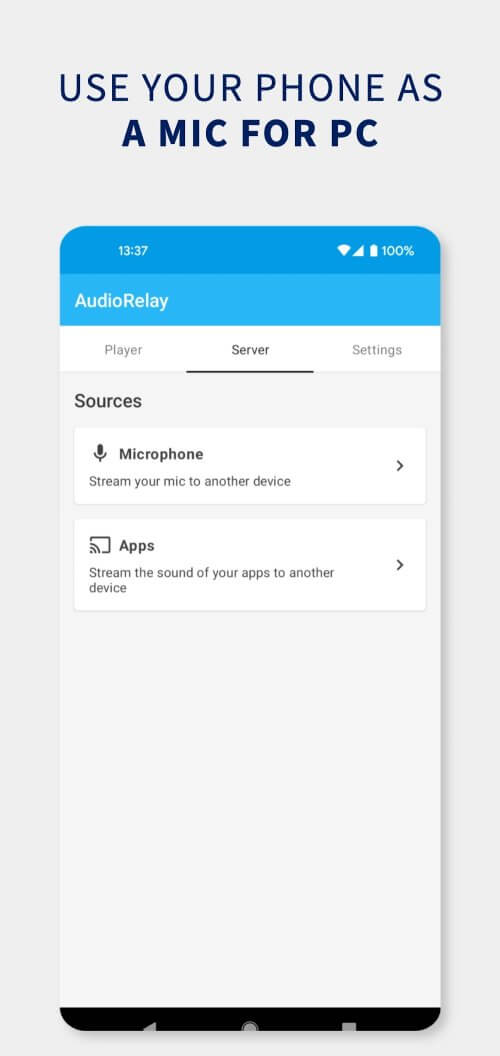
Another useful feature provided by AudioRelay is the ability to listen to your phone's microphone or use it as a microphone for your PC. This is a great alternative if you need to make a call using your computer but don't have a microphone available. Additionally, you can use this feature to eavesdrop on conversations in another room by placing your phone there and listening to the conversation from your computer.
STREAM OR SHARE AUDIO FROM YOUR PHONE TO YOUR COMPUTER
With AudioRelay, you can stream audio from your Android device to your computer or share your audio with other Android device users. This feature, available only on Android 10, is ideal for multitasking between your phone and computer, such as playing music or watching videos. It is perfect for both listening to music and conversing with others in the same room.
EASY INSTALLATION ON ANY COMPUTER, REGARDLESS OF OPERATING SYSTEM
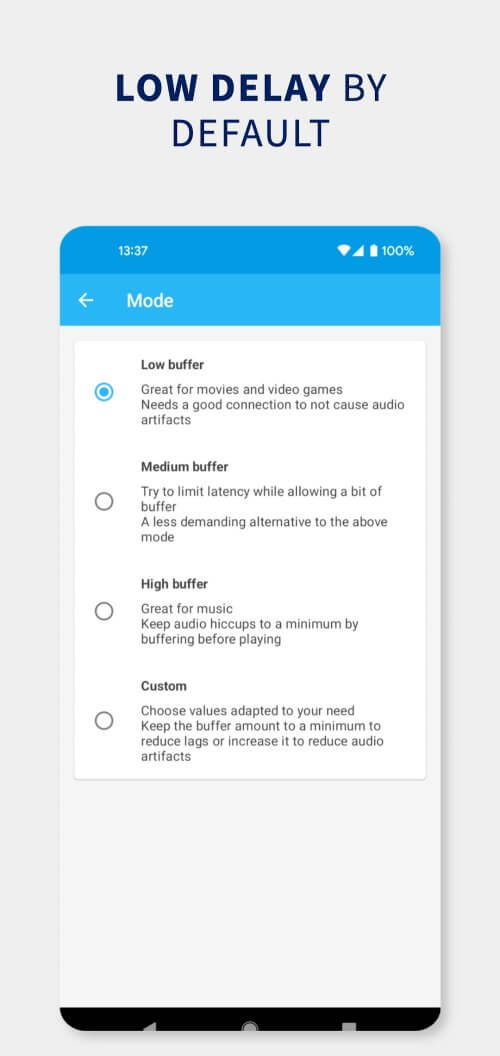
Installing and configuring AudioRelay is quick and easy. The app is compatible with Windows, Linux, and Mac computers and can be downloaded online. Once configured, you can immediately start sharing music wirelessly between devices. The application uses audio compression to minimize network traffic and achieve the lowest possible delay, whether connected via Wi-Fi or USB. With numerous buffering options, the app is easily customizable to meet your specific needs.