

Barcode Generator

Barcode Generator
QR Scanner & QR Code Generator & Radio & Notes
MOD Features
App Information
About Barcode Generator
This application offers users the ability to create highly personalized barcodes and information. Designing a unique barcode for you or your company has never been easier.
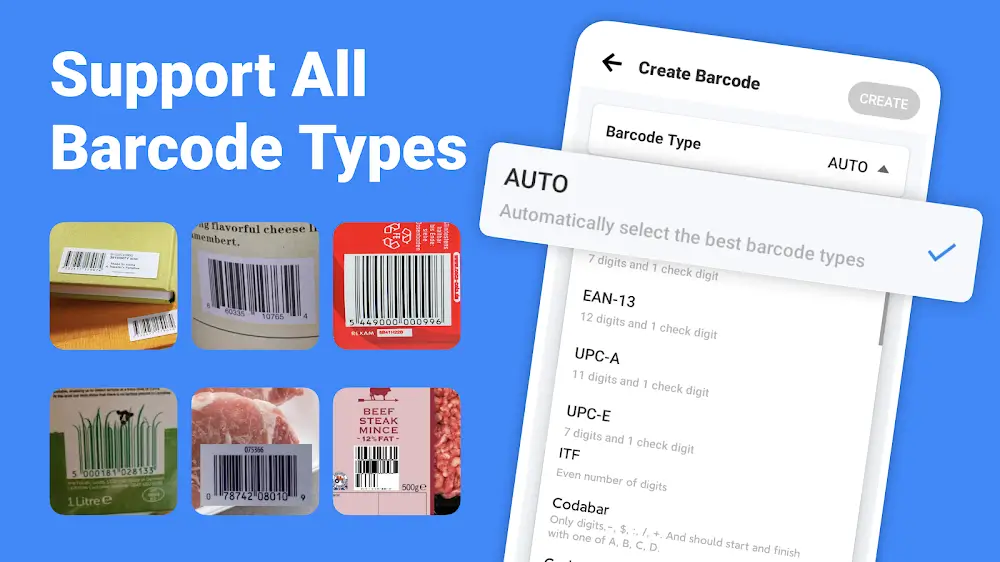
THE BARCODE DESIGN INTERFACE IS SIMPLE AND EASY TO MASTER.
This application features a smart and user-friendly interface that can be accessed anytime and from anywhere. The simple design and layout allow users to quickly learn and master all its features. On the screen interface, you will find two options for the purpose of use: scanning a code and adding a code. When adding a code, a list of common barcode types will appear, allowing you to select the code that fits your needs. Additionally, the application's clean and straightforward interface enables users to easily access settings and other functions.
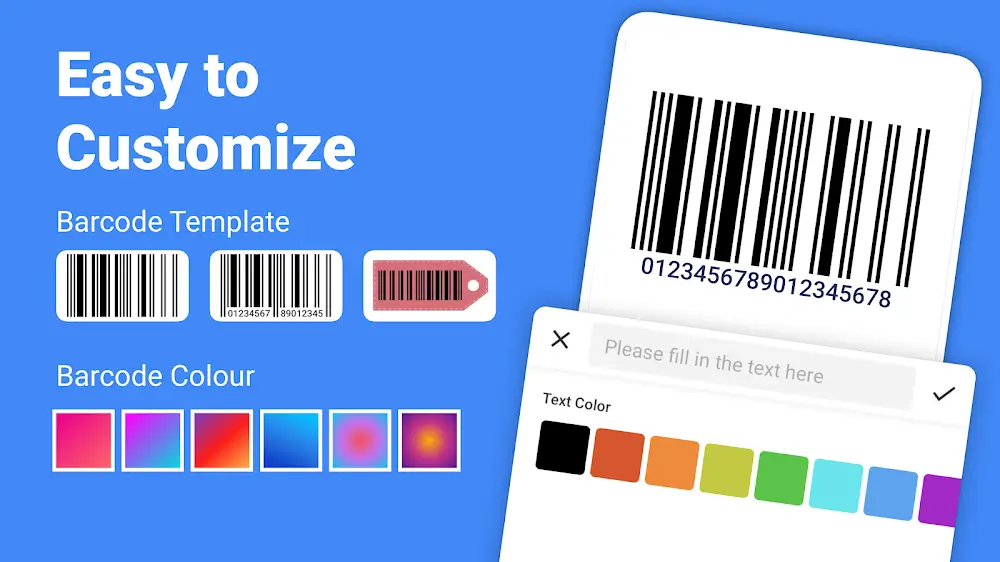
EASILY CREATE UNIQUE AND DIVERSE BARCODES
The main feature of Barcode Generator & Scanner is its ability to create custom barcodes for various applications. For instance, if you work for a company or organization and need to design barcodes for products or services, this application makes it possible. You can create shortcuts to facilitate quicker access to essential information. The app's intelligent and fast barcode generator allows users to design standout barcodes effortlessly. You can choose the type of code, add colors, and incorporate other interesting details to make your barcodes unique and representative of your business. Use them for organization, personalization, or various other purposes.
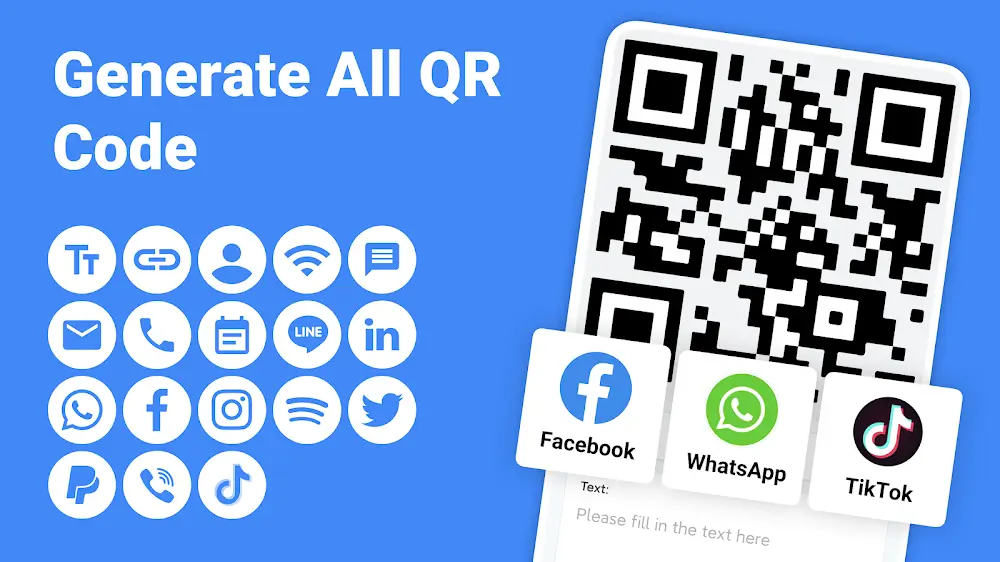
EASILY ACCESS YOUR BARCODE GENERATION HISTORY
With the code generation history review feature, you can easily locate the unique barcodes you have created. This function allows you to manage the barcodes you have generated, customize them, or share them with others. Users can save a variety of barcodes for different purposes, such as work, referrals, merchandise, and more. Additionally, users can add text to barcodes and use images for the code's color, among other features. Barcode Generator & Scanner provides users with the best tools for designing and managing unique barcodes in a simple, easy, and highly convenient way.
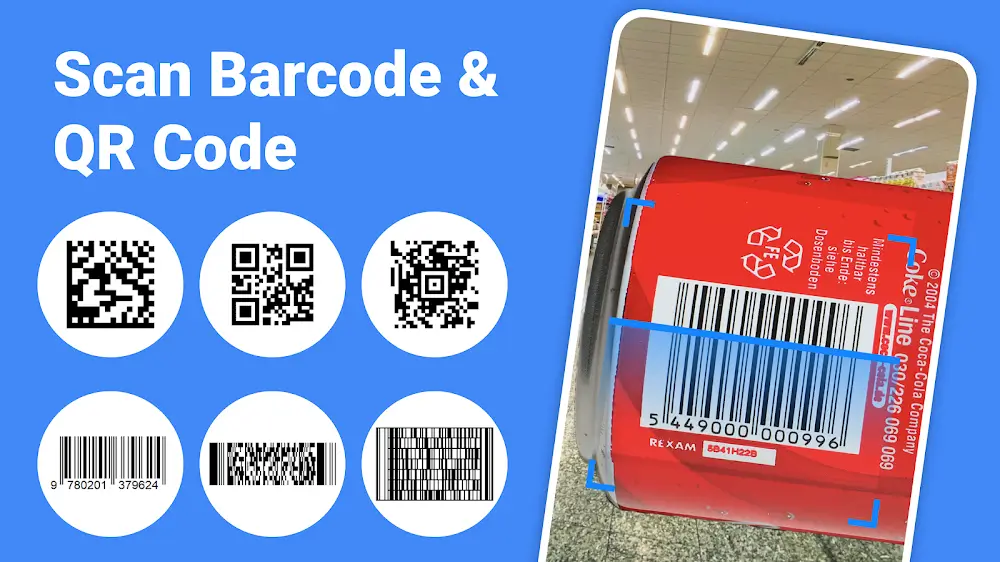
SCAN AND SEARCH FOR ANY BARCODE
In addition to creating barcodes, Barcode Generator & Scanner allows users to easily search for and scan other barcodes. After navigating to the application's main screen, select the code scanning feature to open the camera, and then enter the code you wish to scan.
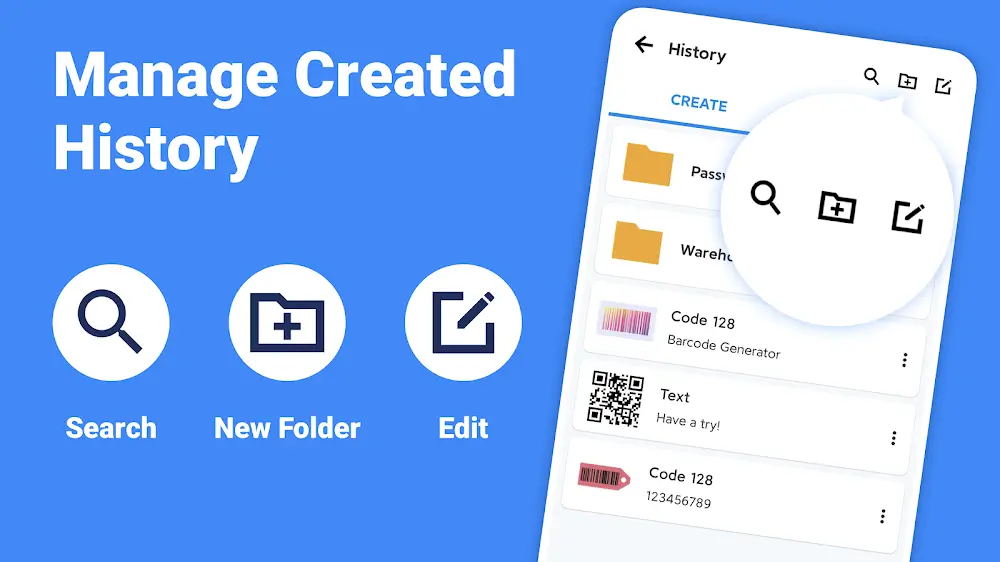
The application's intelligent recording and analysis system will then interpret the information in the barcode and direct you to the most detailed information available. Additionally, the barcodes you have created can be named, and you can easily locate them by typing the name into the search bar on the interface.
Installation Guide
More in productivity


You May Also Like
More


