Bookmark Folder

Bookmark Folder
Tossy
MOD Features
App Information
About Bookmark Folder
Have you ever thought about using a different web browser for each task you need to complete? Perhaps you use Google Chrome at work, Mozilla Firefox at home, and Opera on the go. The Bookmark Folder app is a must-have for you. It allows you to organize your bookmarks into folders and choose the browser to open each bookmark with. You can customize the app's appearance, hide bookmarks from others, and set up automatic backups for added protection. With this app, you'll never have to worry about losing your saved bookmarks again.
BOOKMARKS CAN BE EASILY ORGANIZED WITH A LIMITLESS DIRECTORY STRUCTURE
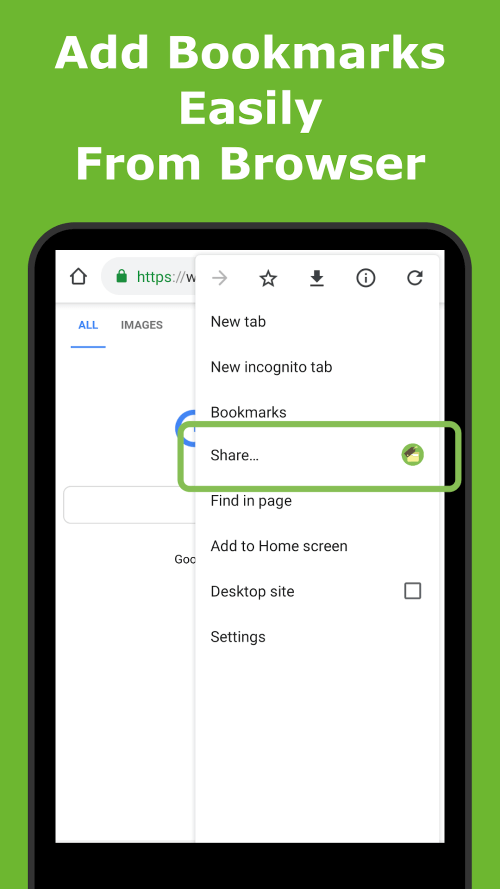
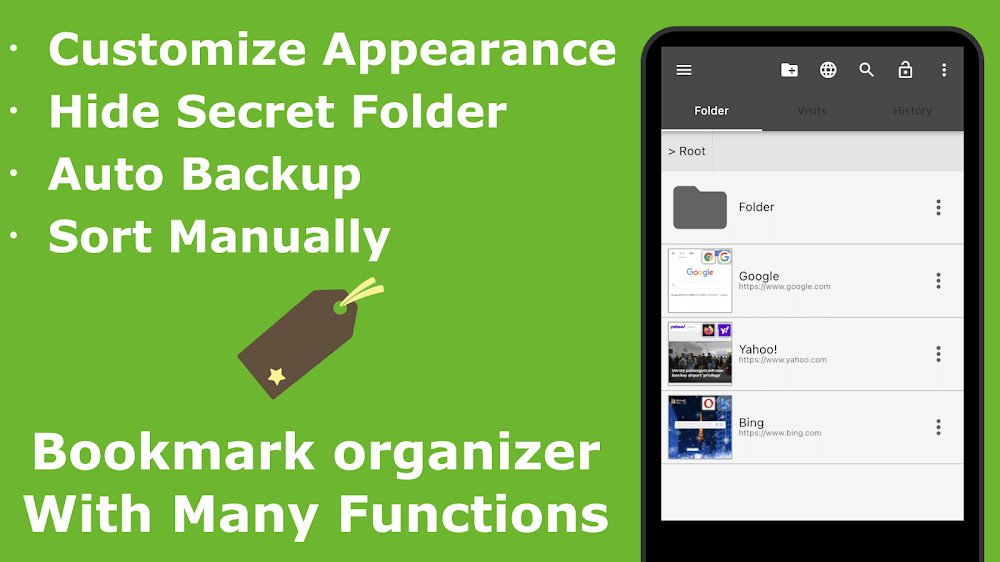
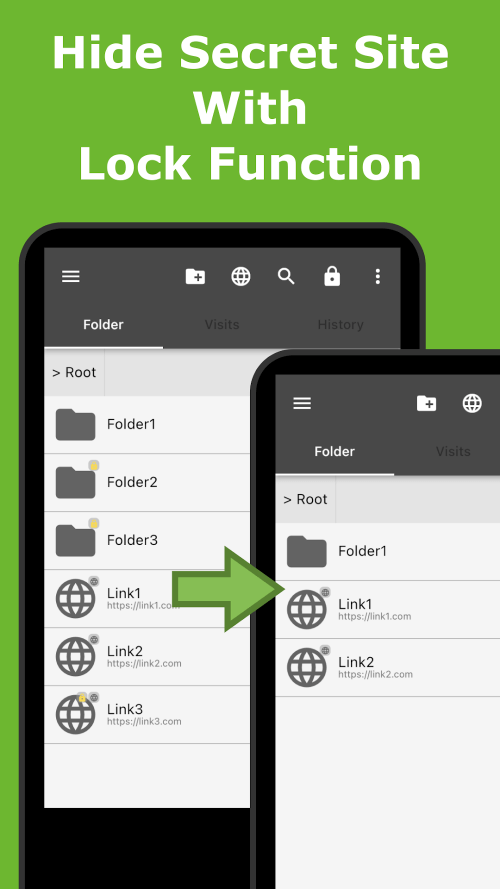
Bookmark Folder is a handy tool that simplifies organizing and managing your bookmarks. You can save bookmarks to an endless directory structure quickly and efficiently using the "Share" menu in modern web browsers. With the lock feature, you can hide bookmarks from prying eyes. You can move and rearrange your bookmarks as you like and quickly locate the content you're looking for using the favicon and website thumbnail.
 |
 |
CUSTOMIZE THE DEFAULT BROWSER, VIEW, COLOR, AND SIZE
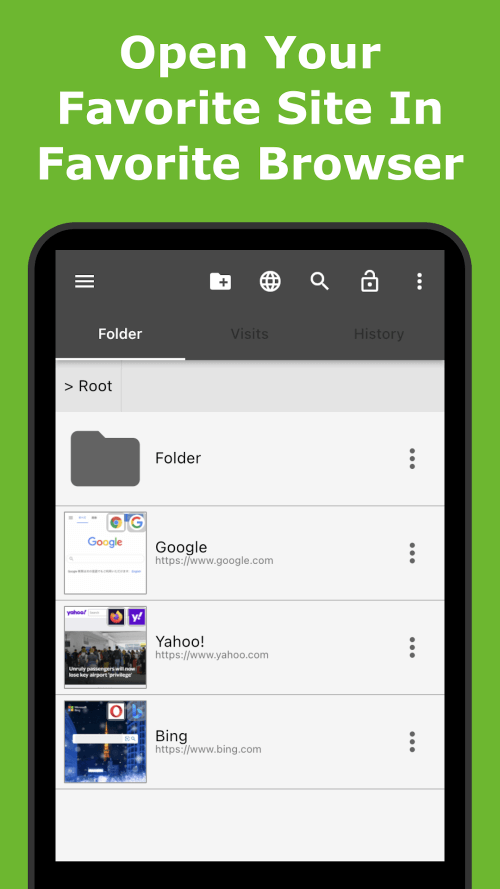
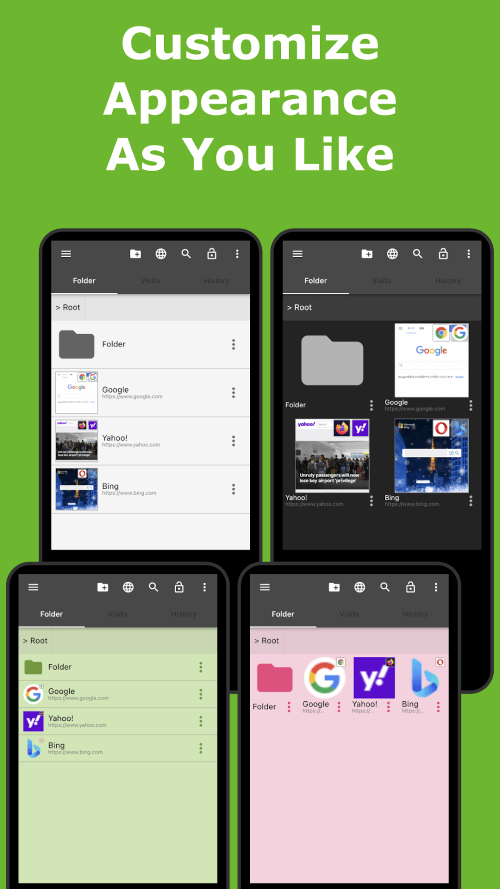
One of the most appealing features is the ability to customize the Bookmark Folder. Each bookmark can be opened in its designated browser, with two viewing modes: list and grid. You can change the background color, font, and text size. Additionally, bookmarks can be accessed anytime and from anywhere directly from the status bar.
SECURE CLOUD STORAGE AND OFF-SITE BACKUPS
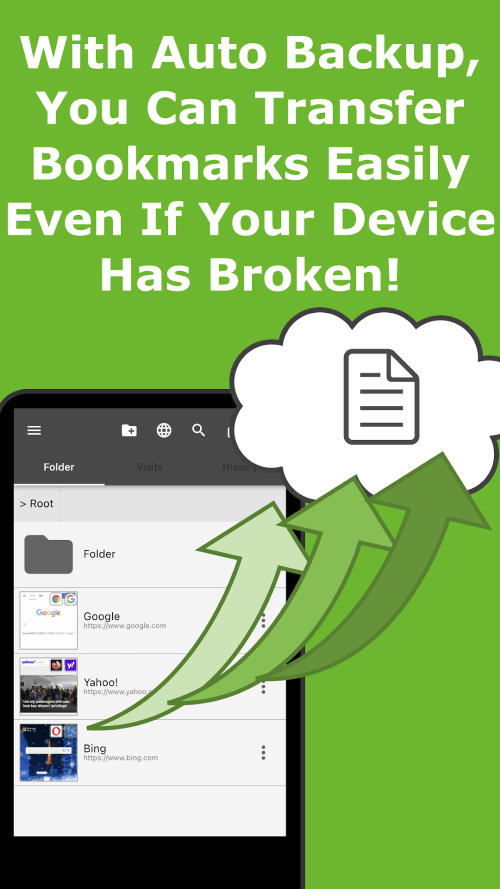
The app's automated backup functions ensure your bookmarks are stored safely and securely. Set up automatic backups to prevent losing bookmarks. You can enhance convenience by storing backup files in the cloud.
SHARE BOOKMARKS IN HTML FORMAT OR VIA BACKUP FILES TO ACCESS ON OTHER DEVICES
The Bookmark Folder facilitates the transfer of bookmarks between devices. You can import bookmarks from your PC browser using an HTML bookmark file, saving time and effort. Cloud-stored backup files make it possible to transfer bookmarks to other devices.