BuildProp Editor

BuildProp Editor
Android Toolbox - Root, BusyBox & More, ROM
MOD Features
App Information
About BuildProp Editor
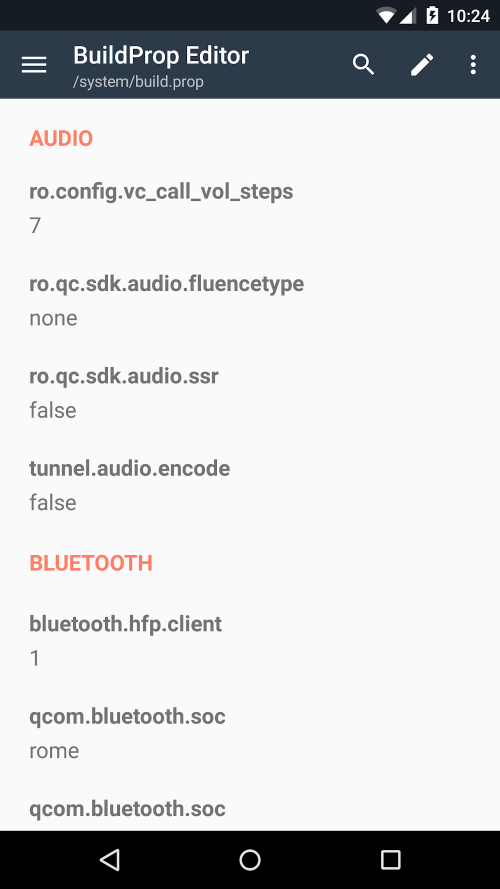
BuildProp Editor is the ultimate tool for customizing your Android device. This intelligent code editor makes modifying Android's build.prop or any other properties file straightforward. It is the leading build.prop editor on Google Play due to its user-friendly interface and strict compliance with material design guidelines.
 |
 |
TOP CHOICE ON GOOGLE PLAY
BuildProp Editor's ascent to the top of Google Play's build.prop editor list highlights its popularity and quality. This accolade reflects the positive reception the app has received from Android users worldwide. Its powerful code editor with syntax highlighting for multiple languages and unwavering commitment to user satisfaction are key factors in BuildProp Editor's success.
PERSONALIZE AND OPTIMIZE YOUR DEVICE
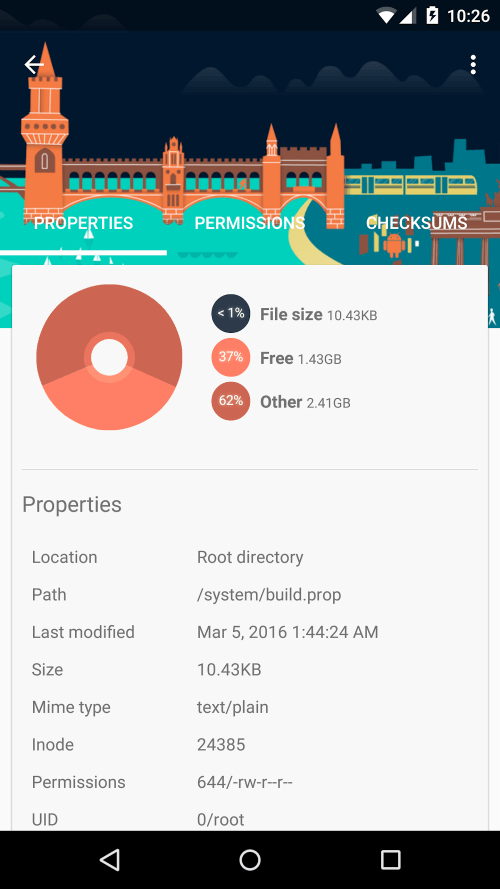
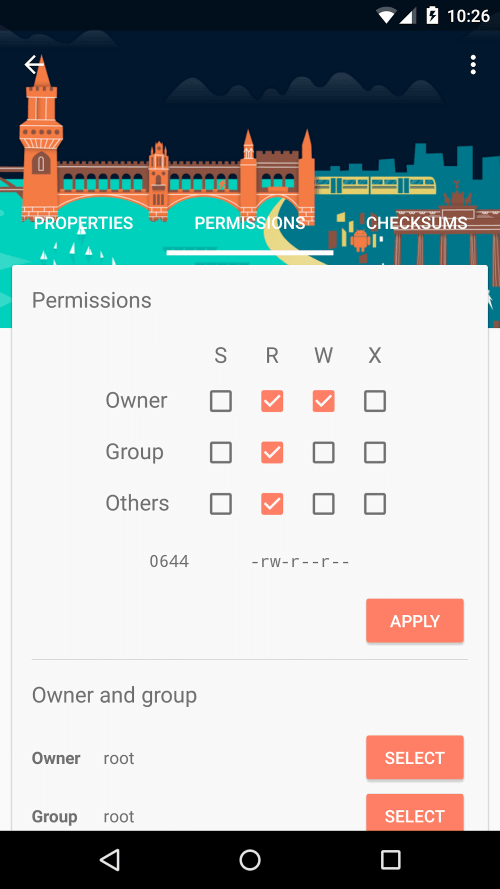
BuildProp Editor excels due to its flexibility and ability to boost your device's performance. Android users can tailor their devices to meet personal preferences. With BuildProp Editor, you can optimize your smartphone for gaming, enhance battery life, or alter the UI's look and feel. This app offers unparalleled control over your smartphone, enabling you to maximize its performance.
 |
 |
SAFEGUARD YOUR DATA
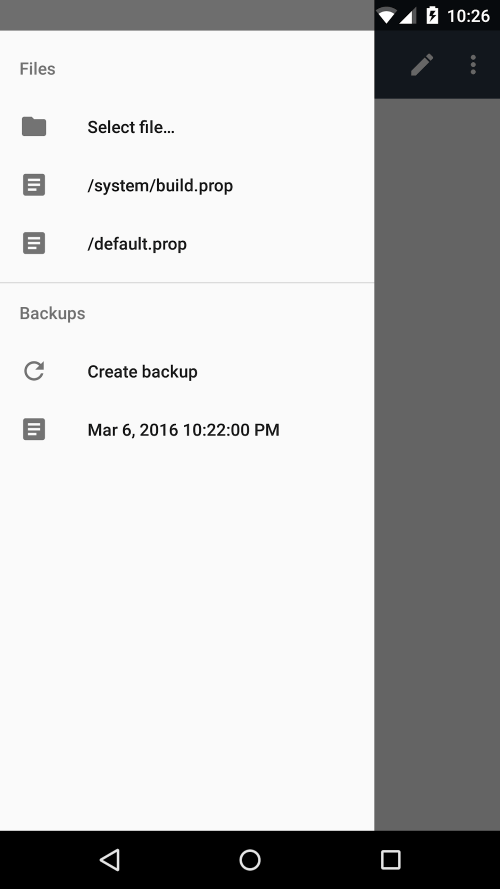
BuildProp Editor prioritizes data security and takes proactive measures to protect it. It automatically creates backups of your build.prop and other properties files before any modifications are made. This precaution ensures your data is secure and can be swiftly restored in case of any issues. You can customize your device confidently, knowing your information is safeguarded with BuildProp Editor.
EDIT LIKE A PRO
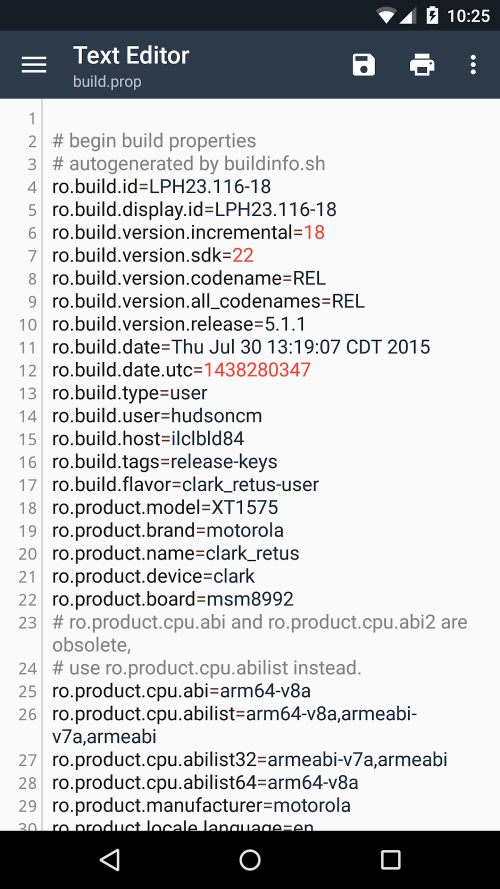
BuildProp Editor is not just a basic text editor; it is a powerful application that offers users a sophisticated code editor for manual modifications. This advanced tool provides syntax highlighting for various languages, facilitating easy transitions between them during editing. The intuitive code editor is accessible to both beginners and experts, allowing seamless modifications to property files. BuildProp Editor's advanced code editor caters to seasoned programmers and newcomers interested in customization.