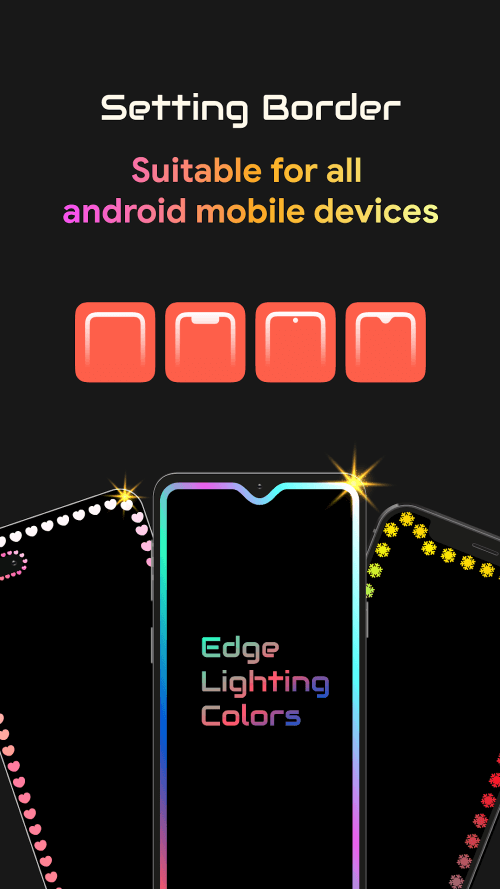
Edge Lighting Colors - Border

Edge Lighting Colors - Border
Sunny Lighting
MOD Features
App Information
About Edge Lighting Colors - Border
Edge Lighting offers specialized edge lighting services and unique lighting icons, allowing you to redesign the user interface on your device's home screen. Refresh your screen for a more productive and enjoyable day. The application syncs with your activities but remains energy-efficient, ensuring minimal battery consumption. Customize your edge lighting and personalize them to your liking, with various adjustment options to modify essential display parameters.
NEW UPDATES ENHANCE THE APPLICATION
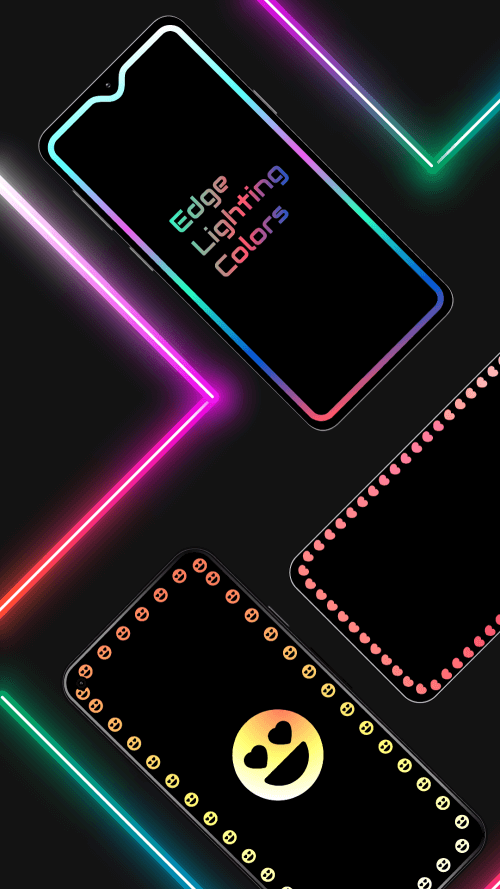
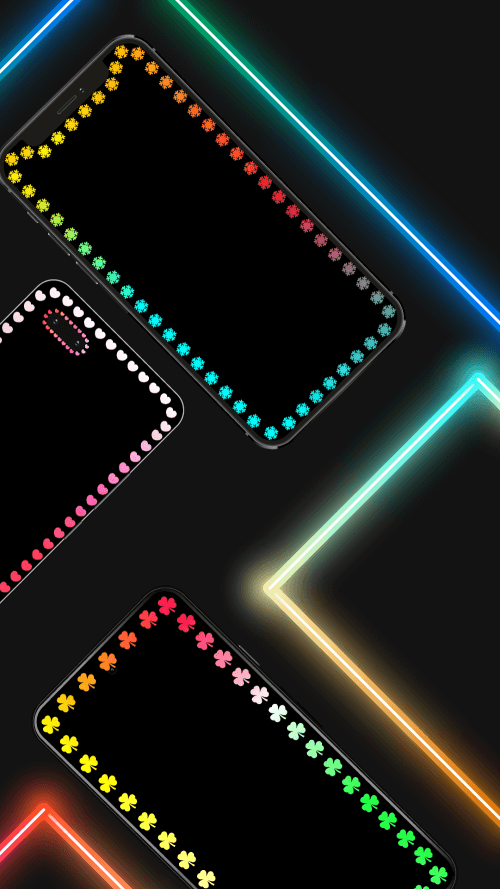
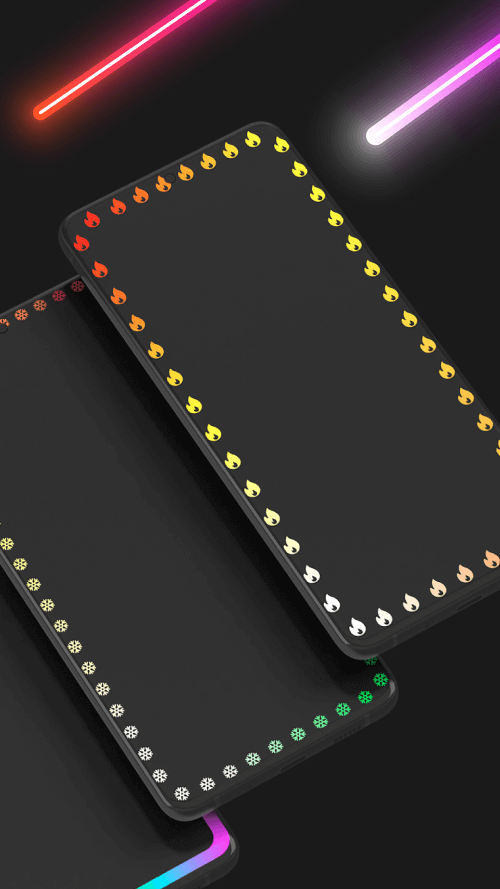
Once activated, Edge Lighting can operate on any device, transforming your phone with innovative designs. The newly introduced Emoji Edge Round theme provides additional customization options. The system supports Edge Lighting on advanced devices such as the Galaxy S22, Ultra, and Note 22. Festive edge lighting is available for special occasions, and new border styles have been added to expand the personal style collection. With adjustable RGB and Android colors, immerse yourself in a vibrant, colorful space. Each device will showcase edge lighting in a unique manner.
 |
 |
MAKE SPECIFIC ADJUSTMENTS
Each device can uniquely apply edge lighting, compatible with Infinity U, Infinity V, Notch Display, Infinity O, and more. Various lighting styles can enhance your default background image. Users can modify the border color to better connect with the interface, creating a more harmonious look than the original version. If the application doesn't correctly measure contour segments, users can reset the frame as desired. Proper width and height adjustments will result in a more perfect contour, with padded borders for added thickness and beauty.
 |
 |
Edge Lighting adapts the screen curve to fit each device. Simply install the application and activate the border effects for direct display on the screen. The notch is aligned with the device to maintain balance. Pre-set frames are available to save adjustment time, tailored to your specific device type. Experiment with setting favorite images as wallpaper to find a matching frame color. The appealing designs alongside your wallpaper will inspire a productive workday. Users can adjust the contour light's tint to prevent glare while using the phone.