Excel Spreadsheet

Excel Spreadsheet
Liner Apps
MOD Features
App Information
About Excel Spreadsheet
Excel Spreadsheet is a powerful tool that simplifies data management and computations on a desktop. However, it can be cumbersome to use and manage on mobile devices, especially for data entry. This smartphone application makes it easier to create, edit, and share Excel spreadsheets while on the go.
CREATE A SPREADSHEET WITH THE COLUMNS AND INPUTS THAT BEST SERVE YOUR NEEDS
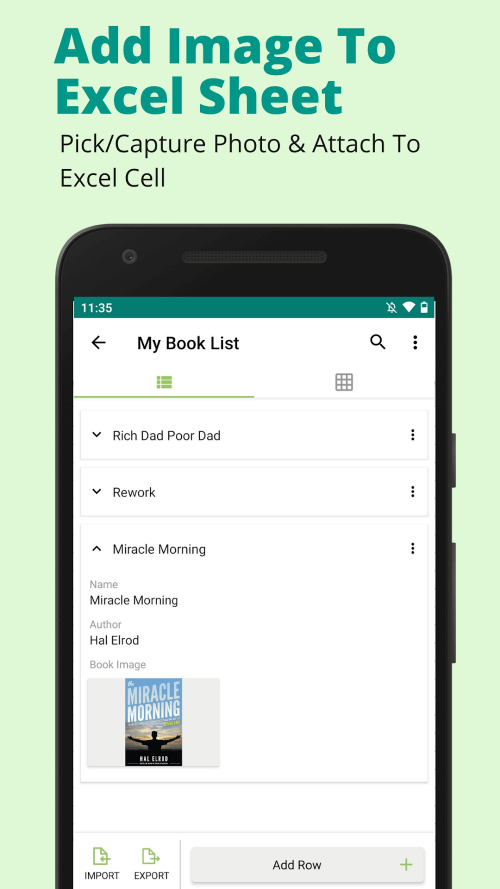
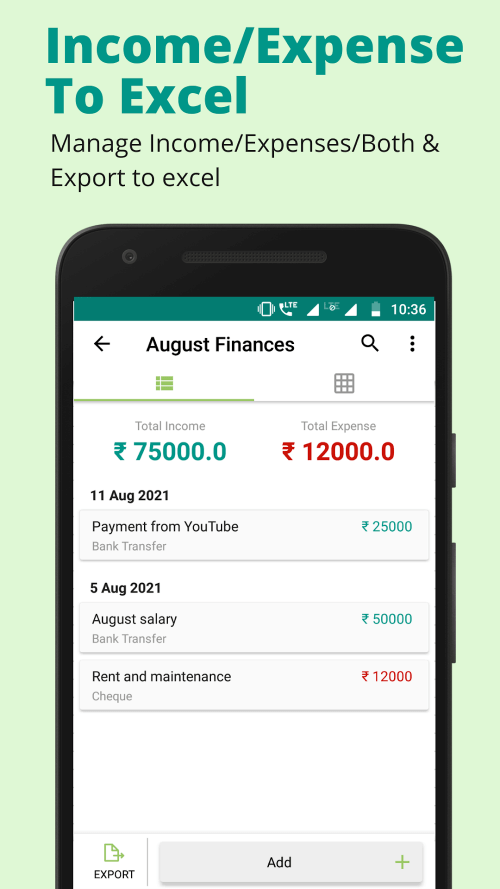
One of the key advantages of the Excel Spreadsheet is its ability to create customized spreadsheets with user-defined column names and input types. This tool allows users to tailor spreadsheets to their specific needs, whether for tracking finances or managing inventory.
 |
 |
THE USER-FRIENDLY INTERFACE MAKES DATA ENTRY SIMPLE
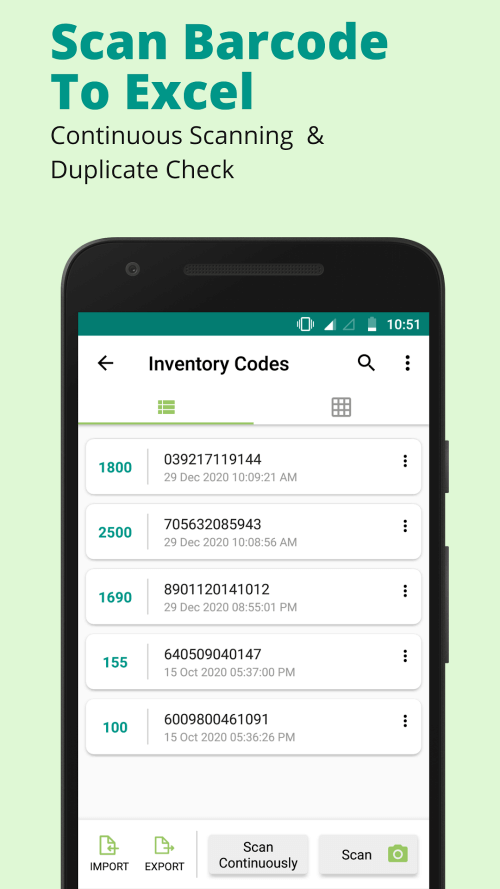
The user interface of the Excel Spreadsheet app is designed to make editing spreadsheets straightforward. The layout is based on the columns and input types in each row, which may include barcodes, text, numbers, dates, dropdown menus, and more. This feature allows users to easily add new data and modify existing spreadsheets, even while away from their desks.
THE APP PROVIDES A QUICK AND EASY WAY TO SEARCH YOUR SPREADSHEETS
The app's built-in search function makes it effortless to find specific data within a spreadsheet. Users can quickly locate the information they need without manually sifting through rows and columns, making the process fast and efficient.
 |
 |
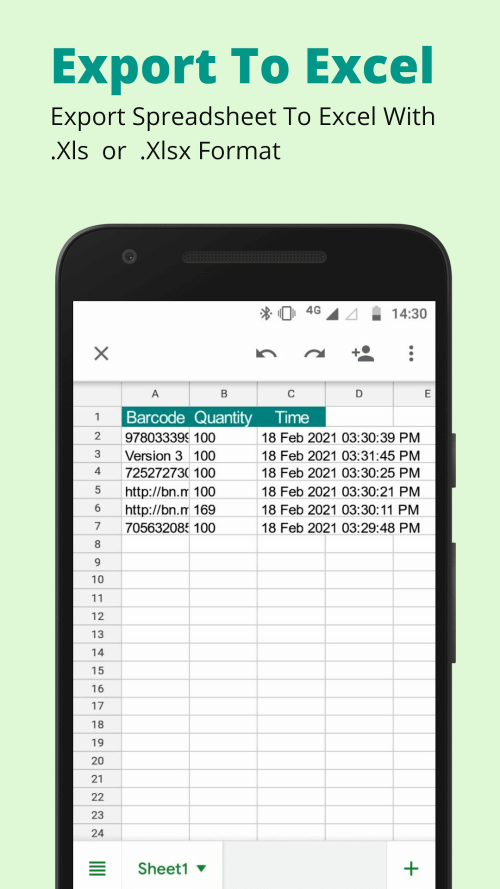
COLLABORATING WITH OTHERS IS EASY AS SPREADSHEETS CAN BE EXPORTED AS XLS OR XLSX
This app allows spreadsheets to be exported in XLS or XLSX formats, enabling easy sharing with others. This feature is especially useful for collaborating with clients or colleagues who may not have the app on their devices.
THE APP WORKS OFFLINE, ALLOWING YOU TO BE PRODUCTIVE EVEN WITHOUT INTERNET ACCESS
This application functions entirely offline, meaning you can manage your Excel spreadsheets without needing an internet connection. The app's performance is optimized for speed and responsiveness, helping users accomplish tasks efficiently.