

Gamepad Center

Gamepad Center
GOLFOGAMES
MOD Features
App Information
About Gamepad Center
Are you searching for the ultimate games to enjoy on your smartphone or streaming device gamepad? Look no further than Gamepad Center for the best gaming experiences on your Android gamepad. With gamepads from brands like Ipega, Terios, Mocute, Moga, Ksix, Easysmx, Tronsmart, Gamesir, Beboncool, Steelseries, Nes, and Mad Catz, you can transform your mobile device or streaming media player into a console-like gaming platform. This article will explore the top five features of Gamepad Center that make it an essential app for gamepad enthusiasts.
OPTIMIZE YOUR RESOURCES
Opting for an Android gamepad instead of a dedicated gaming console can save you money in the long term. Gamepad Center offers a seamless and enjoyable gaming experience without a hefty price tag, helping you maximize your device's potential. The app serves as a gateway to the best gamepad-compatible games, rather than just a navigation tool.
EXTENSIVE GAME SUPPORT
Gamepad Center boasts an extensive library of hundreds of controller-optimized games, many of which are free. The app's list of supported games is updated monthly, offering users fresh gaming experiences. Within the app, you can find guides to help you configure your gamepad for specific games.
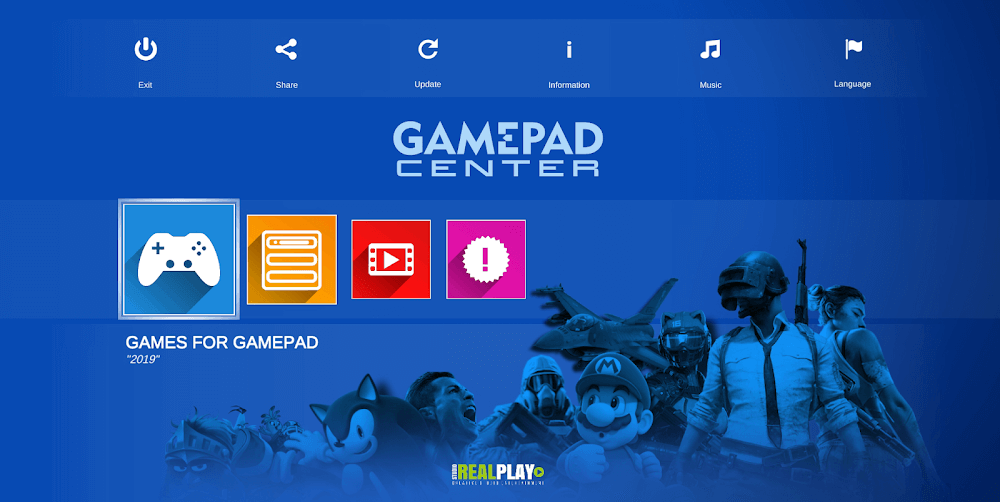
ENHANCED GAME SEARCHING
Gamepad Center's powerful search features allow you to find the perfect video game with ease. The customizable game selection process lets you sort titles in various ways, enabling you to quickly discover games that match your preferences and controller.
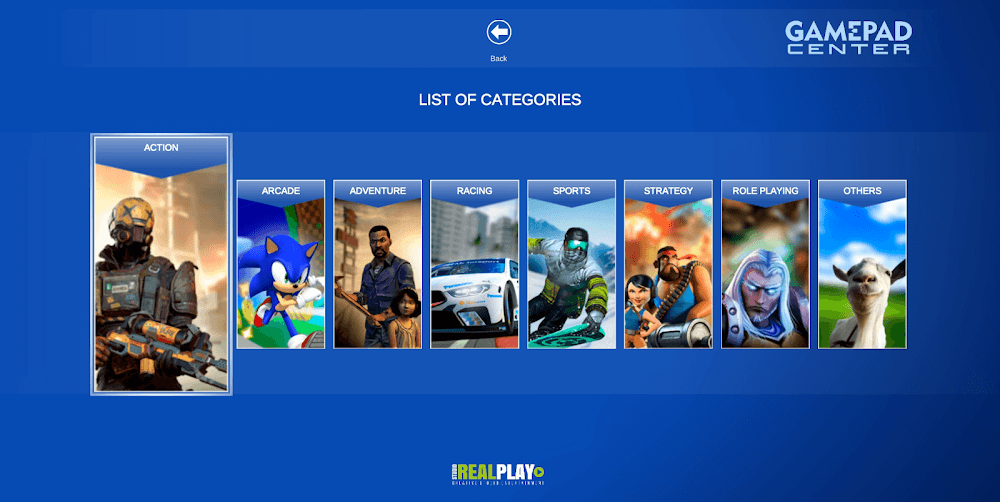
DETAILED GUIDES
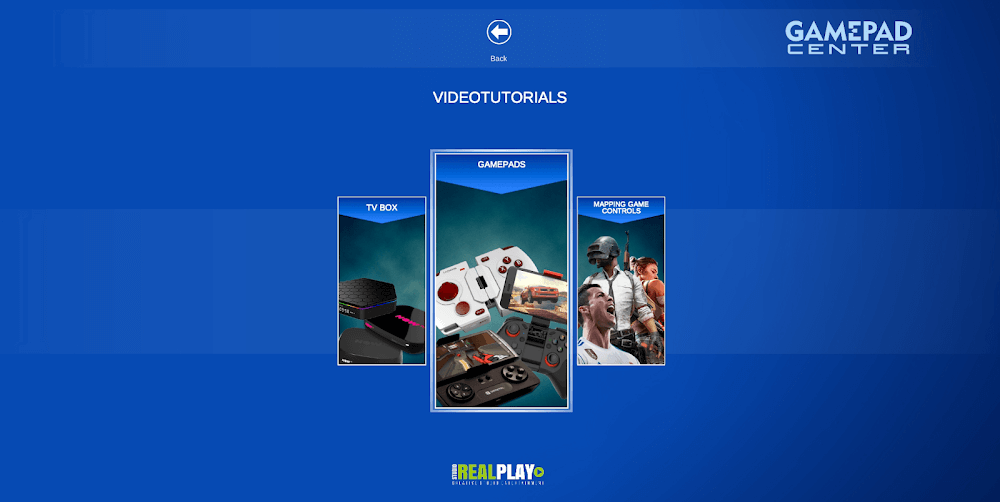
In addition to offering a wide range of gamepad-compatible games, Gamepad Center provides guides for playing games not initially designed for gamepads. This unique feature allows users to access more games and fully utilize their devices. The app also offers tutorials for different gamepad models, ensuring a smooth and enjoyable gaming experience.
CONVENIENT PERSONAL LIBRARY
Any games downloaded through the Gamepad Center app or the "Gamepad Games Links" section are easily accessible via the "My Library" button. This feature streamlines the gaming experience, allowing users to launch games directly from the app. If you plan to use Gamepad Center on your mobile device or set-top box, ensure your gamepad is set to Gamepad mode instead of keyboard mode. Note that touch mode is unsupported, so a gamepad is necessary to navigate the app. TV box users should keep a TV box and mouse on hand in case any games require them.
Installation Guide
More in tools


You May Also Like
More


