Jellify

Jellify
Vacuapps s. r. o.
MOD Features
App Information
About Jellify
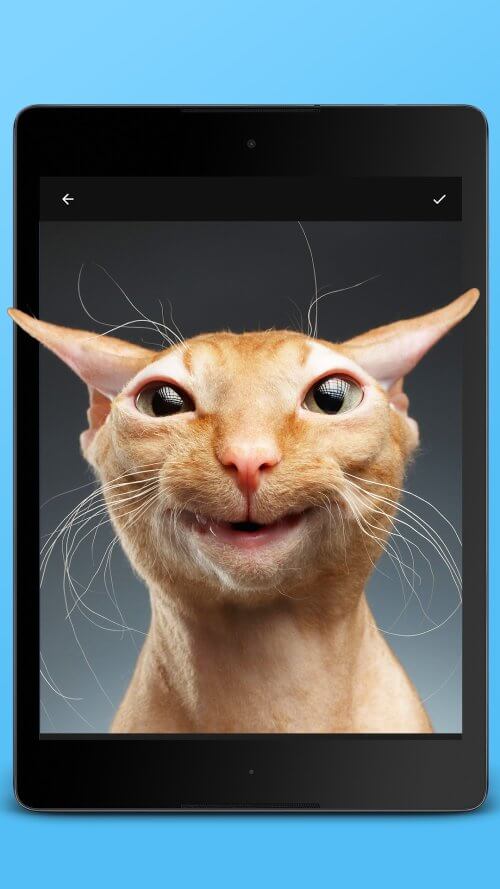
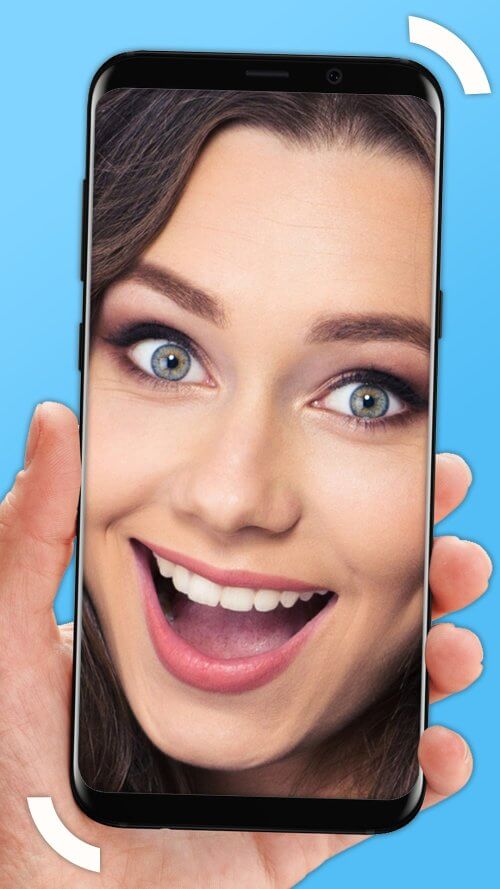
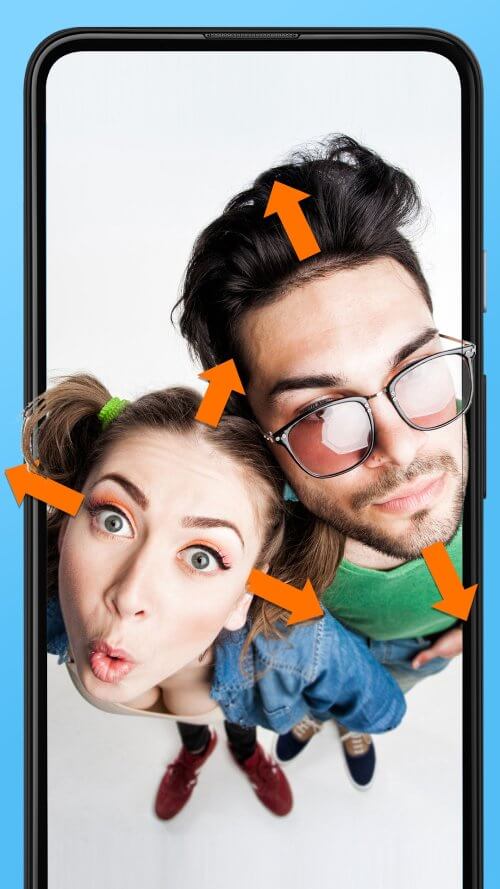
Have you ever imagined your photos coming to life, with subjects moving as if they were real? Look no further than Jellify, the fun app for elastic faces that lets you easily create dynamic photo effects that jiggle. With Jellify, you can choose an existing photo or take a new one, then use your finger to touch and drag parts of the image you want to animate. You can also use the auto-detect feature to make your entire face jiggle and wobble. Once you're done, just shake or tilt your device, and watch your image spring to life!
 |
 |
USE THIS PHOTO APPLICATION TO CREATE ANIMATED EFFECTS
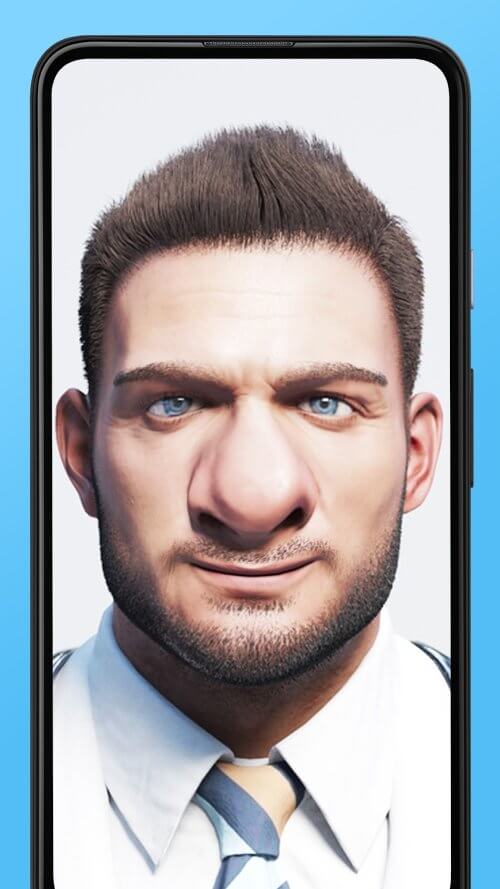
But Jellify isn't just a one-trick pony. Besides the hilarious wobbling effects, you can create even more amusing animations by warping, deforming, and jiggling specific parts of your photo. You can view your creations on a loop, using various movement patterns, and save them as a GIF or video to share or keep for yourself.
 |
 |
ALTER SPECIFIC IMAGE PARTS FOR COMICAL EDITS
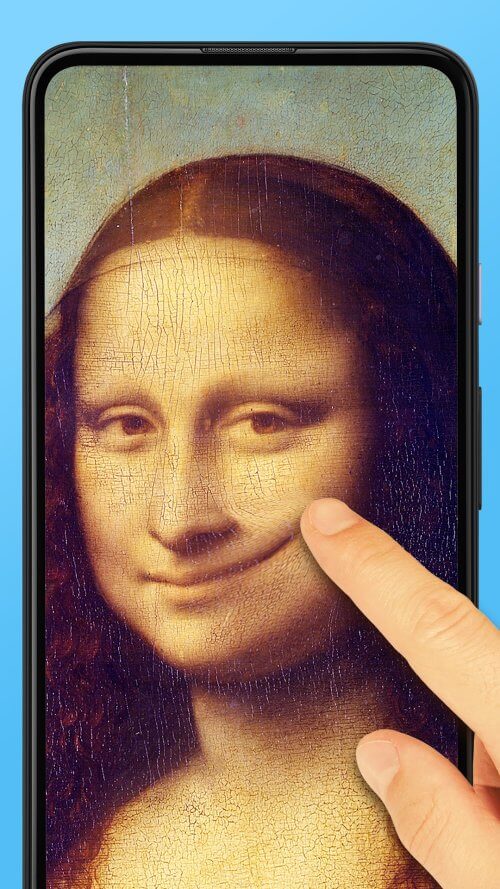
If you're looking to elevate your photo editing skills, Jellify offers a range of photo effects and filters to help you create the perfect cartoon, pencil sketch, or toon edit. You can even liquefy and distort subjects with simple finger movements, offering endless possibilities for creating caricatures and other humorous edits to your photos.
ADJUSTABLE FILTERS AND MOVEMENT PATTERNS
One of the most appealing features of Jellify is its ease of use. With just a few taps and swipes, you can create entertaining animations that will have your friends and family laughing. Jellify is available on both iOS and Android, so you can take your wobbling and warping skills wherever you go.