Lua Player Pro

Lua Player Pro
Lua Interactive
MOD Features
App Information
About Lua Player Pro
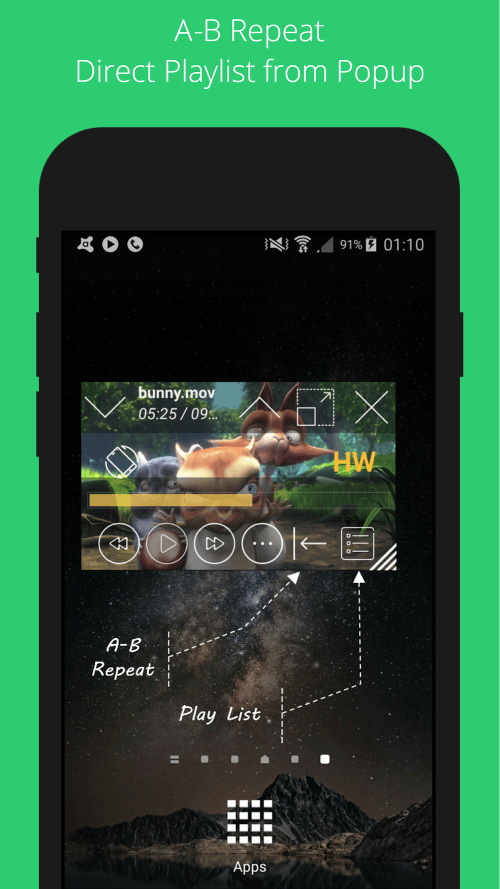
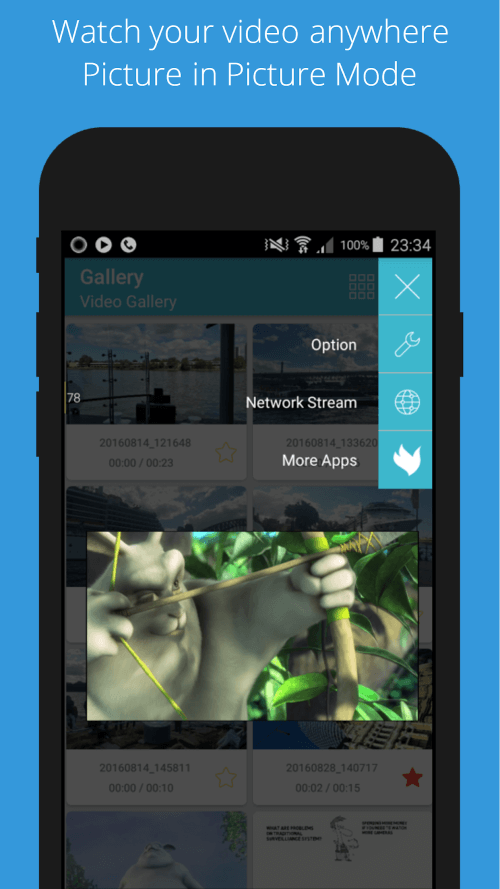
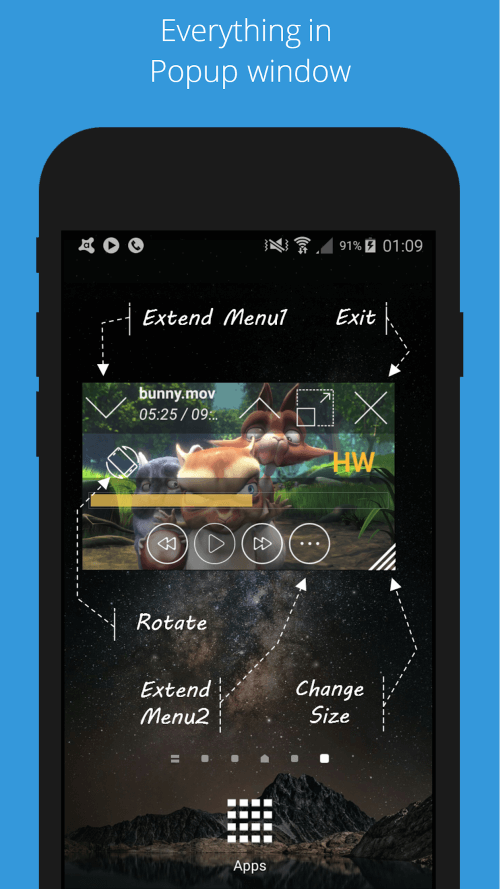
Are you tired of the restricted multitasking features of your media player? Put an end to that frustration now! Introducing the revolutionary Lua Player Pro, now available for download. With its floating window feature that can be resized and moved, Lua Player Pro offers unparalleled multitasking capabilities, making it the most powerful media player for Android. Experience a groundbreaking advancement in video watching with the Picture in Picture mode, enabling "real multitasking."
 |
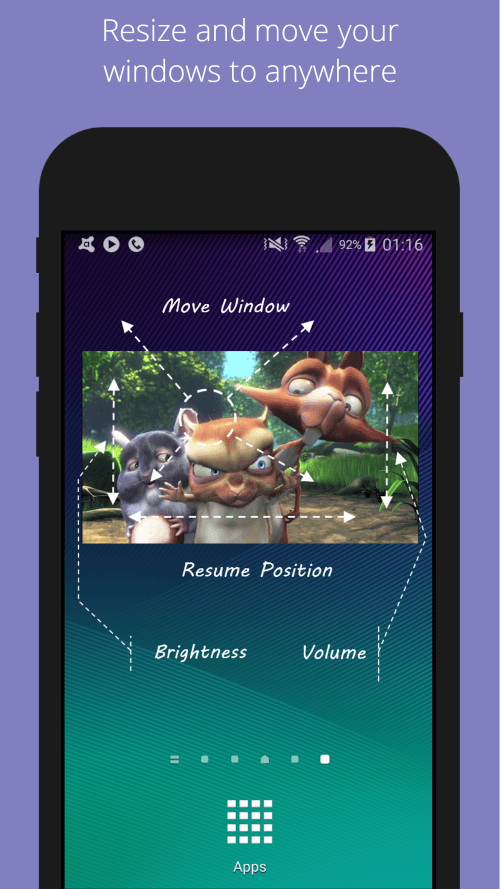 |
RESIZE AND MOVE VIDEOS WITHOUT INTERRUPTING YOUR VIEWING EXPERIENCE
Lua Player Pro makes multitasking effortless. The floating window's flexible size and position allow you to watch videos while playing games or chatting with friends. One standout feature is the ability to open Lua Player in popup mode directly from other file managers, ensuring seamless video viewing.
ENJOY SMOOTH PLAYBACK ACROSS VARIOUS RESOLUTIONS
Experience cinema-like video quality with Lua Player Pro, supporting up to 1080p playback. The quality of playback depends on your device's hardware and software decoders.
 |
 |
ADJUST PLAYBACK SPEED TO FIT YOUR NEEDS
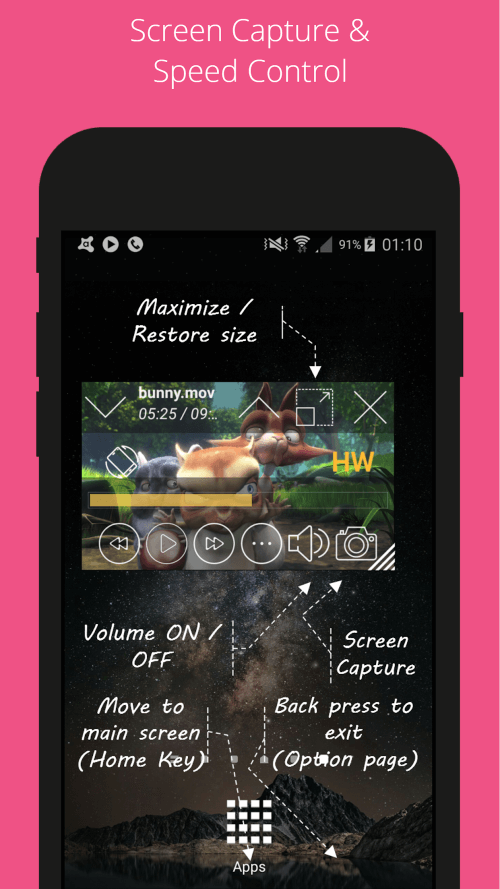
With Lua Player Pro, you can tailor the playback speed to your liking. The speed adjustment feature ranges from 0.3x to 2.0x, allowing you to customize your viewing experience.
EASILY FIND THE MEDIA FILES YOU WANT TO PLAY WITH THE SEARCH FUNCTION
Finding your desired videos or music is simple with this app. Just enter your search query, and Lua Player will locate it across all your local files, saving you from the hassle of sifting through your media collection.
CAPTURE SCREENSHOTS AND ADJUST CAMERA ANGLE WITH LUA PLAYER
Lua Player Pro enables you to take screenshots and rotate the screen while playing video files. Whether you want to change your viewing perspective or capture a memorable moment, Lua Player's screen capture and rotation features are at your service.