

MDScan

MDScan
STOIK Soft
MOD Features
App Information
About MDScan
MDScan is an intuitive and convenient scanner designed to help you digitize documents using its built-in OCR with advanced features. The app offers a variety of excellent functionalities, ensuring users have a comfortable experience when scanning multiple documents.
CONVENIENT SCANNER WITH AUTOMATED FEATURES
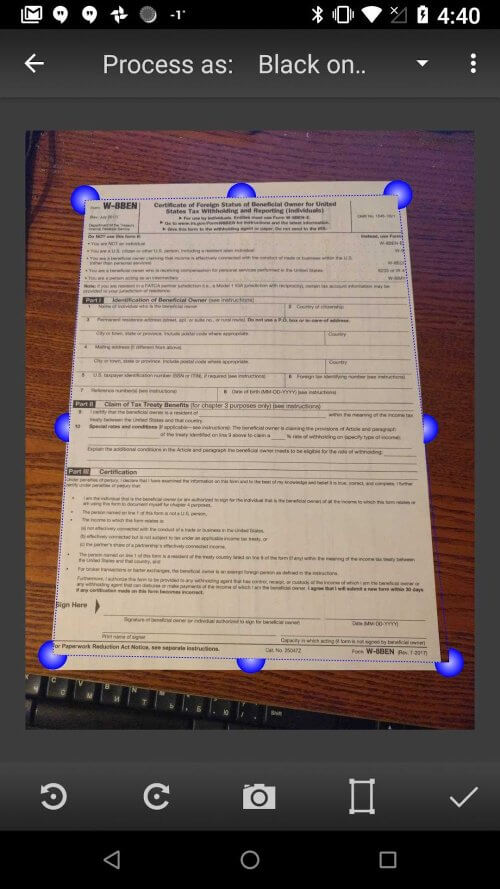
This portable scanner is perfect for quickly and easily scanning documents while on the go. MDScan provides a seamless experience with its numerous settings, and its automated features are perfect for busy users needing to scan PDF documents using their mobile device's camera. If you've been searching for a smartphone scanning app that can automatically detect borders, correct distortion, and balance brightness for clear and readable documents, you've found the right place.
 |
 |
TRANSFER AND MANAGE FILES VIA CLOUD STORAGE
MDScan's smooth integration with popular cloud storage services like Google Drive and Dropbox offers unmatched convenience with its automated features. Additionally, if you have the appropriate apps installed on your device, you can share your scanned documents via email, Facebook (Messenger), Twitter, and more. The cloud storage linkage allows for easier and more flexible file transfers, saving you time when uploading or synchronizing content thanks to the scanner's automated features.
SCAN PHOTOS AND CREATE DOCUMENTS
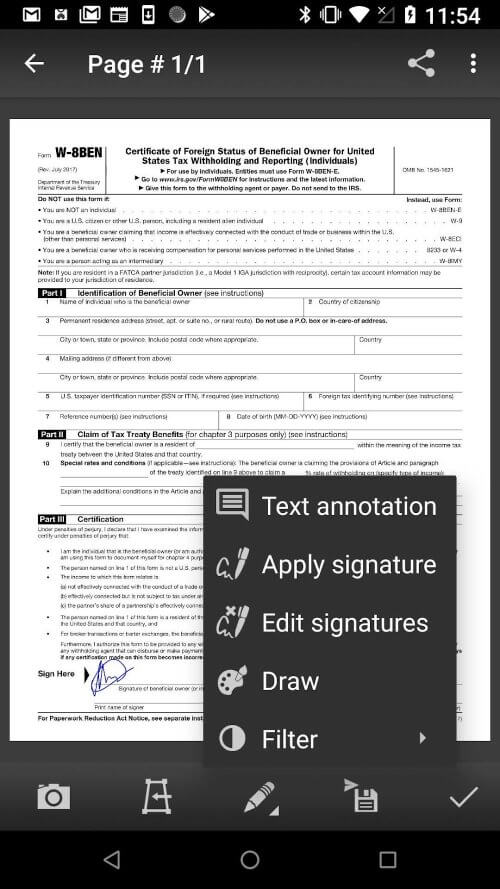
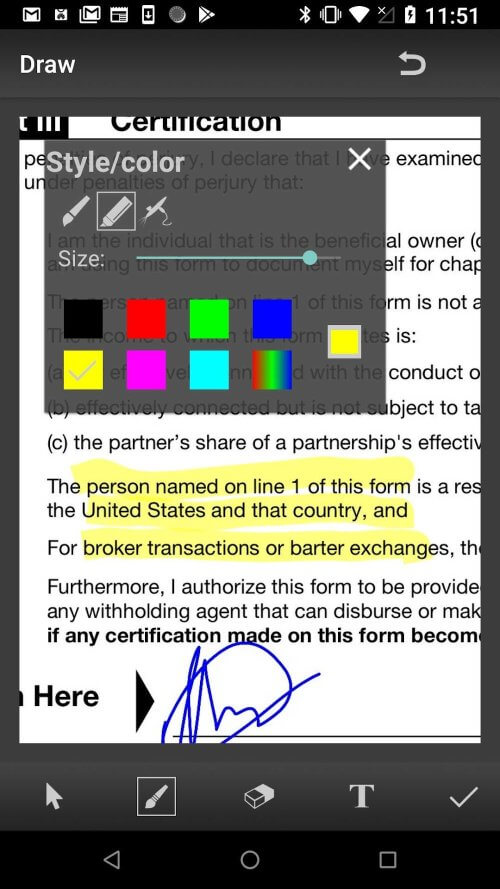
This scanner app excels at converting photos taken with your phone's camera into professional-grade documents. The app's ability to recognize symbols, characters, and other elements is remarkable, accelerating users' progress when documents are urgently needed. The photo scanner is also adjustable, transforming any data with high accuracy.
 |
 |
BATCH SCANS FOR ENHANCED EFFICIENCY
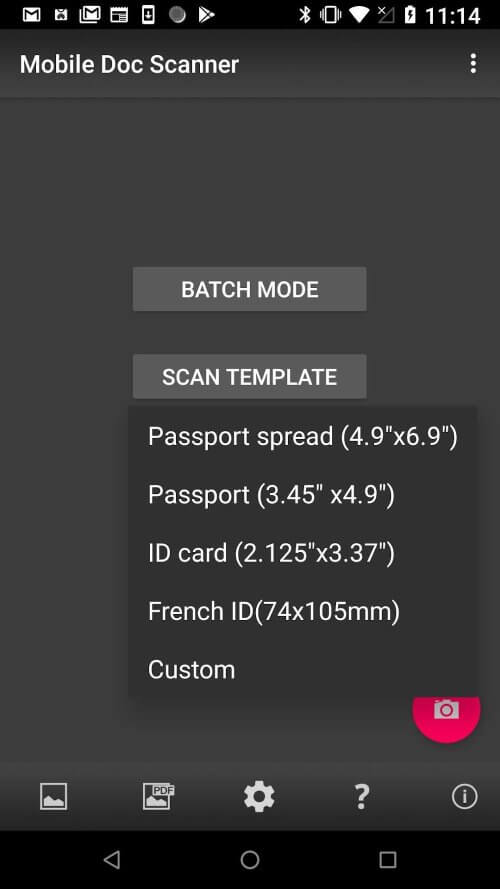
With the Mobile Document Scanner (MDScan) featuring Optical Character Recognition, you can add multiple pages with just a click. You can press the capture button whenever you're ready to scan a new page, which will add new images or documents to the queue while scanning and processing continue in the background. In the "My Scans" section, you'll find all your saved scans, allowing you to work with them directly.
Alternatively, you can use the Batch mode, which enables you to scan an entire stack of pages in seconds. You can scan as many pages as you want without waiting for them to be processed using the "Process page later (spy mode)" option.
SCAN HANDWRITTEN DOCUMENTS AND TRANSFORM THEM
The document scanner app also includes optical character recognition (OCR), which electronically converts images of typed, handwritten, or printed text into machine-encoded text. This latest version of the scanner ensures quick performance, a user-friendly interface, and excellent results, whether scanning from a PDF file or a photo you just took. With the ability to transform and decode written documents, users can be confident
Installation Guide
More in business


You May Also Like
More


