

MT Manager

MT Manager
Lin Jin Bin
MOD Features
App Information
About MT Manager
MT Manager is a distinctive file manager that enables rapid APK editing. This application stands out due to its numerous advantages, such as facilitating file management and perfect text modification or translation. With this tool, your phone will become more streamlined and efficient in file management. Additionally, it will allow you to complete tasks more comfortably and swiftly than ever before.
 |
 |
FAST AND SIMPLE EXTRA FILE MANAGEMENT
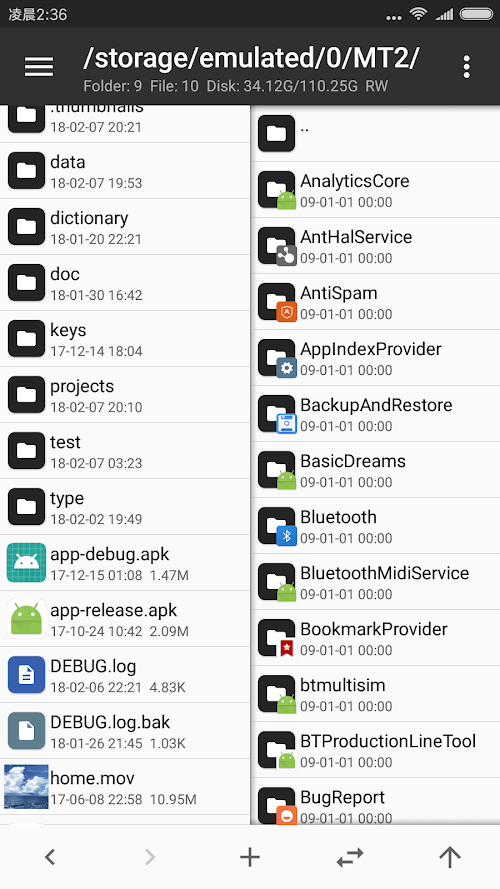
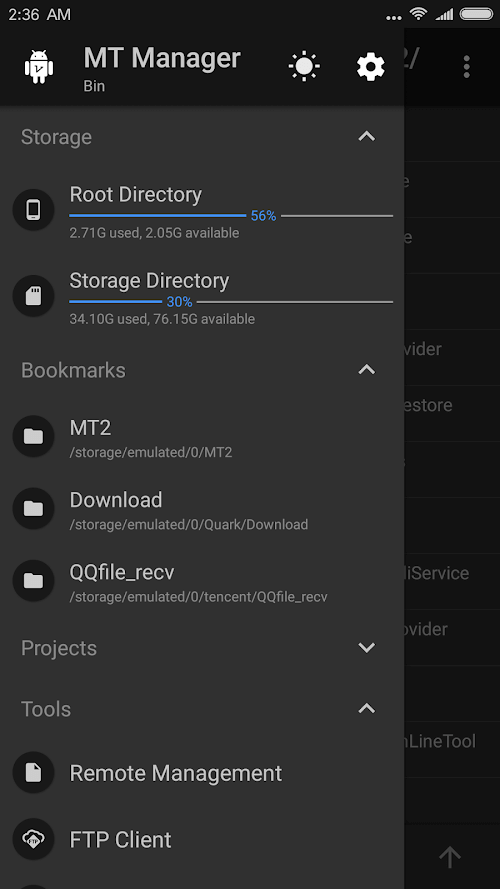
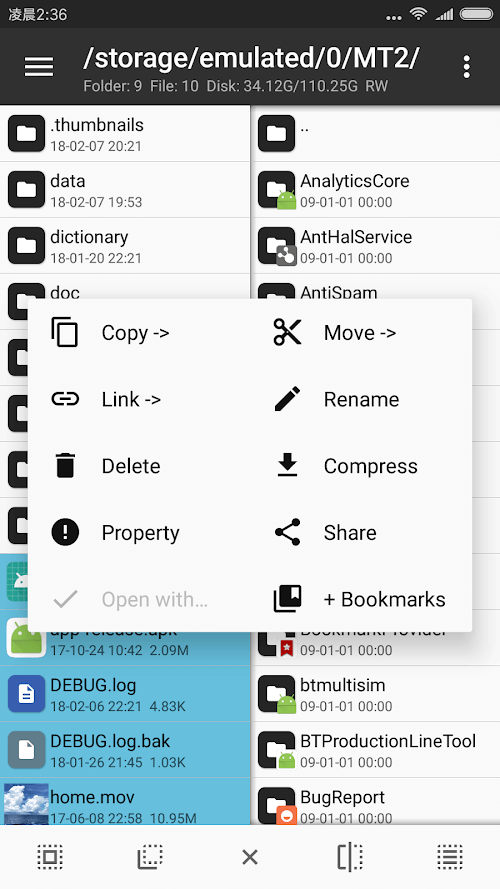
The apps designed today come with no surprises. Most of these cutting-edge tools are highly advanced and incorporate many features that users may not even be aware of. This application offers the initial benefit of quickly managing and organizing files. Users can simultaneously copy, move, or delete unnecessary files, saving time and completing tasks more efficiently.
Furthermore, if you grant the application administrative and automation rights, these tasks can be handled without manual intervention. Simply relax and enjoy the benefits of modern technology. With this application, users can access the system directory and assign read or write permissions to files. After completing this step, you can change the permissions and ownership. Of course, you can also perform these actions manually after enabling MT's automatic permissions.
 |
 |
EFFICIENTLY OPEN AND CLOSE ZIP FILES
Phones now offer all the convenient functions of a compact computer. This allows users to work with and read compressed documents anywhere, anytime, with just their phone. MT Manager can open ZIP files similar to winRAR on a computer. It includes utilities to quickly delete, rename, or move files within the ZIP. Conveniently, these files can be attached to a space without needing to be unpacked or closed.
INTEGRATION OF VARIOUS UTILITIES
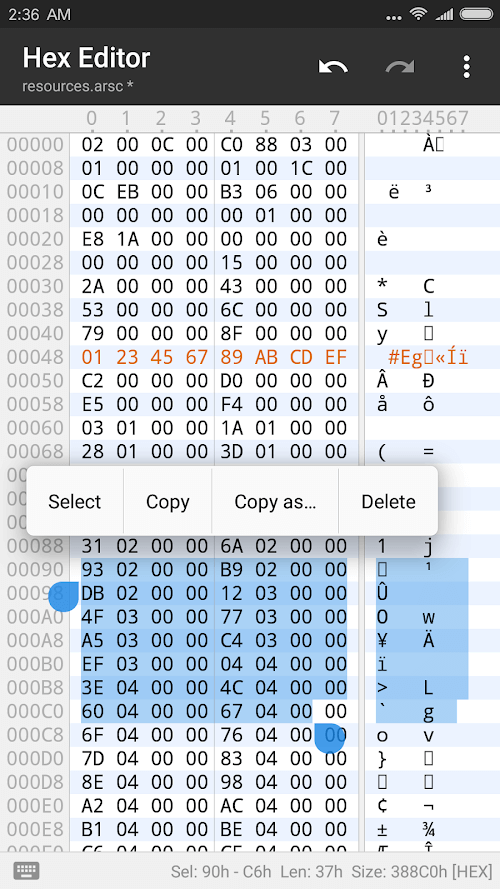
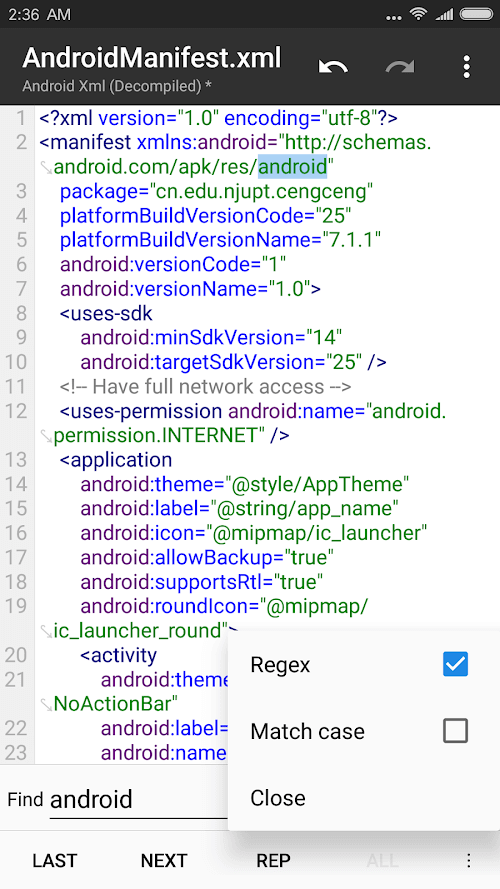
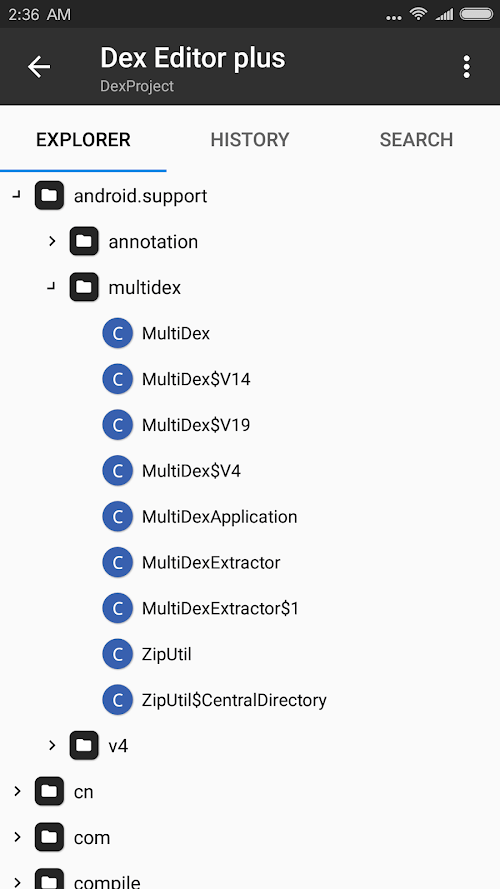
This utility application will certainly impress you with its capabilities. It's highly efficient and convenient. Despite being a small application, it allows users to edit documents like advanced computer software, import and download documents in various formats, and view photos or play music in different formats with clarity and sharpness.
 |
 |
In particular, users can experiment with various unique fonts to make their documents more engaging
Installation Guide
More in tools


You May Also Like
More


