

Millimeter Pro

Millimeter Pro
vistech.projects
MOD Features
App Information
About Millimeter Pro
Are you fed up with ads cluttering your screen while trying to measure small items? Millimeter is the solution you've been looking for! This straightforward, ad-free screen ruler app allows you to measure objects that fit within your device's display. With calibration mode, a variety of measurement options, and additional features available for purchase, Millimeter has become the preferred app for precise measurements.
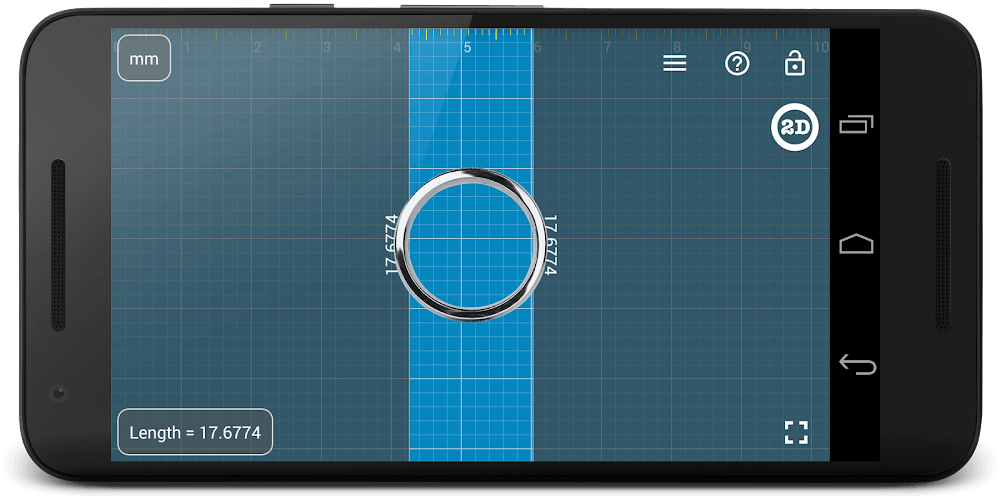
CALIBRATION AND CUSTOMIZATION
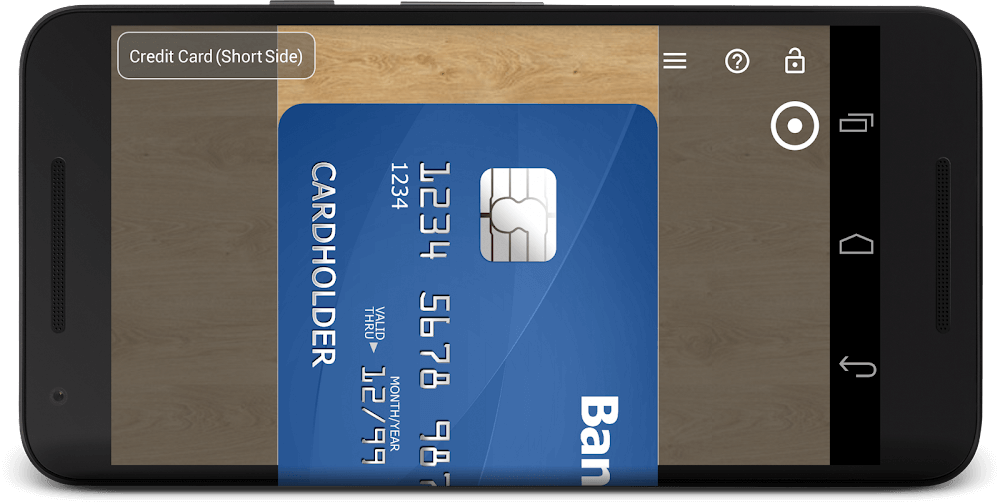
Millimeter can be calibrated for accurate measurements on any device by using standard objects like coins or credit cards as a reference in Calibration Mode. This ensures you always receive precise results, regardless of the device you are using. In addition to the free features, users can purchase extra features or modes to further personalize their app experience.
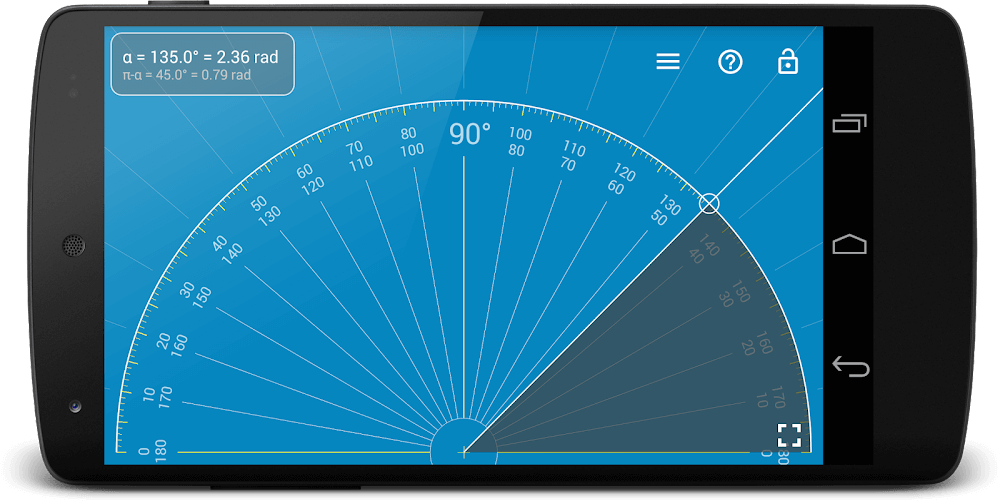
RULER MODE AND VERTICAL RULER
The free version of Millimeter offers Ruler Mode, enabling measurements in both metric and imperial units: millimeters and inches. Additionally, the app includes a vertical ruler for 2D measurements. Fine grids (1mm for millimeter units) and fractions for inch units enhance measurement precision. The full-screen mode offers an improved user experience in Ruler mode, making it easier to view and measure objects.
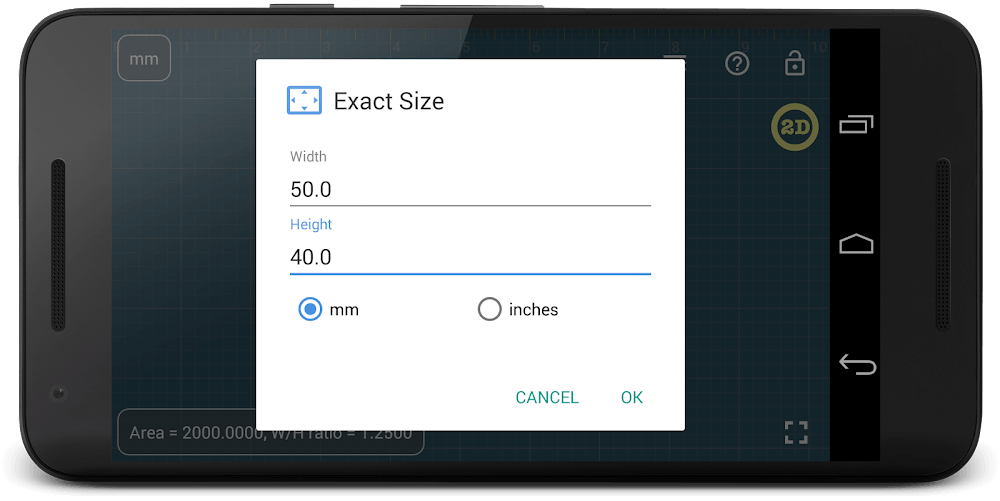
AREA MEASUREMENT AND W/H RATIO
Millimeter's free version also includes area measurement for 2D objects, enabling you to easily calculate the area of rectangular items. The app also provides a unique feature for calculating the width-to-height (W/H) ratio of these objects, giving you even more valuable information about your measurements. Lock and unlock rulers in any mode for enhanced usability.
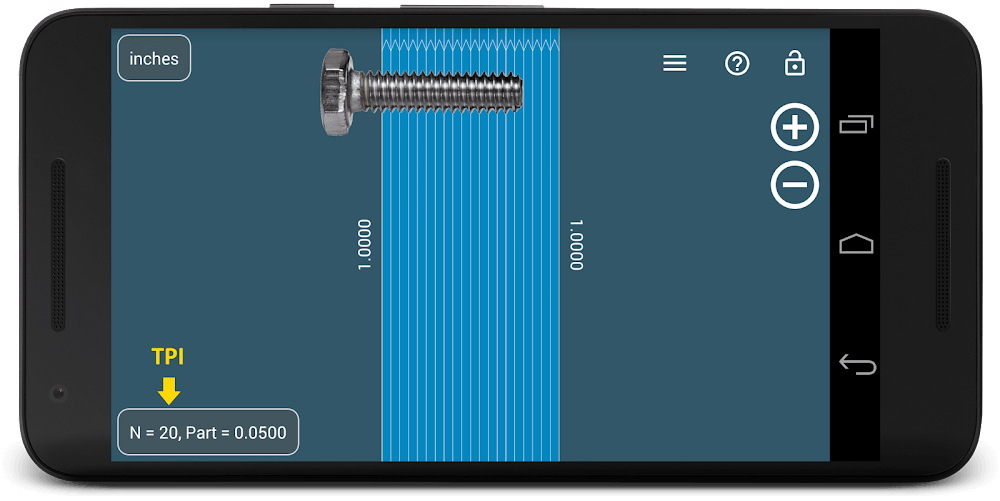
UPGRADE YOUR MEASURING EXPERIENCE
For users who wish to elevate their measuring capabilities, Millimeter offers various additional features for purchase. These include a spirit/bubble level for checking incline or tilt angle, Parts Mode for dividing length or objects into equal parts, and Thread per inch (TPI) measurement pattern in Parts mode. Circle Mode allows you to measure circular objects and divide them into equal sectors or angles.
The Protractor/Goniometer Mode measures angles, while the option to manually set the exact size, length, diameter, and number of parts adds even more precision. The app also offers a customizable background for better visualization and power-saving purposes.
Installation Guide
More in productivity


You May Also Like
More


