

Mouse Cursor Touchpad

Mouse Cursor Touchpad
Downcaa Studios
MOD Features
App Information
About Mouse Cursor Touchpad
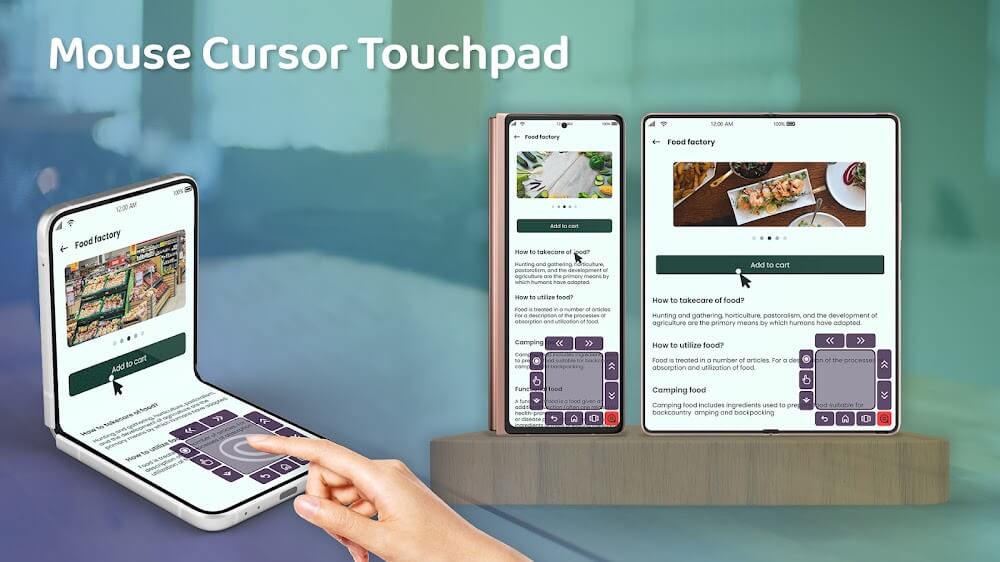
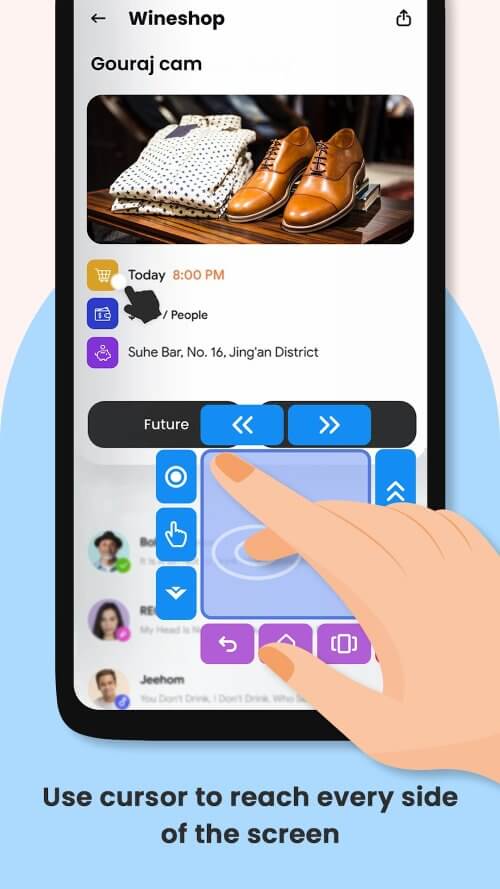
Do you often struggle with your phone's large screen, wishing for a pointer or touchpad? Your solution is here! The Mouse Cursor Touchpad app allows for easy one-handed navigation on big screens with its handy pointer and compact touchpad. Whether you're using a large tablet or a plus-size smartphone, this app enables full-screen usage with just a few clicks or swipes.
EASY INITIALIZATION
If your screen is damaged, Mouse Cursor Touchpad can be your savior. This app keeps you productive even if part of your smartphone or the entire screen malfunctions. It transforms a limited workspace into a full command center, like having a tiny virtual mouse in your hand. Using Mouse Cursor Touchpad is straightforward—just point and click. Only basic accessibility permissions are required. Hit the 'Start' button to activate a corner mouse pointer for one-handed use. This app not only supports touch displays but also serves as a shortcut master, enhancing mobile navigation.
REFINING YOUR TOUCHPAD'S SETTINGS
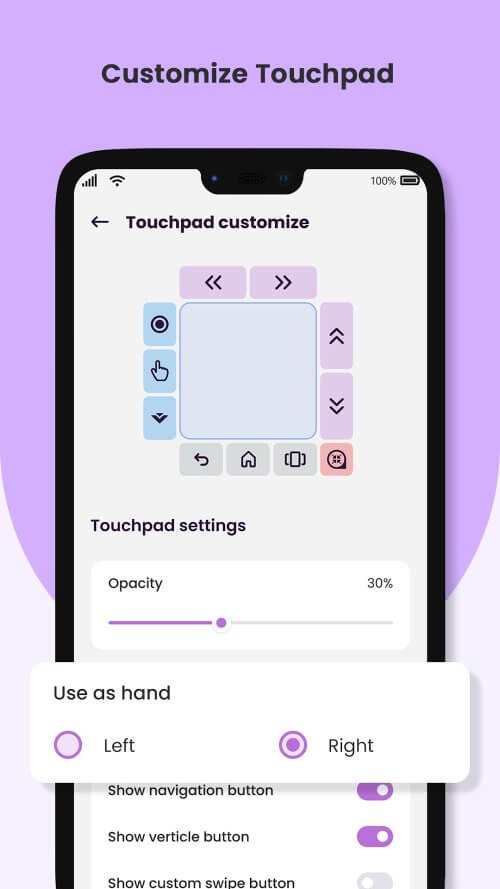
The Mouse Cursor Touchpad is both convenient and highly customizable. You can adjust the touchpad's size, transparency, and position. Love cool menu layouts? Go for it! Need a button that swipes vertically or horizontally? You got it. The touchpad can cleverly hide when the keyboard appears or in landscape mode. For design perfectionists, you can adjust everything from background color to swipe arrows.
 |
 |
MINIMAL CUSTOMIZATION AND CURSOR
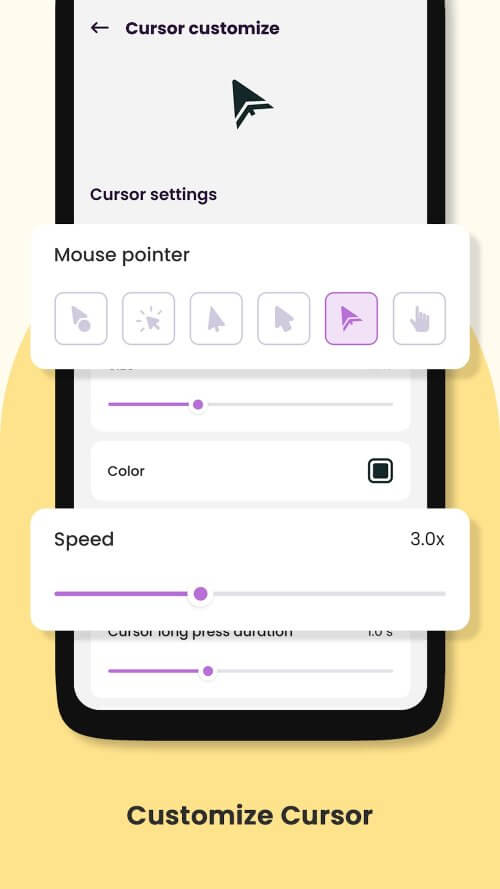
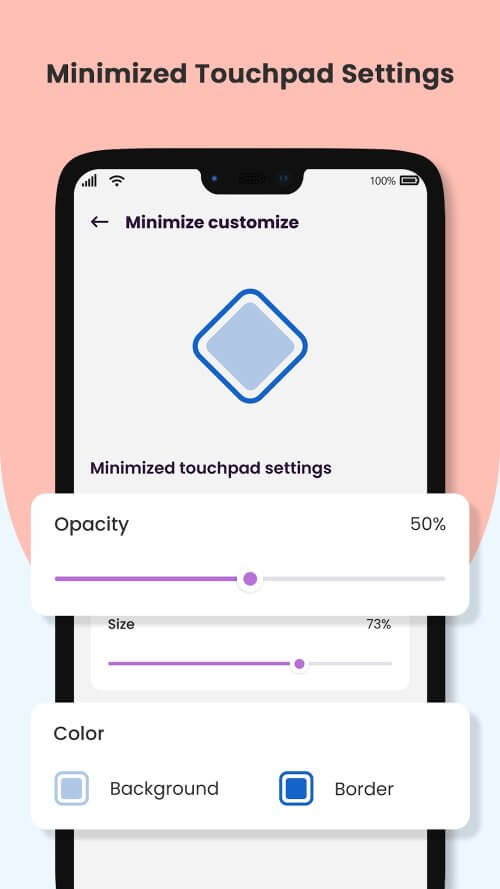
Customization extends beyond the touchpad. You can modify the mouse pointer's size, speed, and long press duration. Add your favorite colors for a personal touch! The app also lets you customize the minimized touchpad's size, transparency, and color. With Mouse Cursor Touchpad, you have full control over mobile navigation.
ONE-HANDED CONTROL FOR MONSTER DISPLAYS
For those who find it challenging to operate devices with large screens like smartphones or tablets, the Mouse Cursor Touchpad is a game-changer. Its thoughtfully designed layout allows for one-handed use. It's an excellent choice for multitaskers who need both hands free. The app turns your device's entire display into a functional touchpad, simplifying navigation.
 |
 |
EASE OF USE AND ACCESSIBILITY
Mouse Cursor Touch
Installation Guide
More in personalization


You May Also Like
More


