My Tasks

My Tasks
My Tasks
MOD Features
App Information
About My Tasks
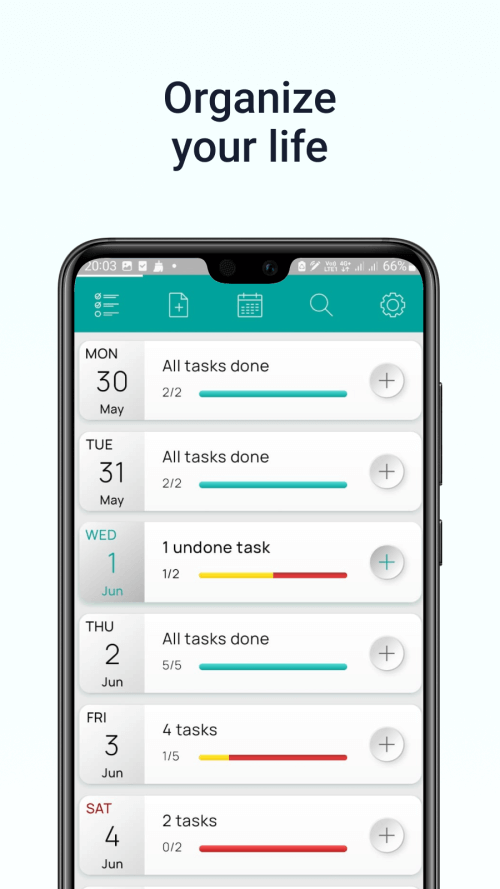
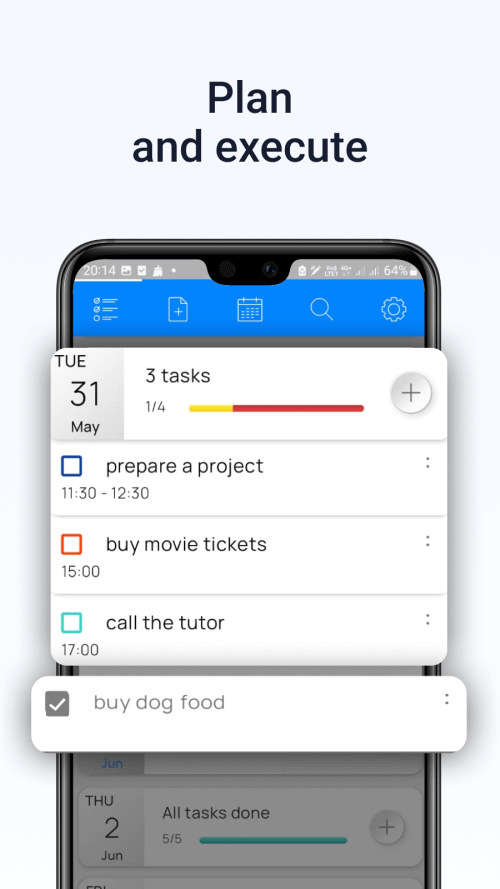
My Tasks allows you to organize daily plans and schedules while continuously receiving reminder notifications. This application enables users to create daily to-do lists, complete with specific time slots for each task. This functionality assists in cultivating a disciplined lifestyle, helping users avoid distractions and ensuring tasks are completed throughout the day. You can allocate your study and work periods using the session times generated by the application each day.
 |
 |
MAKE A SUMMARY OF YOUR NEEDS AND GOALS
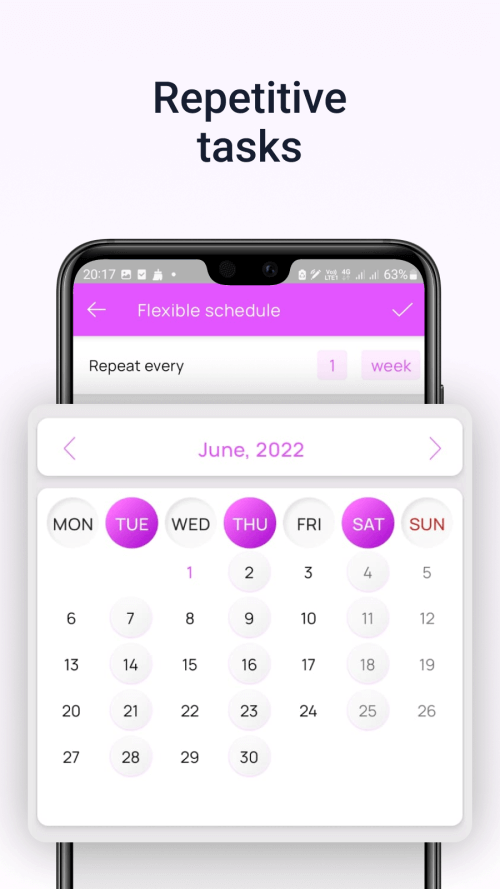
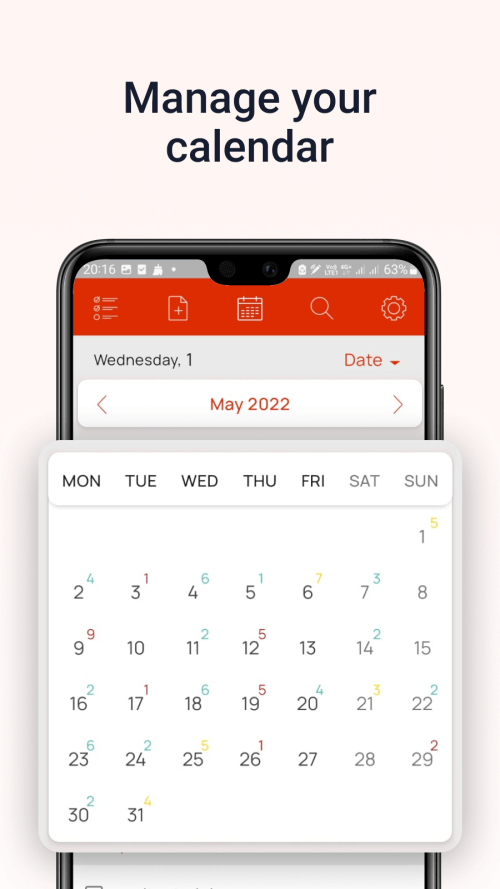
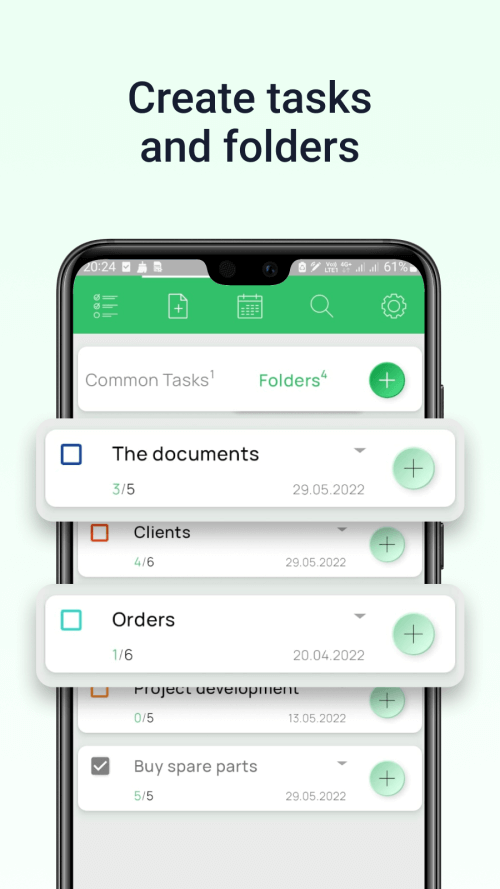
Individuals with a disorganized lifestyle, who are easily distracted or have poor memory, should start using My Tasks promptly. This application assists in creating detailed daily plans swiftly and effortlessly, with precise implementation timelines. Besides regular duties, you can schedule work meetings. Users can also organize their weekly work schedules by creating timetables from Monday to Friday. Detailed plans will motivate you to follow through, enabling you to achieve your goals more efficiently. The app also supports scheduling recurring tasks. This feature allows you to remember monthly responsibilities, such as payment schedules for utilities or internet service, with reminders as due dates approach.
 |
 |
ENSURE USERS RECEIVE REGULAR REMINDER NOTIFICATIONS
As deadlines for your tasks approach, the application sends notifications, minimizing the chances of forgetting them. Users can complete tasks timely and attend appointments without delay. Upon task completion, users must check the box to confirm completion. If confirmation isn't received, the application sends notifications at predefined intervals.
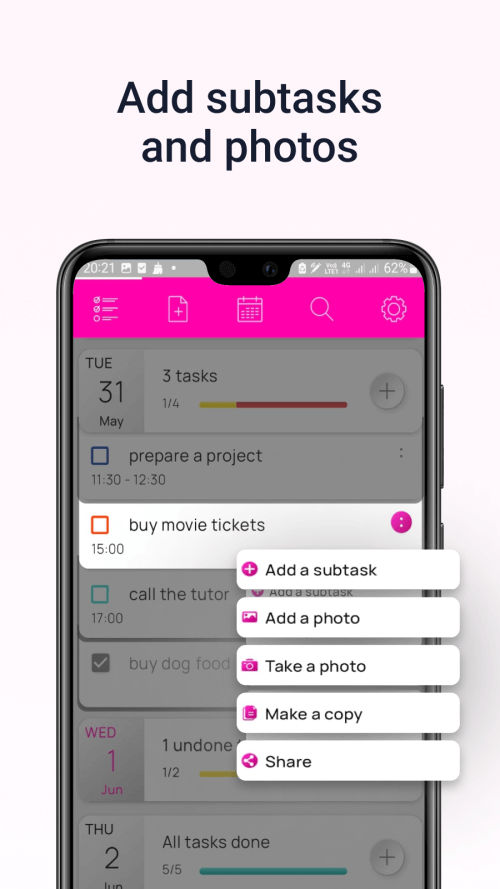
Additionally, the application allows you to duplicate tasks or relocate them to a suitable spot. The copy and share feature saves time when sharing plans with others, enhancing overall efficiency. Users can adjust the notification volume and select preferred tones from the application's music collection for reminders.