

Net Optimizer

Net Optimizer
BGNmobi
MOD Features
App Information
About Net Optimizer
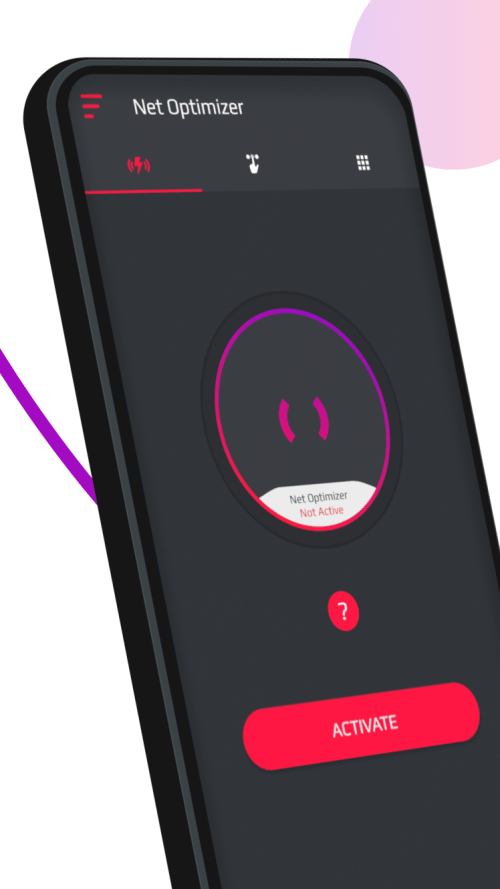
Net Optimizer: Optimize Ping is a revolutionary app for those who face lag during gaming or internet browsing. This application helps you connect to the fastest DNS server based on your location and network, which can greatly enhance your web surfing speed, lower latency, and eliminate lag. In this article, we will delve into the most attractive features of Net Optimizer and explain its functionality.
 |
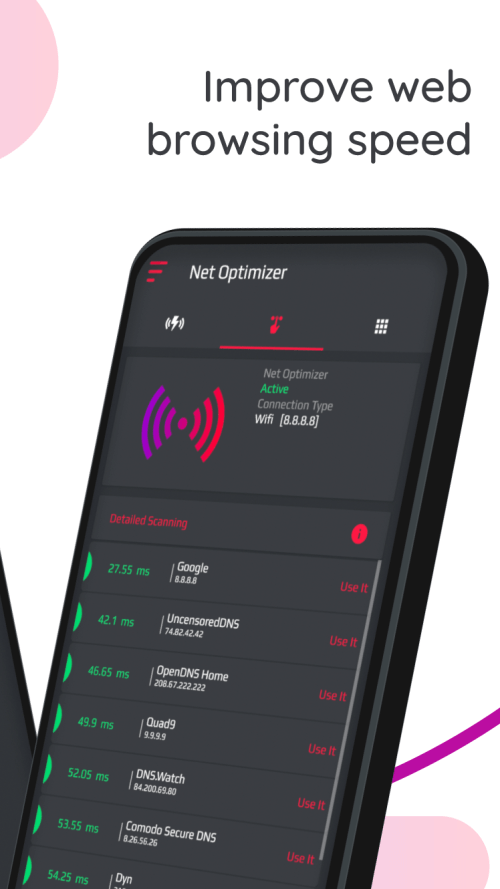 |
ENHANCES DNS SERVERS FOR QUICKER WEB BROWSING AND GAMING.
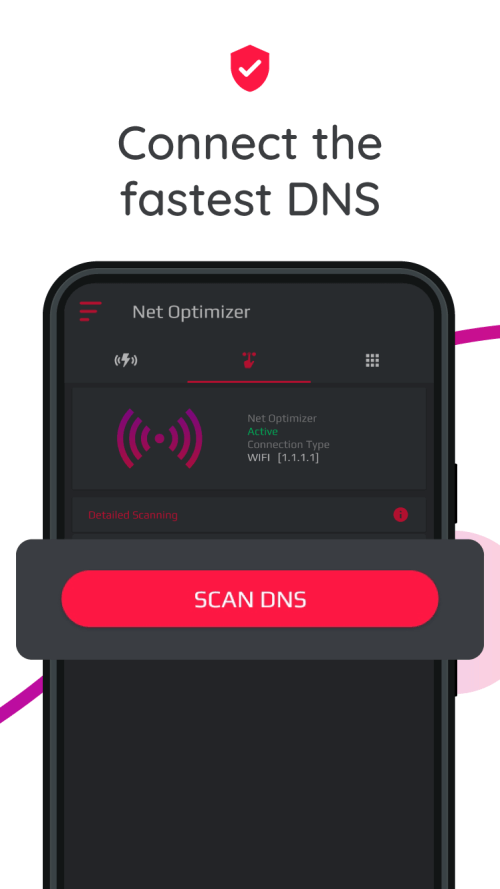
One of the primary advantages of using Net Optimizer is the ability to find and connect to the fastest DNS server with a single touch. The app will automatically recognize connection changes and optimize the network for you. Additionally, you have the option to manually scan all DNS servers to review all details. This feature is particularly beneficial if you're experiencing lag while gaming or browsing and wish to identify the source of the issue.
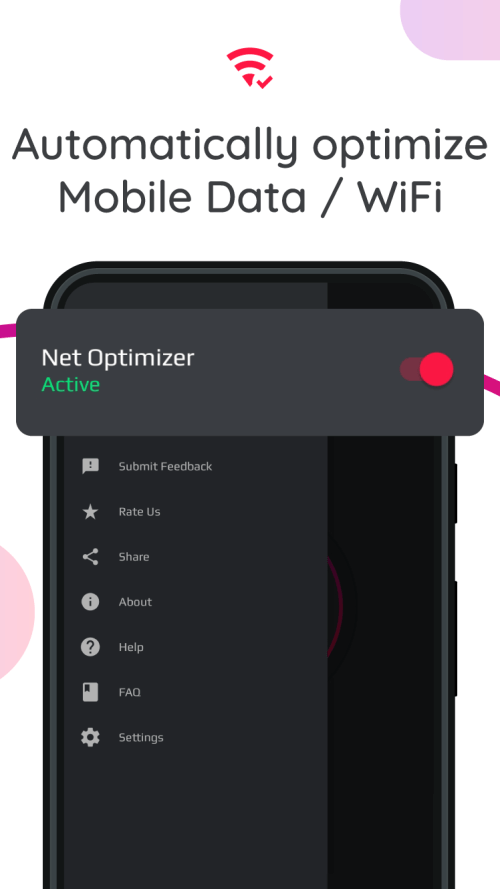
IT AUTOMATICALLY RECOGNIZES CHANGES AND ALLOWS MANUAL DNS SERVER SCANS.
Net Optimizer is compatible with mobile data (3G/4G/5G) and WiFi connections, allowing you to use it regardless of your internet access method. The app supports numerous DNS servers, including Cloudflare, Level3, Verisign, Google, DNS Watch, Comodo Secure, OpenDNS, SafeDNS, OpenNIC, SmartViper, Dyn, FreeDNS, Alternate DNS, Yandex DNS, UncensoredDNS, and puntCAT. Access to this wide array of servers provides more options to find the fastest one for your specific location and network.
 |
 |
SUPPORTS MULTIPLE DNS SERVERS INCLUDING GOOGLE, CLOUDFLARE, AND OPENDNS.
The app optimizes your device's DNS records, identifying the quickest routes for your data packets on the internet. While this optimization won't increase your download/upload speed, it can greatly enhance your web browsing time. Your default DNS server directly impacts how quickly you can connect to a website. Selecting the fastest server based on your location can help speed up browsing and improve your gaming experience by decreasing latency.
USING OPTIMIZED DNS SERVERS CAN ENHANCE WEB BROWSING TIME.
To use Net Optimizer, you must grant the app overlay permission to display the Auto Optimize pop-up. Additionally, the app uses the VPNService base class to establish a DNS connection. When your Android device connects to the internet from a specific network, your internet address (the location of your Android device in the virtual network) is known as the IP address. The IP address is a code system consisting of encrypted numbers. Net Optimizer processes these
Installation Guide
More in tools


You May Also Like
More


