

Night Shift Pro

Night Shift Pro
Better Life - Health Apps
MOD Features
App Information
About Night Shift Pro
Night Shift Pro is an app designed to adjust screen brightness and manage blue light emission on your device. Its purpose is to enhance sleep quality, alleviate headaches, and protect your eyes from potential damage caused by prolonged blue light exposure. Without proper eye care, long-term exposure can lead to serious eye issues. Reducing blue light has been proven to significantly improve sleep quality. The solution involves using a screen with a night filter and minimizing blue light exposure to enhance your vision as much as possible.
 |
 |
PROTECT YOUR OWN EYES
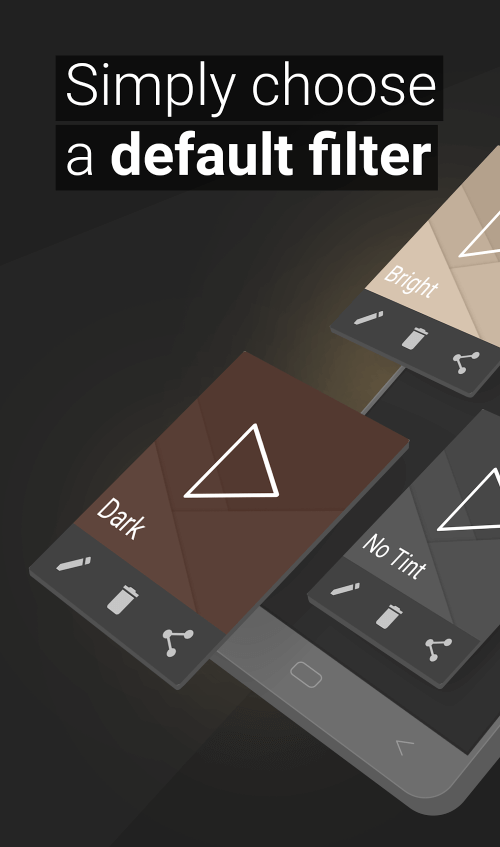
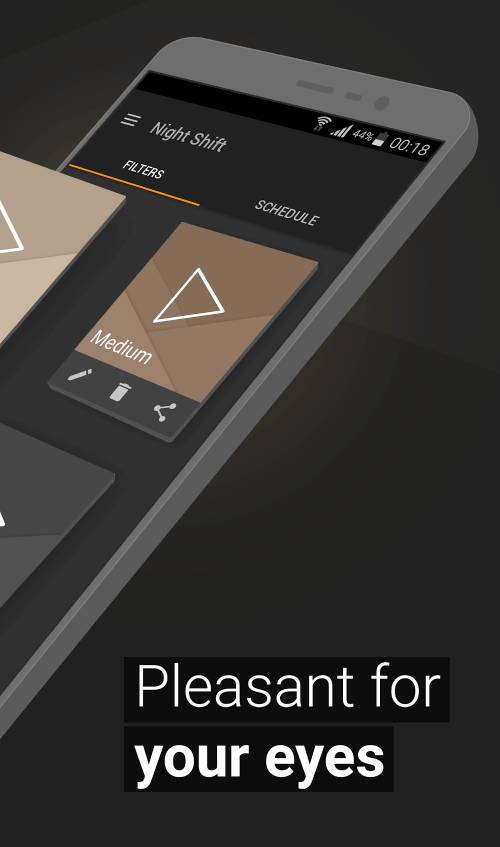
With Blue Light Filter & Night Mode, you can utilize your phone in various light modes. It offers a color palette with available filters that are free to use. You can customize the night screen's color, intensity, and brightness. This night filter helps filter the screen, relax the eyes, and relieve headaches. You can also create your own dark filter by modifying the available colors. The app allows you to generate a variety of blue light settings. For future use, you can select the filters you've previously created to match your needs. Temperature regulation is also crucial, with two modes: warm light and cool light, aiding eye relaxation and improving sleep quality.
 |
 |
Additionally, the Blue Light Filter and Night Mode let you dim the screen below the system's minimum level. This feature allows you to reduce screen brightness to the bare minimum, providing warm light suitable for reading, thereby offering optimal eye protection. Customize RGB settings to change the night mode color. Depending on your preferences, you can choose from red, green, or blue modes. Users can activate these by touching any selection and reviewing the results. RGB also lets you adjust the brightness of the night mode, ensuring you don't experience eye strain during extended device use.
EASY TO USE AND SAVES ENERGY
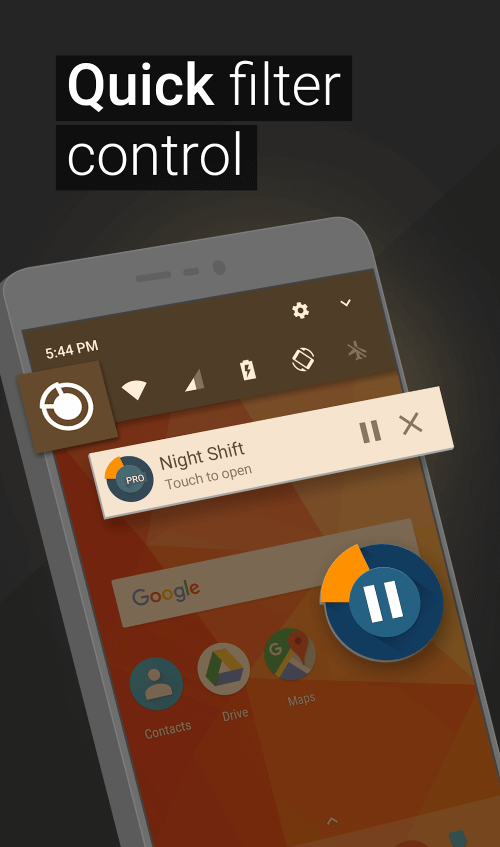
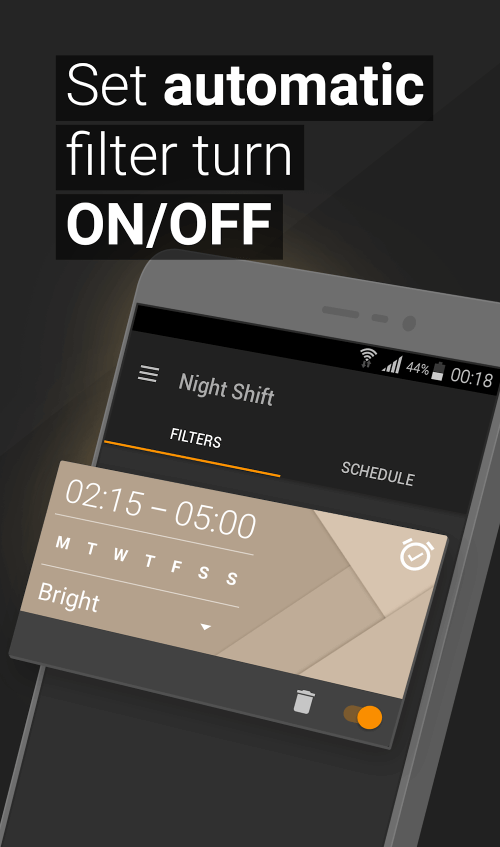
One standout feature is the quick installation of the application from the notification bar. Previously, you needed to set up an automatic filtering schedule. You must choose the times to enable or disable night mode for it to operate as desired. Users can regularly use these settings or adjust the schedule to fit their needs, then add them to the device's notification bar. When changes are needed, simply click the mode switch icon for quick adjustments. This minimizes the time spent resetting old settings. Using night mode reduces your device's power consumption, potentially saving up to 15% on regular electricity usage when used consistently and correctly.


