NotifyEdge

NotifyEdge
XanderApps
MOD Features
App Information
About NotifyEdge
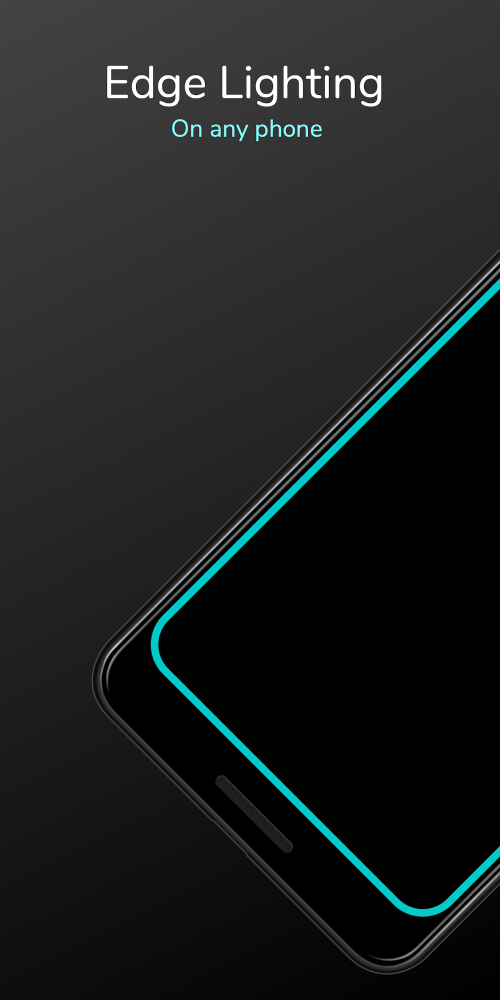
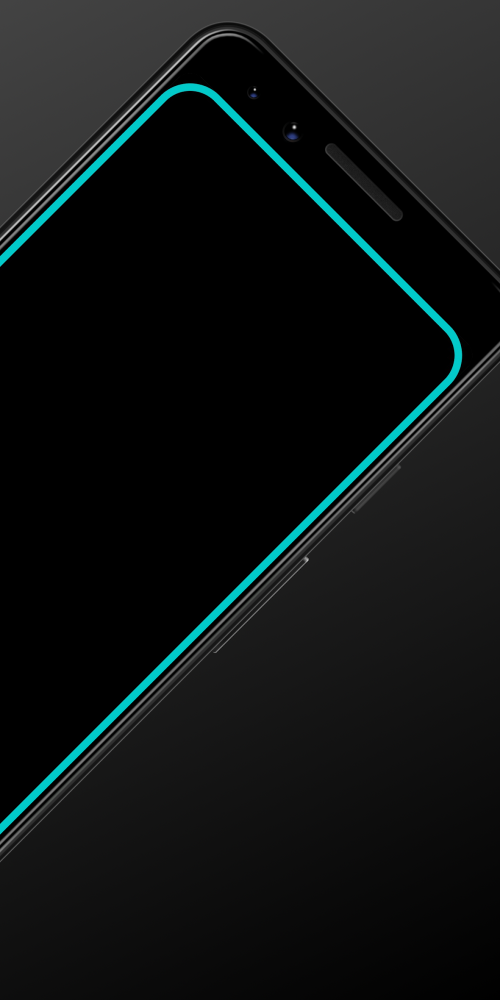
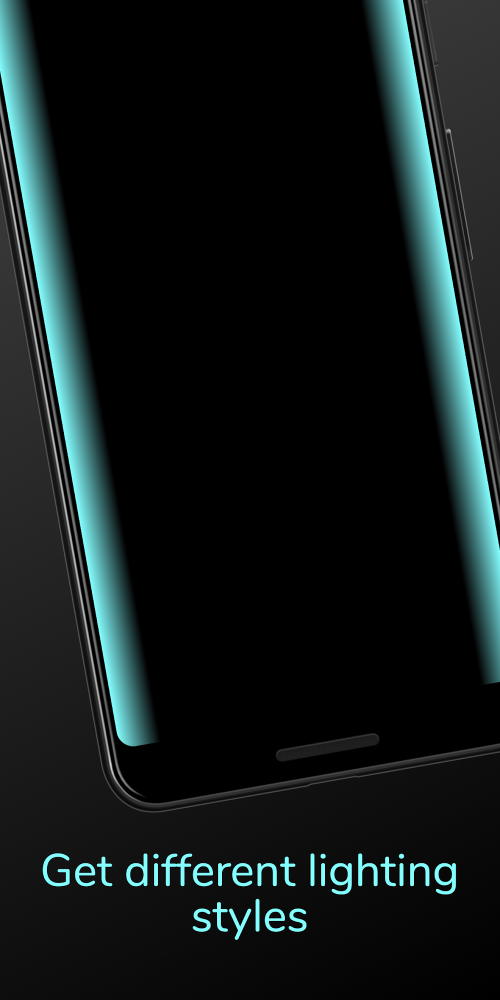
NotifyEdge is an app that works seamlessly with all mobile devices to provide LED notifications. Users can enjoy vibrant and personalized notifications. Additionally, the app allows customization of notification colors. Users can also adjust the notification duration and assign specific colors to different applications. It is especially compatible with AMOLED-screen devices, offering a highly visible LED lighting setup and delivering glowing notifications as desired.
 |
 |
CUSTOMIZE LED ELEMENTS TO YOUR PREFERENCE
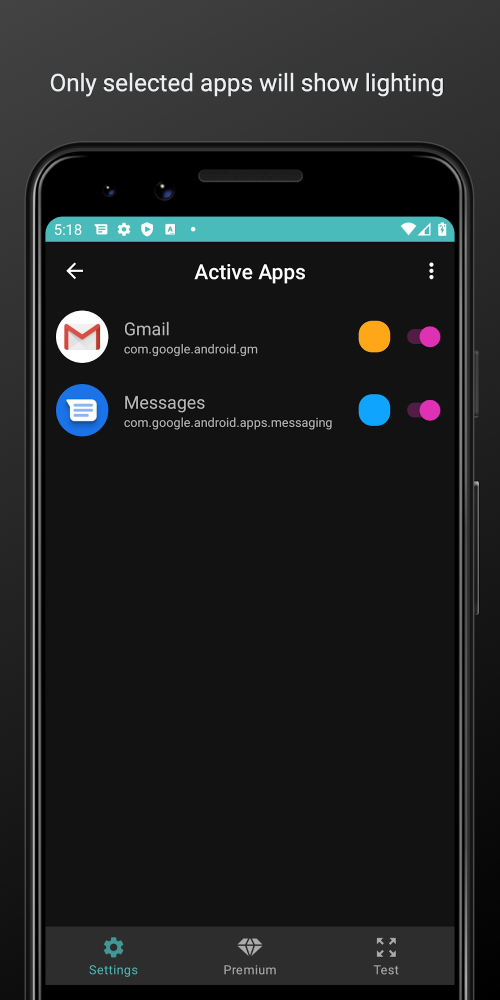
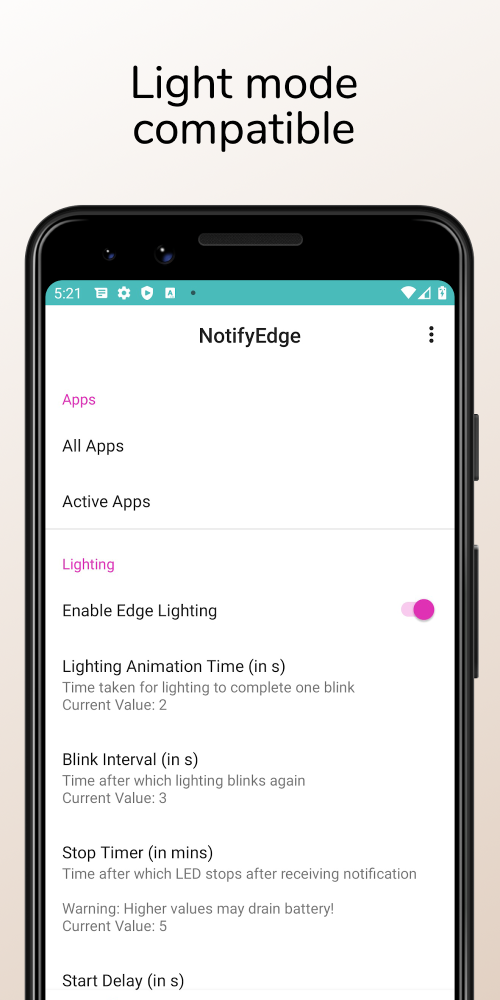
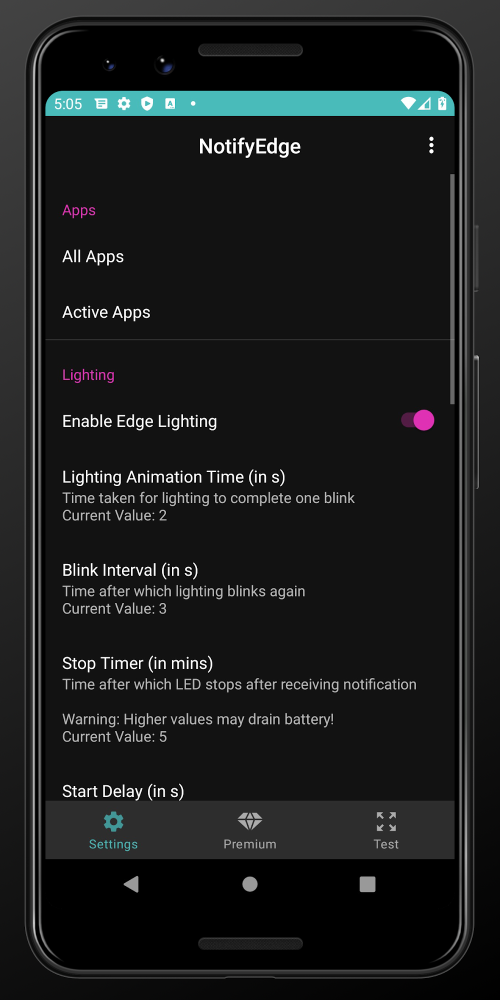
With this app, you can craft your own personalized LED notification system. It's easy and quick to modify the LED notification features. Users can adjust the LED operating time, as well as the size and color of the LEDs. Notifications can be set in various colors based on the apps.
Users are free to reposition and adjust the LED lights to meet their needs. The app also allows you to modify the start and end times of the LED lights. It supports all types of notifications on your device, including messages, missed calls, or social app notifications. The more advanced the version, the more options and features are available for creating unique LED notifications or unlocking new functionalities.
 |
 |
ENJOY ATTRACTIVE LED NOTIFICATIONS
The app not only lets you set up LED notifications but also optimizes your phone's performance. It aims to conserve battery power, allowing you to edit and create LED notifications efficiently. The app automates LED activation, saving energy and time during setup. You can also turn off ambient display for a more immersive experience. The app provides access to notifications for editing. Users choose which apps receive notifications and set the LED color accordingly. It also checks permissions for displaying notifications on the lock screen.