

Opensignal

Opensignal
Opensignal.com
App Information
About Opensignal
Opensignal offers a range of excellent features and tools for users to easily test Internet speed and other related functionalities. This includes analyzing the connected WiFi or mobile data connection to determine the current speed. Users can also adjust certain settings and gain useful insights to enhance Internet speed for a better online browsing experience.
 |
 |
AN OUTSTANDING CHOICE FOR MOBILE SPEED TESTING
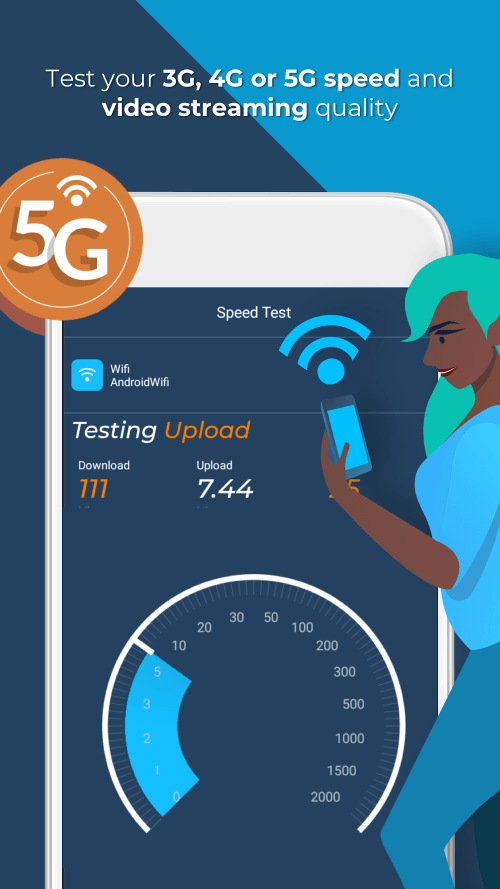
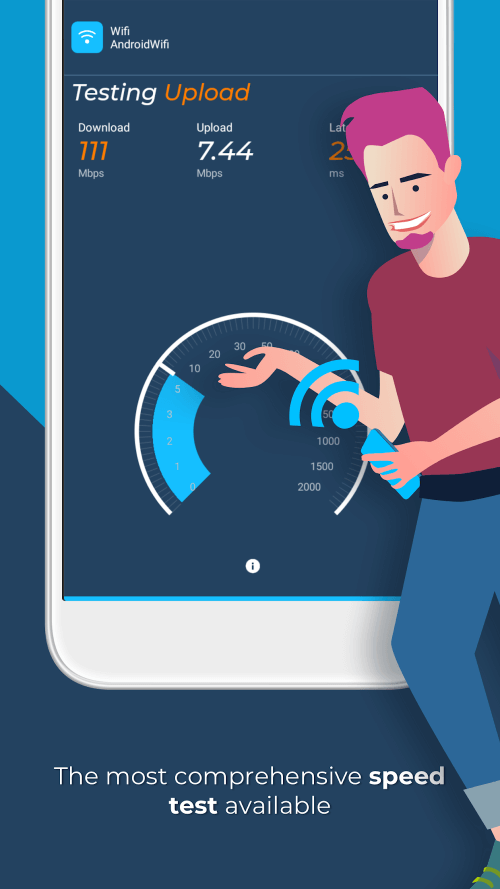
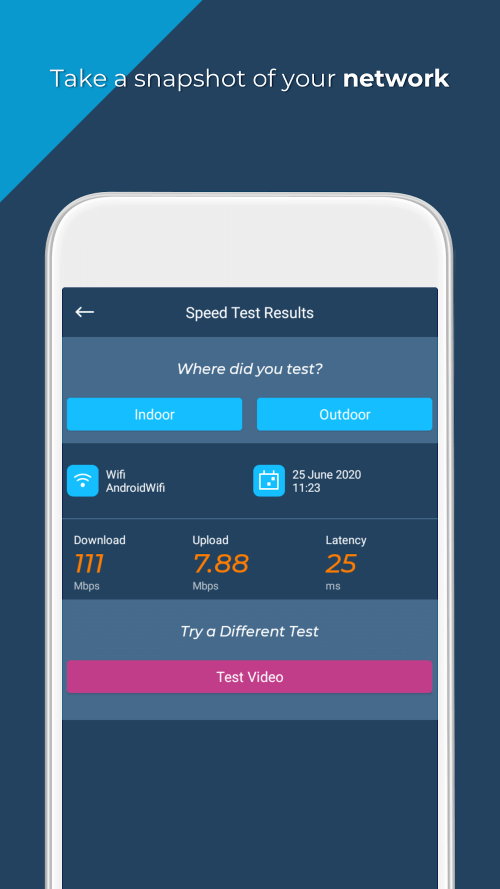
Discover the speed at which your mobile and WiFi connections can download and upload data. Opensignal enables you to test your mobile device's data transfer speed and signal strength. By performing three distinct tests, the app can offer a dependable estimate of your internet connection speed. These tests include one that lasts five seconds and another that measures the time for a signal to be sent and received. The speed test utilizes CDN servers, which are widely used on the internet. The app also assists users in estimating the average internet download speed, employing a median sample size.
ASSESS VIDEO PLAYBACK SPEED ONLINE
Are you experiencing delays in video loading? Why does the video keep buffering? Have you been waiting more than watching lately? If these are issues, the app provides excellent functions for users to measure video playback speed and other details or data with simple actions. Users can also set up an accurate playback time and obtain detailed information from the scan while watching HD videos on online platforms.
 |
 |
EVALUATE THE COVERAGE RANGE OF YOUR MOBILE DATA CONNECTION
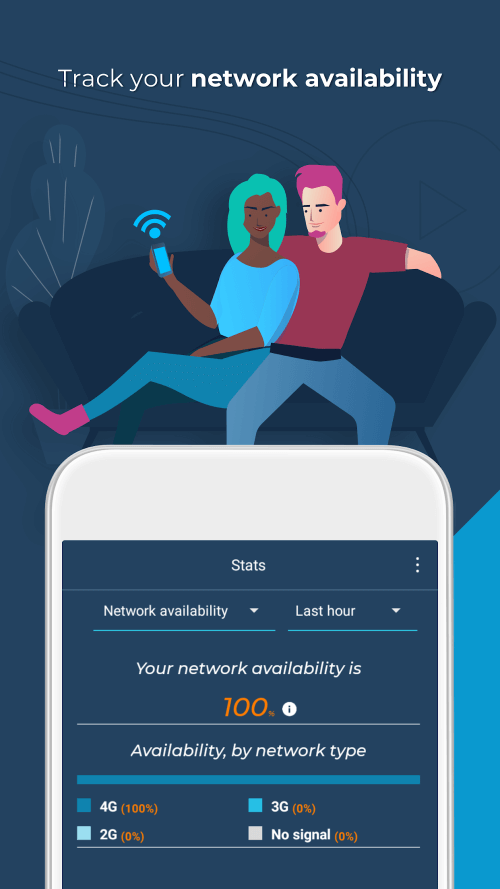
The app includes a coverage diagram for conducting speed tests and connectivity evaluations. Opensignal's network coverage map shows the specific locations and times where users can expect optimal connectivity and the highest possible download and upload speeds. This map illustrates signal strength down to the street level using speed test data and local users' signal information. Before traveling, research the local network providers' coverage maps, internet speeds, and download speeds to make an informed decision about which local SIM card will best serve your needs during your trip.
LOCATE THE NEAREST CELL TOWER USING THE COMPASS
Determine the exact location of the cell tower with the cell tower compass, allowing you to maximize your broadband and signal boosters. Since the cell tower compass relies on compiled data, it may not always be 100% accurate. The app can also mark cell tower locations on the map and helps you navigate manually while traveling or when out of a WiFi connection, ensuring you always have the best connection with mobile data.


