

PDF Scanner: OCR Translate

PDF Scanner: OCR Translate
Mushmushroom
MOD Features
App Information
About PDF Scanner: OCR Translate
Handling paper documents can be cumbersome at times, but with the aid of OCR technology, transforming physical documents into digital ones becomes more straightforward. This article introduces PDF Scanner, a quick, dependable, and user-friendly tool to assist anyone in easily converting paper documents into PDF or JPEG formats. It also facilitates the swift sharing and management of documents, enhancing user interaction with them.
SCAN DOCUMENTS INSTANTLY
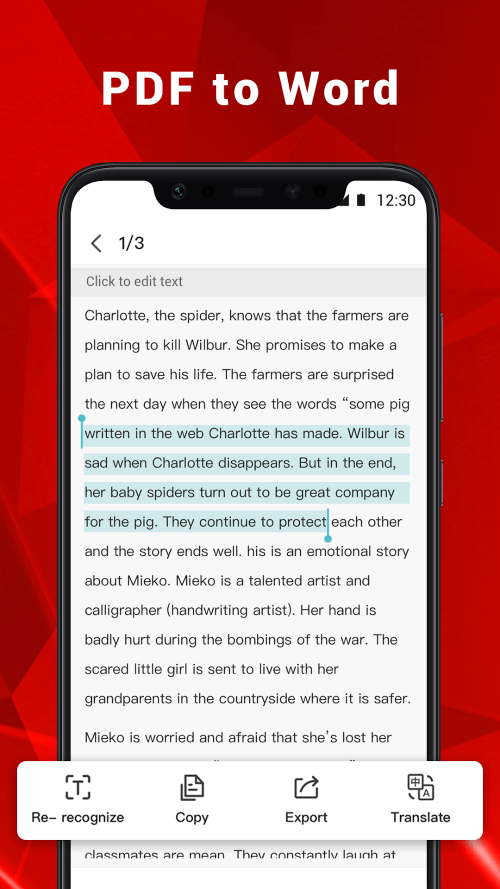
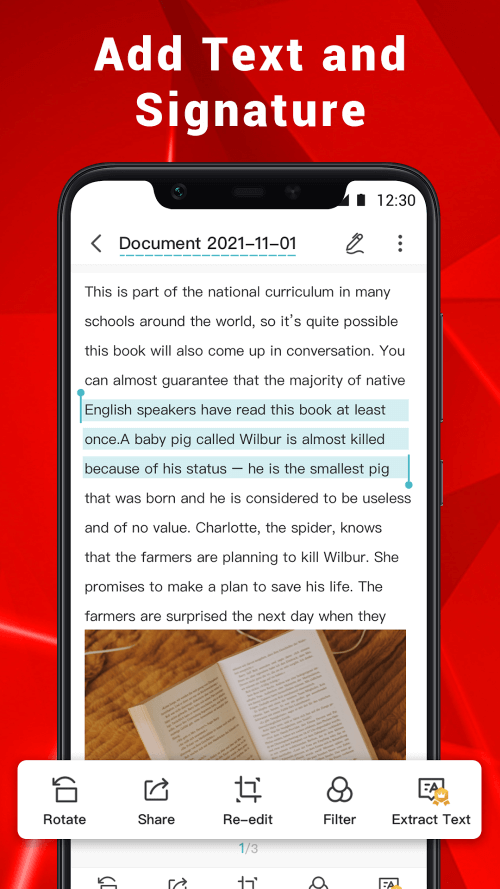
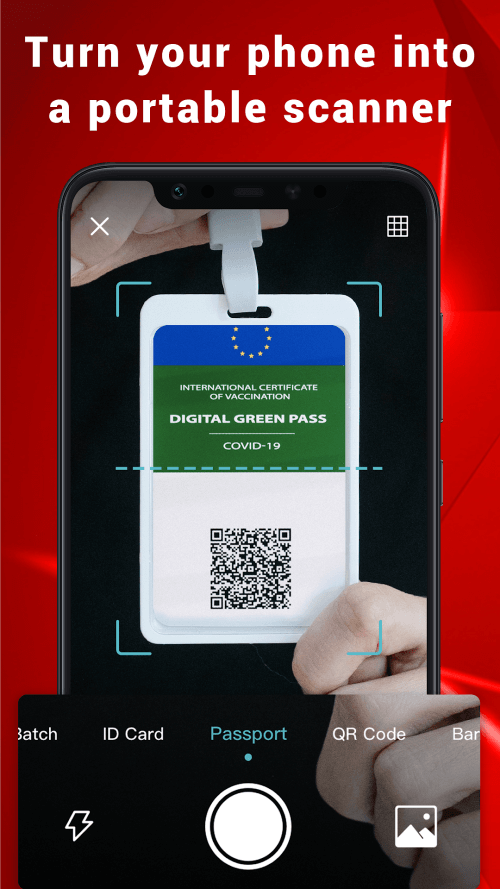
Whether in single-scan or batch-scan mode, your phone's camera can be utilized to digitize various paper documents, such as certificates, business contracts, receipts, and notes, among others. This is the app's core feature, as it can efficiently convert documents into digital formats thanks to OCR technology. It includes built-in enhancements to accurately render characters and symbols. Users can employ the scanner for diverse tasks and effortlessly save all documents as PDF or image files.
 |
 |
CONVERT SCANNED ITEMS INTO PDF
Import documents such as notes, receipts, invoices, forms, business cards, certificates, whiteboards, and ID cards as images or scan them with your camera to convert them into PDFs. This saves time in compiling the content into a complete document. Additionally, you can organize your images in different sequences to ensure the document's content is accurate. This includes editing and refining the images before conversion.
EDIT IMAGES BEFORE PROCESSING
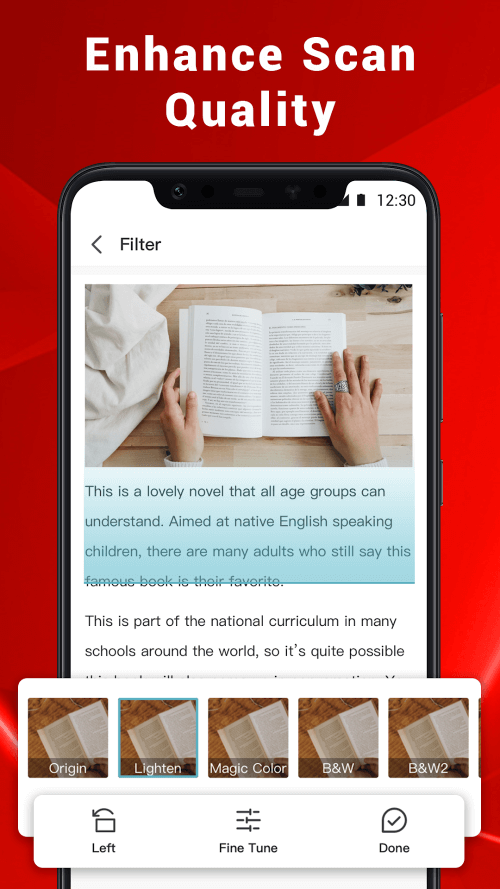
You have the freedom to modify the images as you see fit. Enhance the image quality to achieve better results when printing in PDF, thanks to the app's built-in features. The auto-edit function allows users to crop images and let the AI adjust the perspective or flatten the document before converting it to PDF. If some photos are of uncertain quality after scanning, users can ensure everything functions correctly.
 |
 |
COMPRESS PDF FILES FOR EASY TRANSFER
Compress PDFs to make them more manageable in file size. Depending on your needs, you can adjust the image quality to low, medium, high, or original settings. This helps in storing files more easily while saving memory space. The app offers numerous options before conversion, allowing users to customize or adjust the settings to change the overall quality.
SECURE YOUR DOCUMENTS WITH EXTRA PROTECTION
PDF files can be encrypted and password-protected to safeguard confidential documents from unauthorized access while sharing over the Internet or in a closed environment. The app's built-in protection setup is beneficial, allowing you to modify some settings before applying protection. The password can be configured using various methods such as PIN, biometrics, and more, ensuring the content within documents remains secure.


