

PM Pro: Password Manager

PM Pro: Password Manager
TFH Technologies
MOD Features
App Information
About PM Pro: Password Manager
In the modern era, technology and social media have permeated every facet of our daily lives. From apps for photo editing to video editing, creating numerous accounts for various services has become a norm. With millions of users on platforms such as Facebook, Twitter, and Instagram, keeping track of login credentials for all these accounts can be a challenging task. Introducing PASSWORD MANAGER, an innovative solution designed to store and organize your credentials, simplifying your life and enhancing organization.
 |
 |
AES-256 ENCRYPTED PASSWORD STORAGE
PASSWORD MANAGER guarantees the security of your sensitive information by storing passwords using AES-256 encryption. This advanced encryption standard is globally recognized for its ability to secure sensitive data. By protecting your passwords with this level of encryption, this app ensures your credentials are safe and shielded from unauthorized access.
NO INTERNET PERMISSIONS REQUIRED
Unlike many other apps, PASSWORD MANAGER does not need internet permissions. This means your data is stored locally on your device instead of being uploaded online, where it could be at risk. By keeping your credentials offline, you can be confident that your information remains secure and private, even in a world that is increasingly connected.
ORGANIZED CATEGORIES AND ACCESSIBILITY
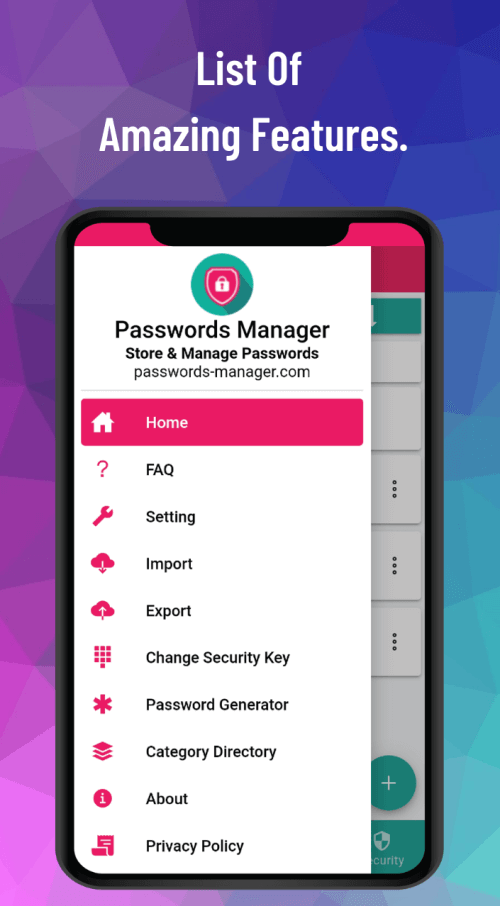
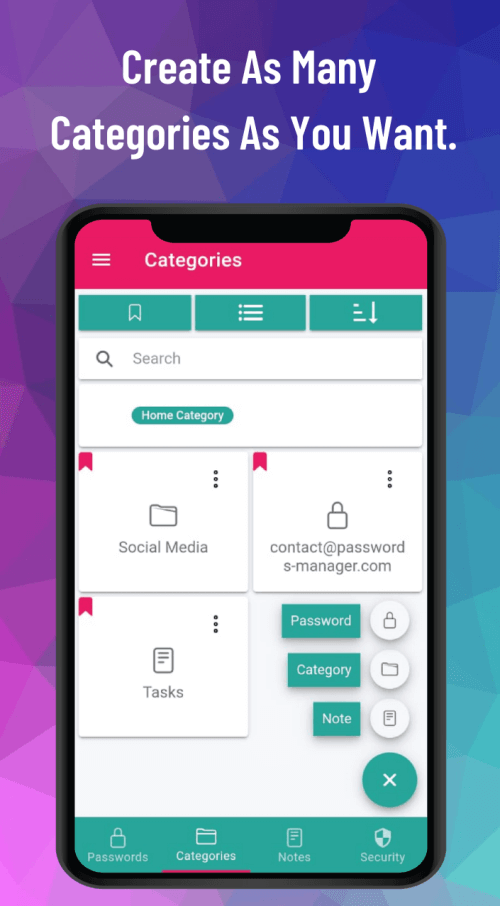
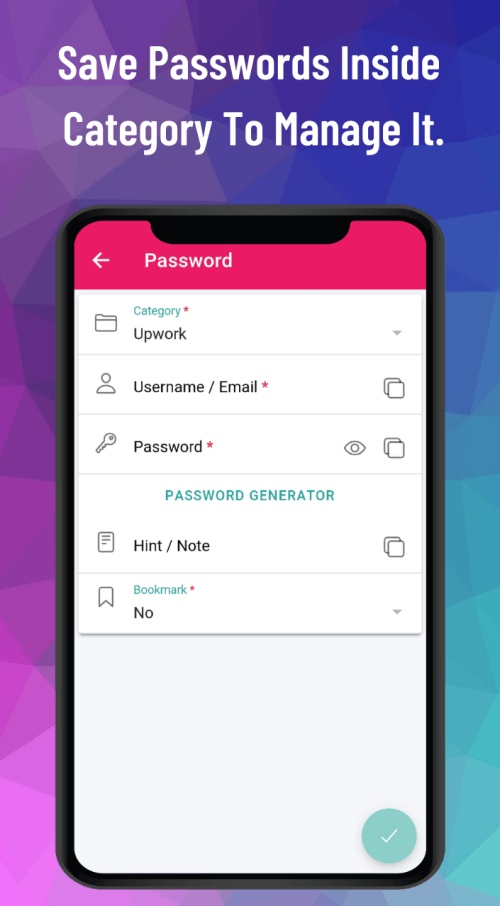
A key feature of PASSWORD MANAGER is its ability to categorize passwords, making it easy to find and access the credentials you require. This user-friendly organization enables you to manage multiple accounts across various platforms without feeling overwhelmed. Additionally, the import/export feature allows you to effortlessly transfer your credentials to a new device, ensuring your information remains accessible even when you switch devices.
 |
 |
PASSWORD GENERATOR AND FINGERPRINT LOGIN
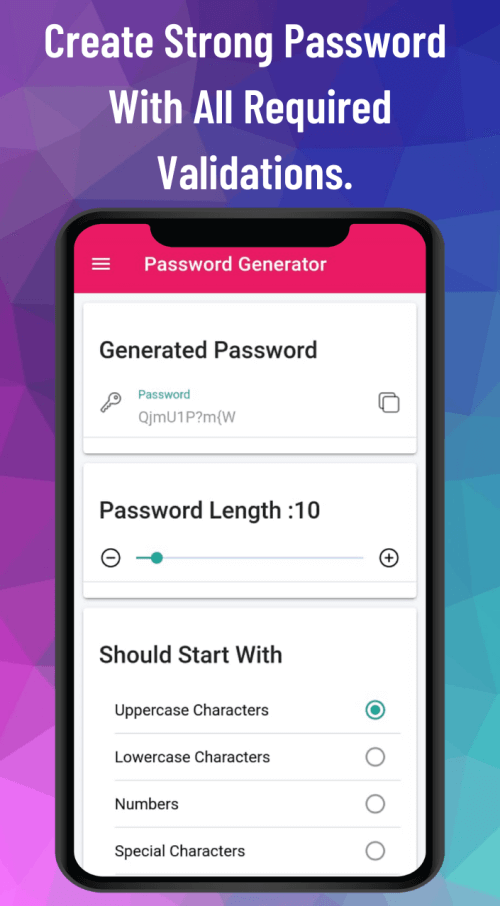
PASSWORD MANAGER offers a password generator that creates strong, secure passwords for you, complete with all necessary validations. This feature eliminates the guesswork involved in creating strong passwords, helping to secure your accounts against unauthorized access. Moreover, it supports fingerprint login (if available on your device), providing an additional layer of security and convenience. As one of the best offline password management tools, the app combines security, organization, and accessibility.
PASSWORD AUDIT AND STRENGTH INDICATOR
A distinctive and valuable feature is its capability to audit and analyze the strength of your saved passwords. The strength indicator evaluates the complexity of your passwords and identifies those that might be weak or vulnerable to hacking attempts. By highlighting areas for improvement, it encourages users to take proactive steps in securing their accounts, ultimately reducing the risk of unauthorized access and potential data breaches.
CROSS-PLATFORM SUPPORT AND SYNCING
This versatile solution provides cross-platform support for various devices and operating systems. Whether you're using a smartphone, tablet, or computer
Installation Guide
More in productivity


You May Also Like
More


