

PrintHand Mobile Print

PrintHand Mobile Print
PrintHand
MOD Features
App Information
About PrintHand Mobile Print
You can bypass the need for a computer by printing directly from your smartphone or tablet with the help of the highly acclaimed mobile application PrintHand Mobile Print. This app offers numerous features that make mobile printing straightforward and efficient.
 |
 |
THE APP'S ABILITY TO PRINT FROM MULTIPLE SOURCES ENHANCES ITS VERSATILITY
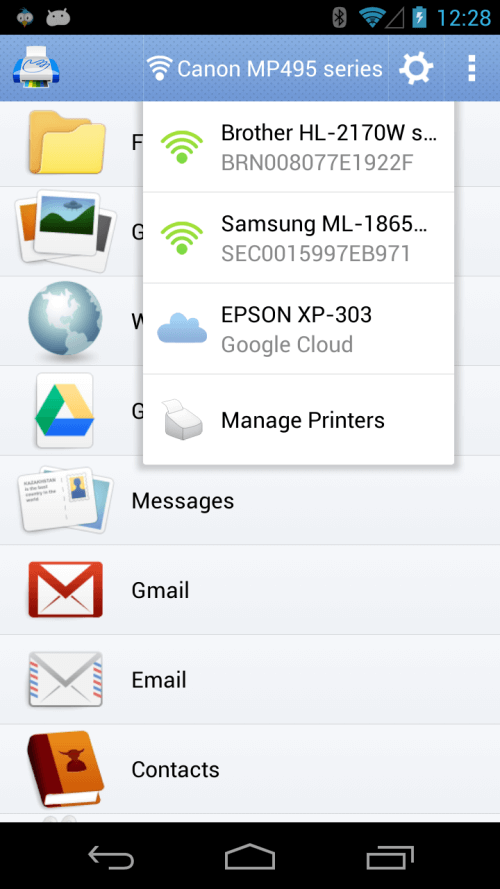
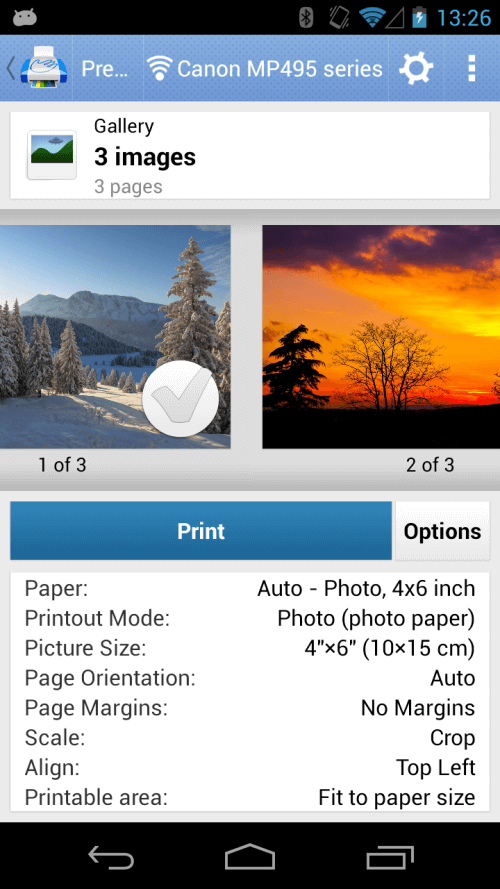
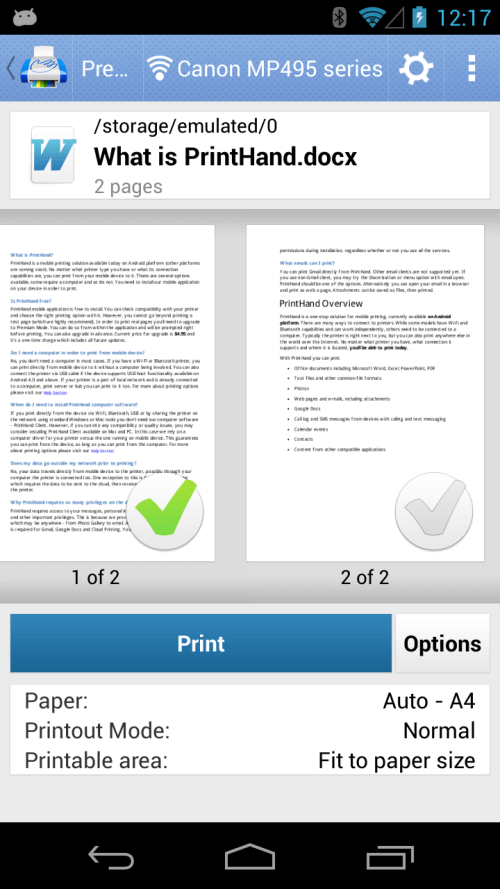
One of the primary advantages of using this application is its capability to print from various sources. Users can print documents in formats such as Word, Excel, PowerPoint, and PDF. The app also supports printing documents, photos, web pages, emails, attachments, Google Drive content, calendar events, contacts, Facebook albums, and files from popular cloud storage services like Dropbox, Box, OneDrive, Creative Cloud, and SugarSync. With support for Evernote notes and content from other apps, PrintHand Mobile Print is a versatile choice for printing needs.
THE APP IS COMPATIBLE WITH NUMEROUS WIRELESS PRINTING TECHNOLOGIES, INCLUDING BLUETOOTH AND USB
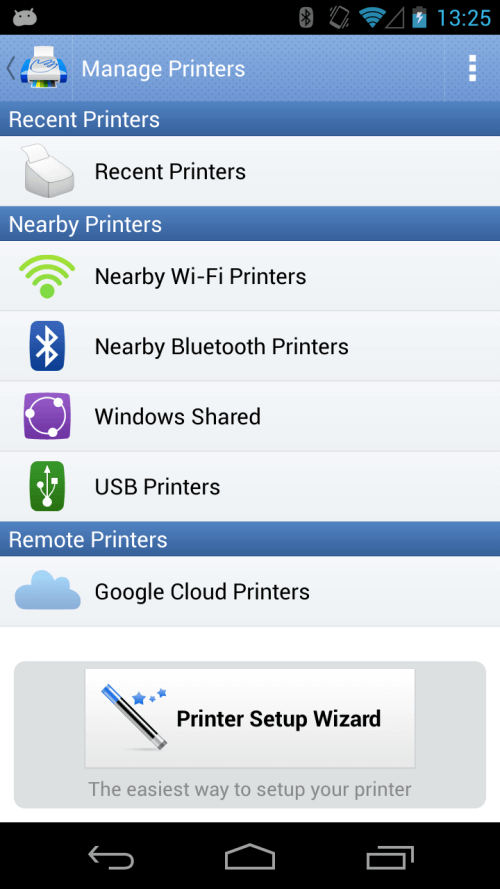
PrintHand Mobile Print supports a wide range of printing configurations, making it easy to print from various devices. Users can choose between WiFi Direct, a WiFi router, Bluetooth, or a USB connection for printing. Additionally, printing from a shared printer in a Mac or Windows Workgroup, Domain, or Active Directory is possible. Users with Android 4.0 and later can print using a USB connection or wirelessly. Furthermore, the app provides a free software solution for Macs and PCs that allows users to share printers and print from any printer available to the computer.
 |
 |
THE PRINTER SETUP WIZARD SIMPLIFIES THE PROCESS OF CONFIGURING PRINTERS AND OFFERS A FREE TEST PAGE
With the PrintHand Mobile Print printer setup wizard, users can easily configure their printers, as it automatically detects them. The setup process is straightforward, allowing users to quickly connect their mobile devices to a printer. The app also offers a free test page for users to try before upgrading to Premium Mode. In Premium Mode, users have unlimited in-app purchases available for printing actual pages.
DIRECT MOBILE SCANNING IS AVAILABLE FOR CERTAIN MULTIFUNCTION PRINTERS
Besides printing, the app also includes the significant feature of direct mobile scanning. Users can directly scan documents to their devices using some multifunction printers, facilitating easy scanning and storing of documents from a mobile device.


