Rapid VPN

Rapid VPN
Lucky 123 Group
MOD Features
App Information
About Rapid VPN
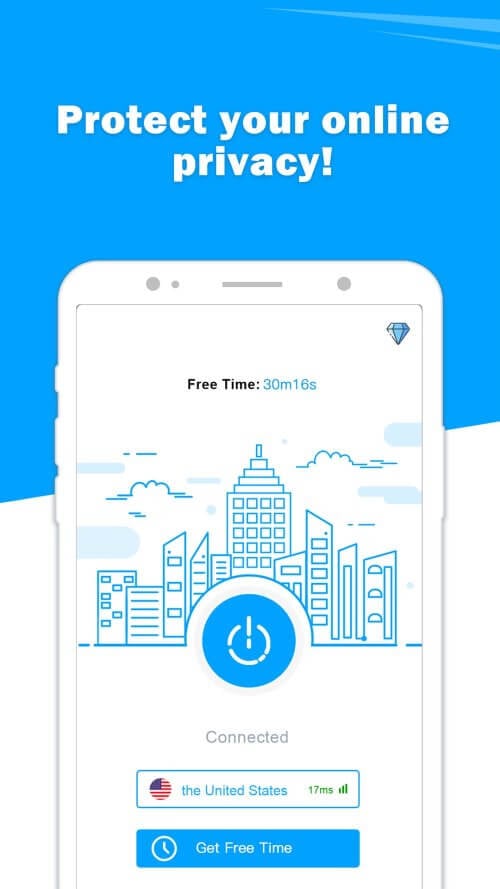
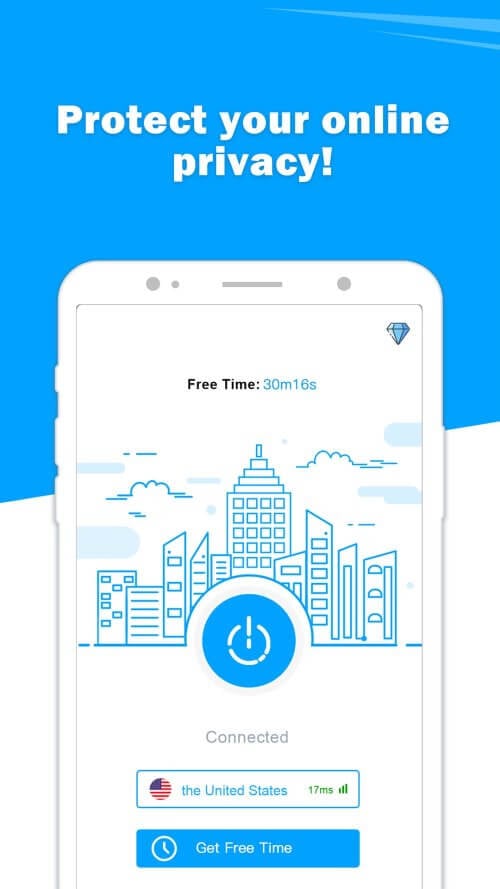
Rapid VPN - Hotspot has recently gained popularity as one of the most reliable virtual private networks (VPNs) available. It boasts a range of impressive features, including secure VPN connections, high-speed connectivity, privacy protection, and a user-friendly one-tap connection.
 |
 |
CONNECT WITH A VIRTUAL PRIVATE NETWORK (VPN) FOR PRIVACY AND SECURITY ON PUBLIC WIFI
One of the standout features of Rapid VPN is its secure VPN connections. The app creates a virtual private network (VPN) tunnel, encrypting your data while it's being transmitted. This feature is essential if you plan to use public Wi-Fi networks, which are notoriously insecure. With this app, your data is protected from hackers and cybercriminals when you're connected to public Wi-Fi.
LIGHTNING-FAST INTERNATIONAL VPN SERVER NETWORKS
Rapid VPN offers worldwide servers in over 30 countries, providing fast access to your favorite websites and apps wherever you are. This feature is particularly useful for travelers who need access to content restricted in certain countries. With its global network, users can enjoy uninterrupted streaming and seamless connectivity.
 |
 |
PROTECT YOUR IDENTITY AND LOCATION FROM PRYING EYES ONLINE
This app stands out for its ability to keep your online activities private. When using this application, your IP address, identity, and location remain untraceable. This feature is crucial for users who prioritize anonymity during their online interactions.
EASY ONE-TAP CONNECTION WITHOUT REGISTRATION
Rapid VPN's one-tap connection feature is a highlight. Users can connect to a VPN with just a single tap. The app requires no additional setup steps, making it convenient for first-time users. With the one-tap connection, users can access the VPN service quickly and effortlessly, without needing to adjust any settings.