Router Chef

Router Chef
MohRaouf
MOD Features
App Information
About Router Chef
WiFi's capability to swiftly connect a variety of electronic devices to the internet has made it a crucial component of contemporary living. To utilize WiFi effectively, optimizing your router settings for the fastest wireless connection is essential. However, managing your router and making necessary adjustments can sometimes be challenging. This is where Router Chef comes in, maximizing efficiency and leveraging its powerful features to the fullest.
 |
 |
DISPLAY ROUTER SETTINGS
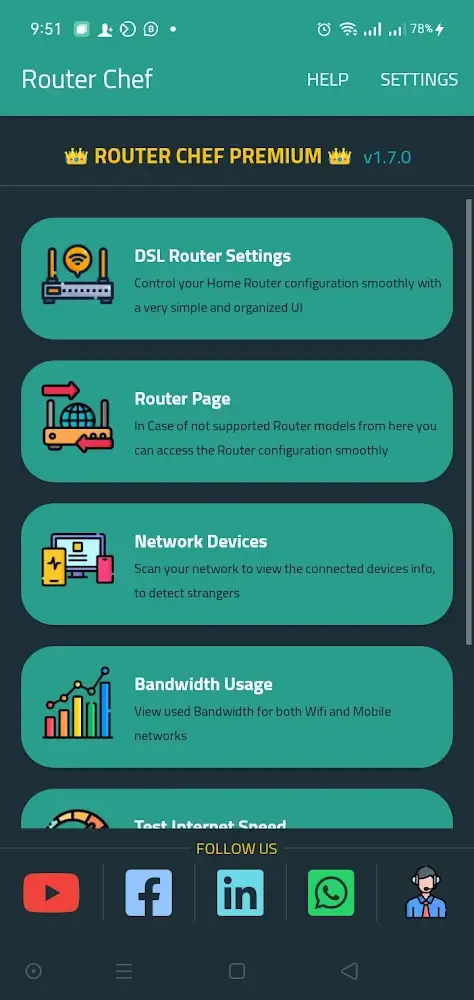
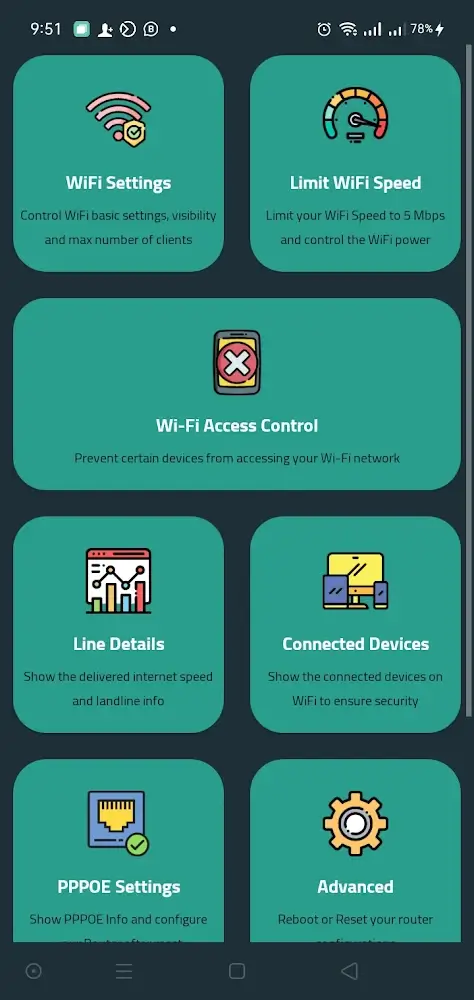
Before Router Chef can establish a connection to the router, the user must provide certain information. The router's IP address, username, and password are necessary. Typically, internet service providers supply this information, and entering it into the designated fields will enable a quick connection to the app. Upon logging in, a home screen with various WiFi and router configuration options will be displayed. Users can swiftly access desired features by tapping the respective icons.
ADJUST PARAMETERS
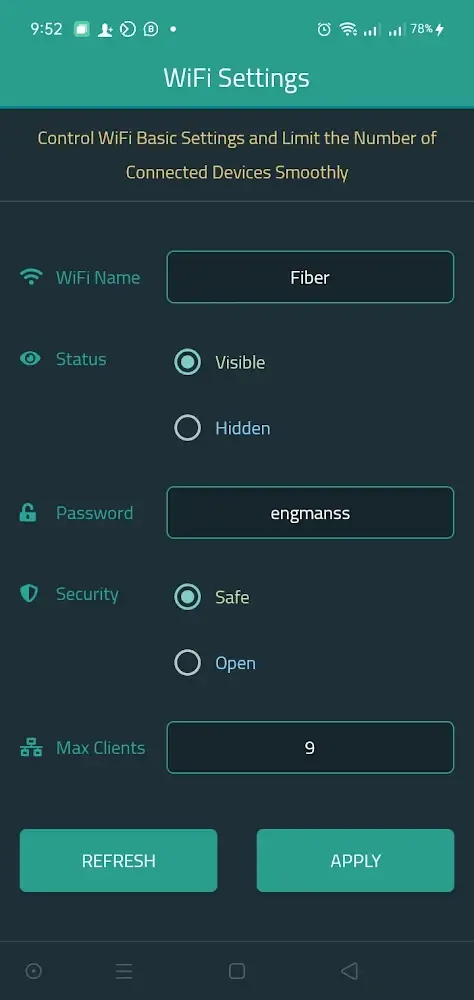
By navigating to the router's "WiFi settings" menu, users can modify some default settings. Users have the ability to change the network's name, activate or deactivate it, alter the password and security level, and set a maximum number of devices that can connect to the network. Each of these parameters can be tailored to meet specific user needs.
 |
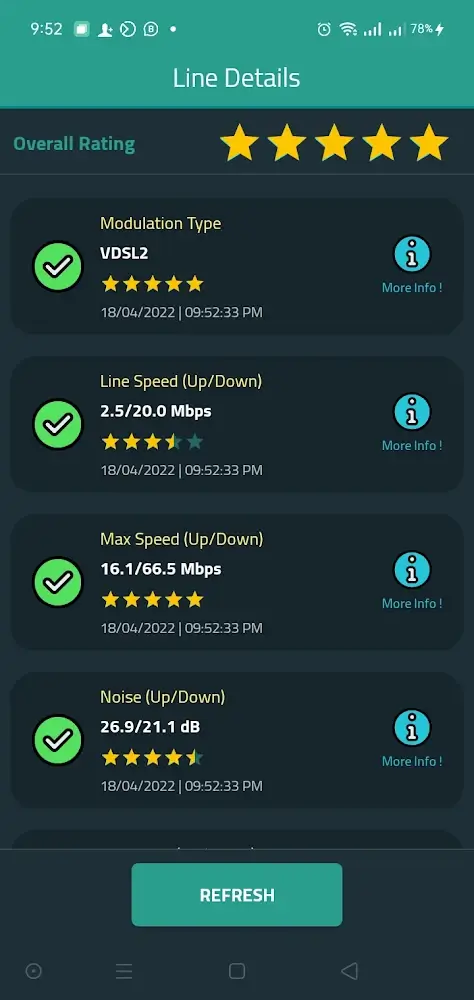 |
Users can rename their WiFi network or restrict access to certain devices to maintain optimal internet speed while preventing unauthorized connections. Once changes are made, clicking the "Apply" button will implement them immediately. Router Chef enables most router parameters to be adjusted with a few simple clicks and within minutes.
DISPLAY RELEVANT INFORMATION
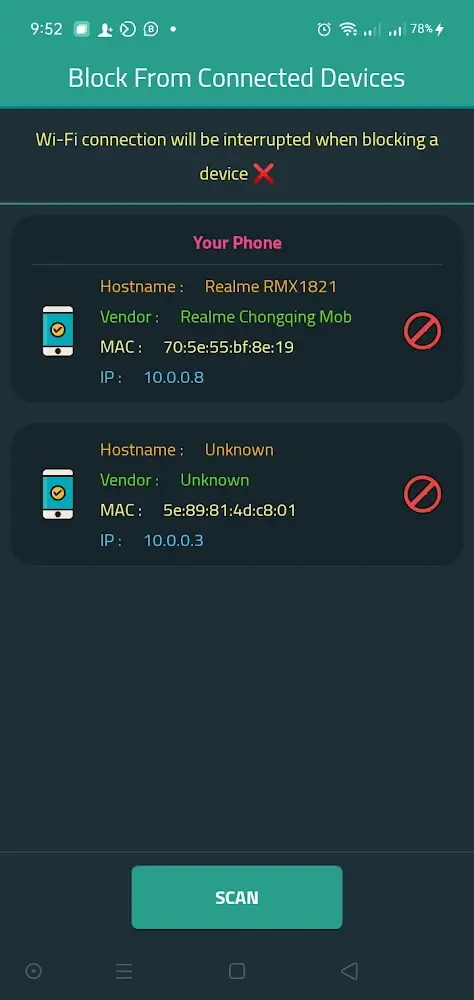
Router Chef is a useful tool for gathering detailed data on various router statistics and offering straightforward configurations. Utilizing these parameters can lead to better results and more suitable adjustments. Moreover, devices connected to the router, both past and present, are graphically represented on the screen in real-time. Host, MAC, and Internet Protocol addresses are key considerations when identifying devices. Since addresses are uniquely tied to devices, users can easily manage everything connected to the router by identifying who possesses which address.