

Satellite Finder Pro

Satellite Finder Pro
appsRock
MOD Features
App Information
About Satellite Finder Pro
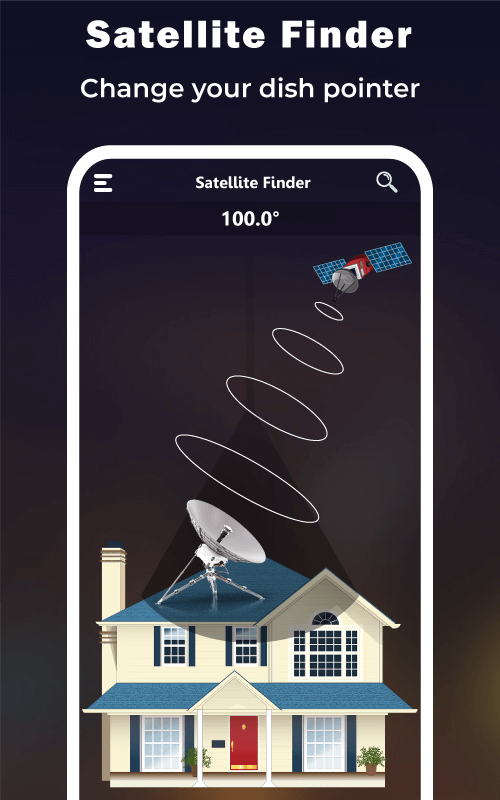
Attention all tech aficionados and satellite enthusiasts! Get ready to enhance your understanding with a revolutionary tool that is making a splash in the tech world. Introducing Satellite Finder Pro (Dish Pointer), a powerful app packed with features designed to make setting up your dish antenna a breeze. Join us as we explore how this innovative app assists in aligning satellite dish antennas, calculates necessary values for alignment, and even guides your dish with a built-in compass – all enhanced by augmented reality.
 |
 |
YOUR ULTIMATE SATELLITE ALIGNMENT PARTNER
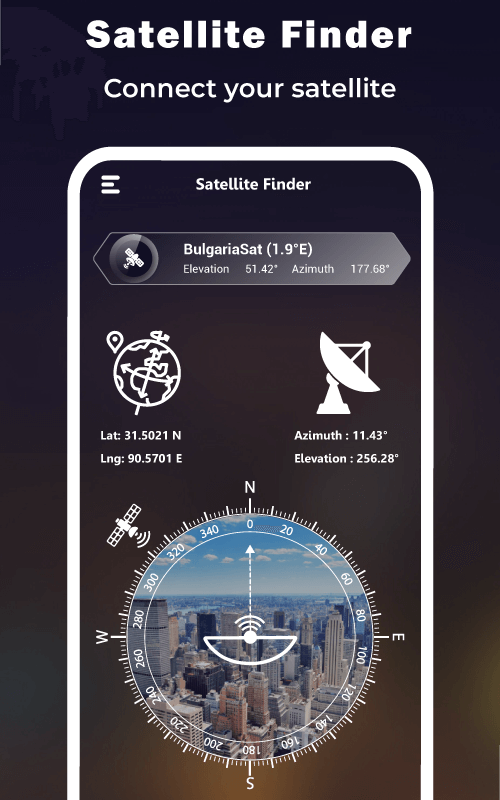
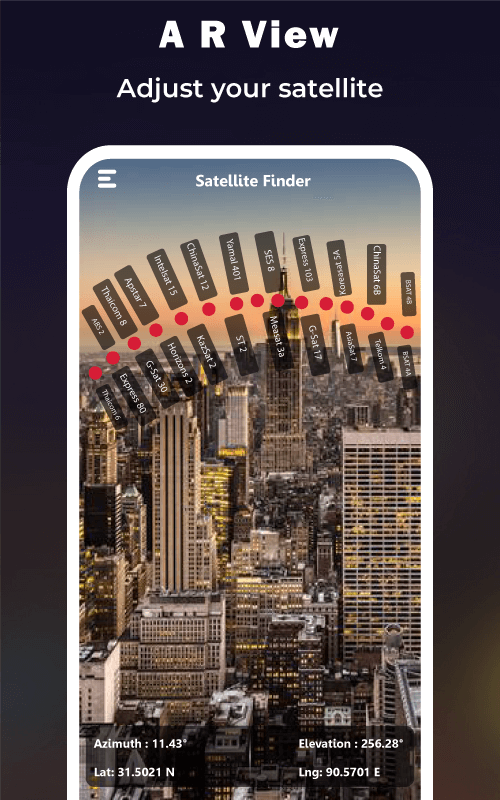
Satellite Finder Pro is not just any dish pointer; it is your ultimate partner for satellite alignment. Whether you are in the bustling city or the tranquil countryside, this app will guide you to set up your dish flawlessly. The app smartly uses augmented reality to show satellite positions, eliminating guesswork. Moreover, it is equipped with a built-in gyrocompass, an advanced navigation tool that accurately finds the geographic North direction.
FEATURES THAT ELEVATE USER EXPERIENCE
Innovation goes beyond alignment help. Satellite Finder Pro offers three additional features that elevate the user experience. Firstly, the Live Earth Map offers four different views of Earth – Normal, Hybrid, Satellite, and Terrain. It also highlights traffic flow, providing a comprehensive understanding of locations. Secondly, the AR-Display function utilizes top-notch augmented reality technology. Simply point your phone's camera to see all available satellites for your location in real-time. Lastly, the Biss Key Finder simplifies the search for Biss keys of encrypted satellite channels with automatic updates.
 |
 |
A TOOL OF PRECISION AND EASE
Precision and ease are at the heart of Satellite Finder Pro. The app provides you with the LNB tilt based on your GPS location and indicates the direction for aligning your satellite dish. For maximum accuracy, ensure you are outdoors or near a window for optimal location detection. Calculated with magnetic inclination, the azimuth angle is visually represented through a gyrocompass for easy understanding.
SURPRISINGLY SIMPLE USAGE
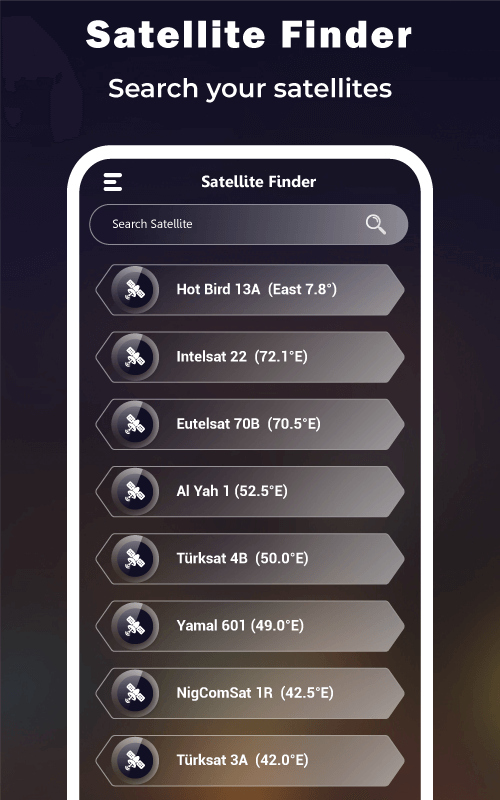
Using Satellite Finder Pro is a straightforward process. Ensure your phone's internet connection and GPS are enabled. Select your desired satellite by clicking the Satellite Finder button, followed by the Satellite Name, and finally the search bar. A list of satellites will appear for you to choose from. The azimuth of your selected satellite, along with the latitude and longitude calculated for your location, will be displayed – a feature that is both surprising and convenient.
PURE PERFORMANCE WITHOUT DISTRACTIONS
A common concern with app usage is the distraction caused by ads, which can impair the user experience. Worry not with Satellite Finder Pro! The developers have thoughtfully included an option to remove ads for
Installation Guide
More in tools


You May Also Like
More


