

ShockPad

ShockPad
Stream Game Dev
MOD Features
App Information
About ShockPad
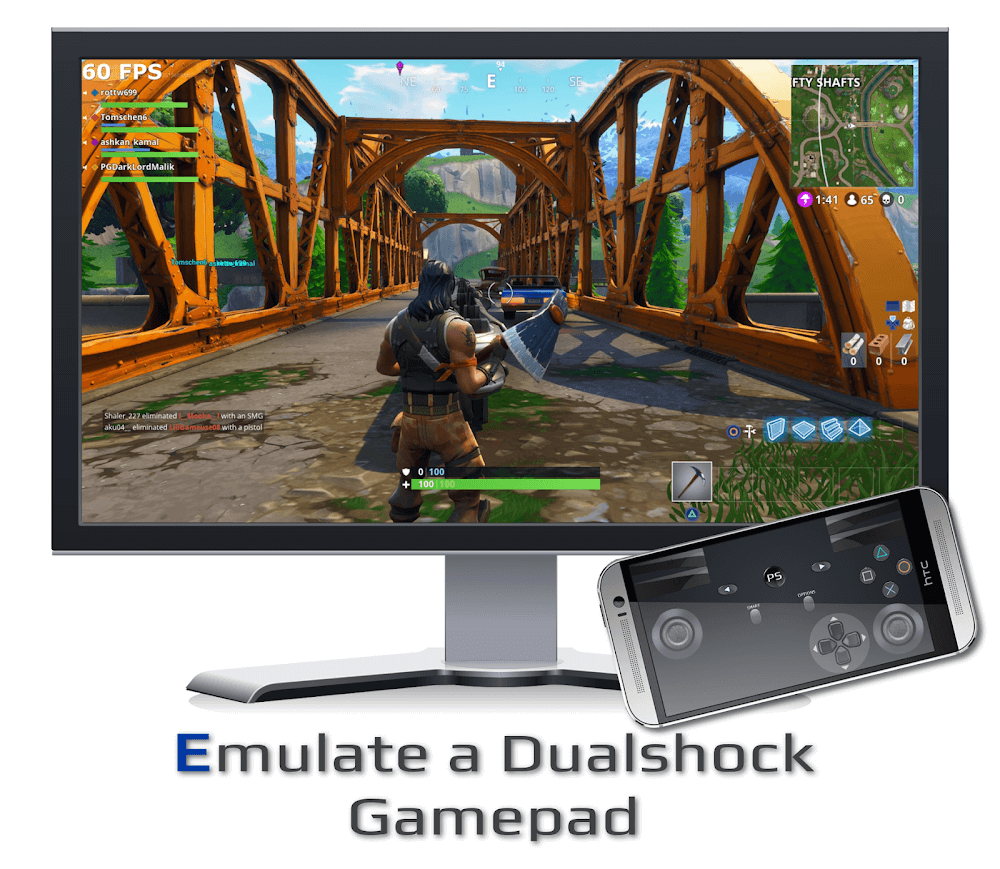
ShockPad Mod APK is an impressive application that merges the PSJoy server with the PS Remote Play program, enabling players to use their smartphones as Dualshock controllers on Windows PCs. This feature allows gamers to replace traditional Dualshock controllers with their smartphones for a more versatile gaming experience. In this article, we'll explore ShockPad's top features, including its realistic dual-shock emulation, simple connection setup, support for genuine Dualshock gamepads, and Bluetooth compatibility.
REALISTIC DUAL SHOCK EMULATION
One of ShockPad's standout features is its dual shock emulation, which replicates the console's vibration effects to enhance the gaming experience. This feature significantly boosts the realism and immersion of gameplay by providing realistic vibration effects during in-game events like collisions or impacts. This emulation is a notable advantage, offering players a more authentic gaming sensation.
CUSTOMIZABLE DUALSHOCK CONTROLLER LAYOUT
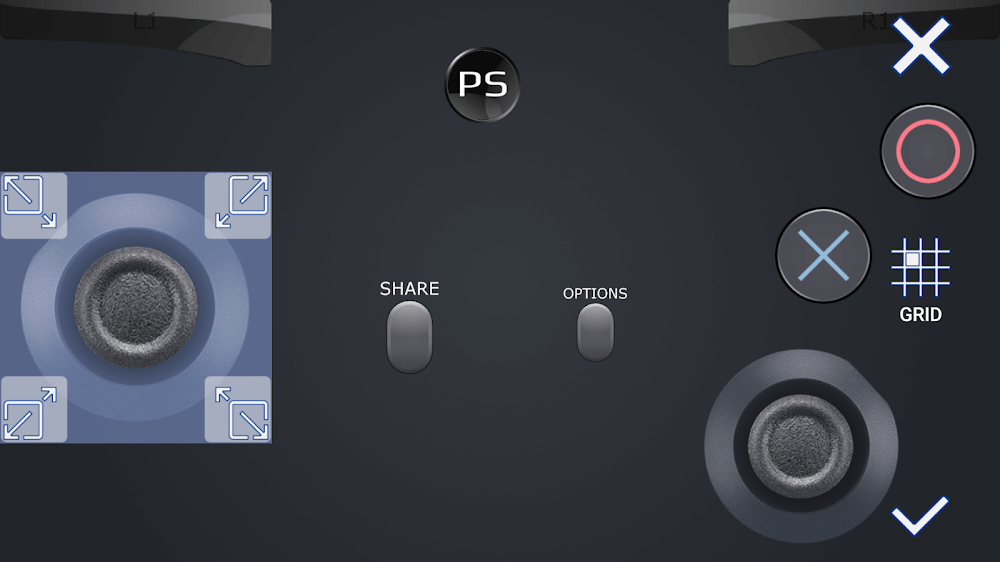
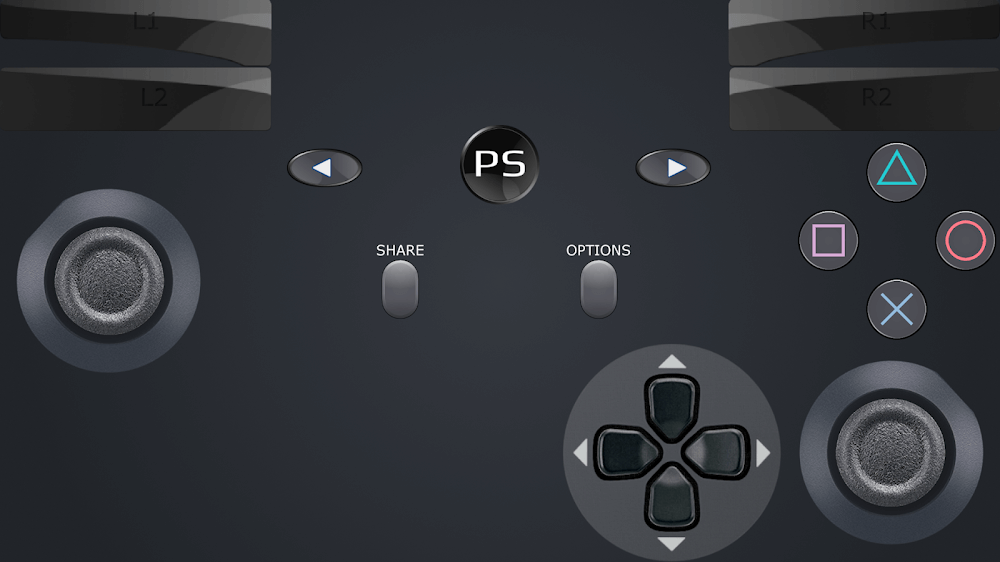
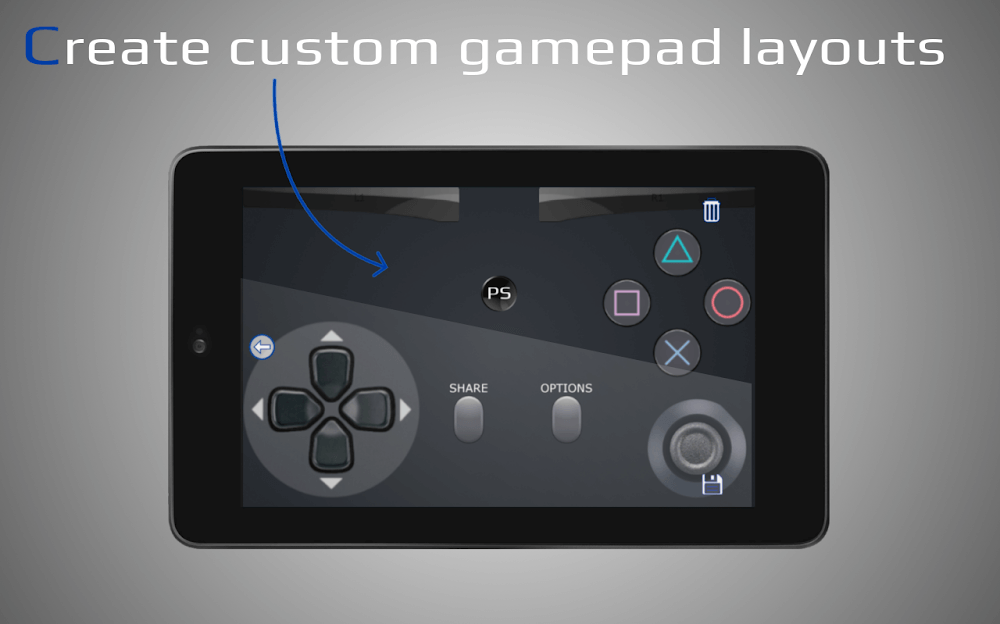
ShockPad also provides the option to personalize the Dualshock controller layout, allowing players to modify the gamepad configuration to their liking. This feature enables users to adjust button positions to suit their play style, such as moving the jump button or repositioning the action button for easier access. This customization is crucial, as it allows players to create a controller layout that feels comfortable and intuitive in their hands.
MODIFYING TEMPLATE DESIGN
In addition to customizing the Dualshock layout, ShockPad allows players to modify the template layout. The template serves as a base that can be tailored to the player's preferences, providing a foundation for creating a unique gamepad setup. This feature is valuable as it enables players to adjust the default template to better match their playing style.
EASY CONNECTION SETUP
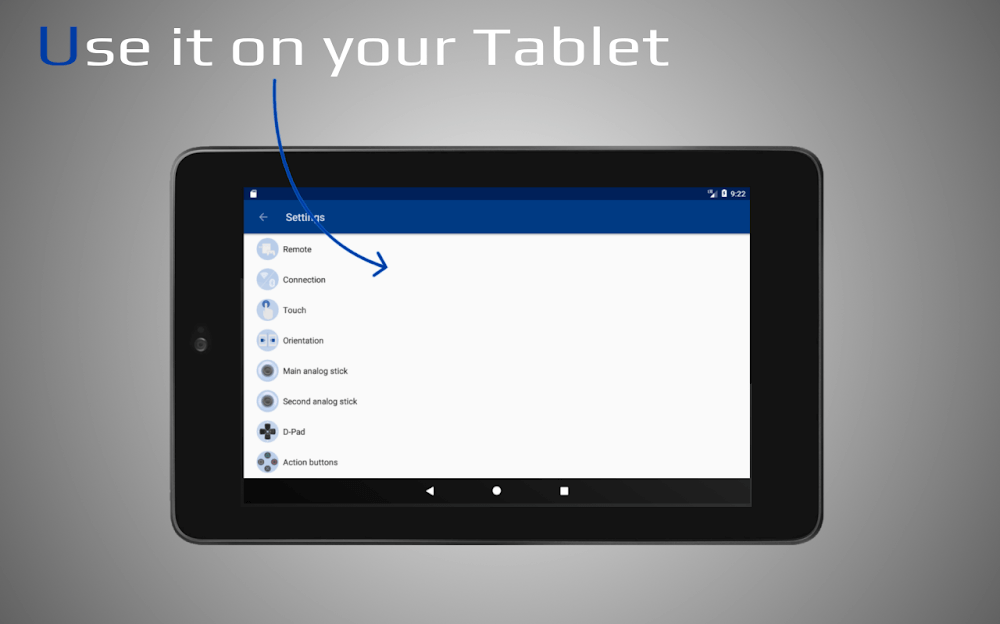
Connecting your mobile device to your computer using ShockPad is straightforward. By linking your smartphone to your computer via USB and installing the PS Remote Play program on your PC, you can enable remote play. Once connected, your phone can function as a Dualshock controller, offering a convenient and cost-effective alternative to purchasing a separate game controller.
BLUETOOTH CONNECTIVITY AND SUPPORT FOR REAL DUALSHOCK CONTROLLERS
ShockPad offers Bluetooth connectivity and supports genuine DualShock gamepads. For gamers who prefer using an authentic Dualshock controller, the PSJoy server allows them to enjoy a console-like experience on their Windows PC. Additionally, ShockPad's Bluetooth capability lets players wirelessly connect their mobile devices to their computers, providing flexibility in choosing and connecting gamepads
Installation Guide
More in tools


You May Also Like
More


