

Slow Motion

Slow Motion
Watermark Remover & Slow motion & SlowMo
MOD Features
App Information
About Slow Motion
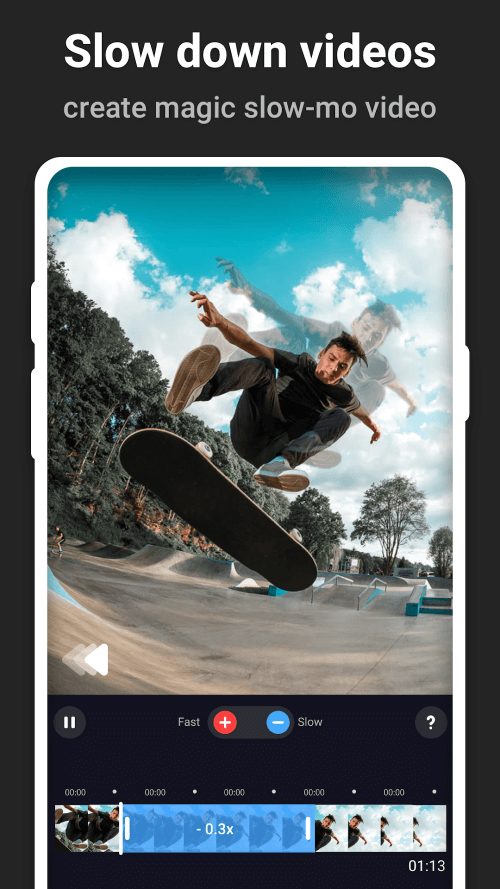
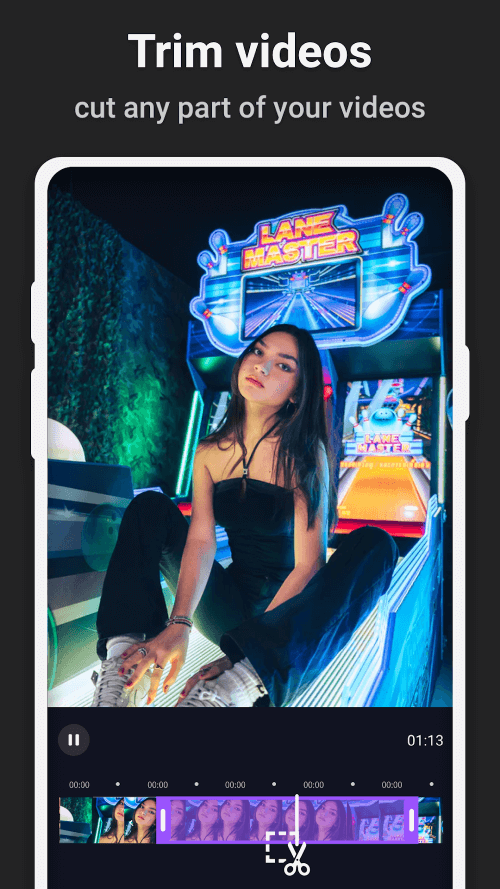
Slow Motion offers features that allow users to modify the speed of any video. You can accelerate or decelerate the activities in the video. The system provides specific editing tools in a horizontally scrolling list. Users can edit and review the entire content they create. We aim to help users save impressive videos with the highest quality.
 |
 |
EASILY SPEED UP OR SLOW DOWN
Users are guided through steps to create high-quality videos independently. Slow Motion offers essential editing tools, saving you time from learning from scratch. The system provides detailed instructions for new users. You can view edited videos for reference. Built-in templates demonstrate how to apply features to create a series of stunning movements. Moreover, the speed adjustment function is available for free on all videos. Users simply need to upload original content to begin editing. You can modify the video and save it to your device's memory. The app also creates a separate section for your completed projects.
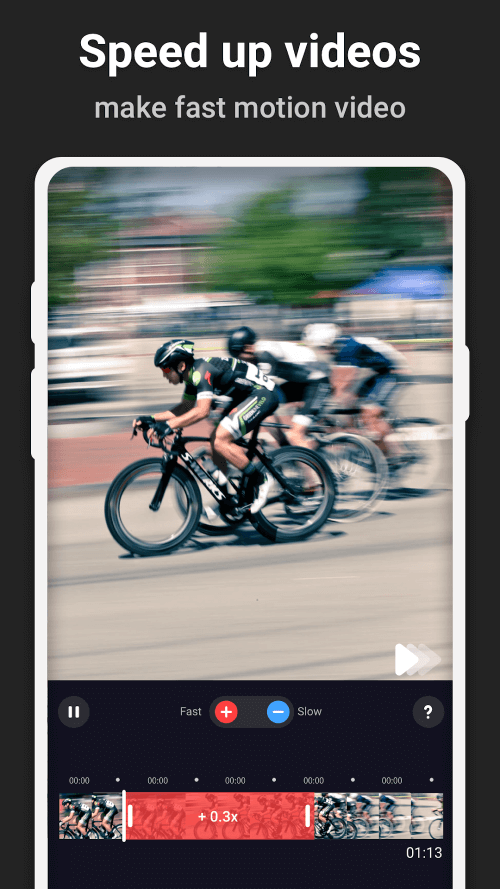
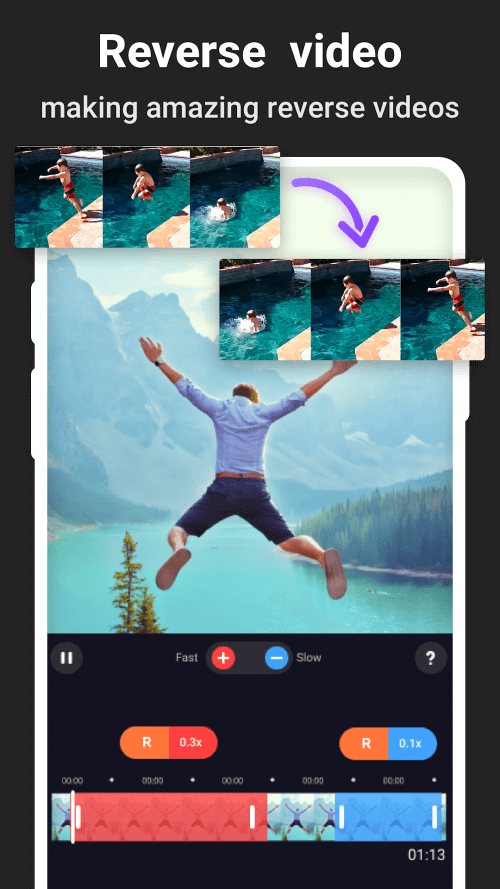
For the acceleration feature, users can increase speed up to a maximum of 10x. The system offers various adjustment levels from 1.25x to 10x for greater flexibility. The control bars can be dragged to easily alter motion levels. Results are displayed directly on the main screen for quality control. Additionally, users can utilize the slow-motion feature. This command slows down the animation for all video elements. Users can reduce speed to as low as 0.1x for a noticeable difference. Both adjustment types can be applied to all uploaded content. The system quickly analyzes images and movements, allowing you to make immediate corrections.
 |
 |
 |
EDIT VIDEO AND APPLY OTHER EFFECTS
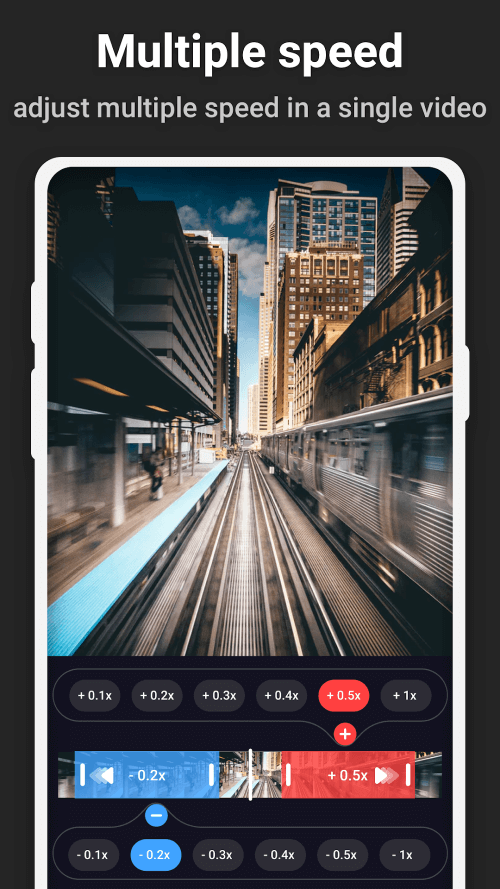
Slow Motion allows two editing features to be used simultaneously. Users can apply them at different times within a video. The system enables you to combine these edits for more engaging and interesting results. The frame rate is reduced based on how you edit your footage. Additionally, the video length is shortened to facilitate template application. Users can set timelines to apply additional effects. However, to avoid unintended results, it's best not to overlap them. Edited videos will appear with new colors on the
Installation Guide
More in video players & editors


You May Also Like
More


