

Smart Keyboard Pro

Smart Keyboard Pro
Dexilog
MOD Features
App Information
About Smart Keyboard Pro
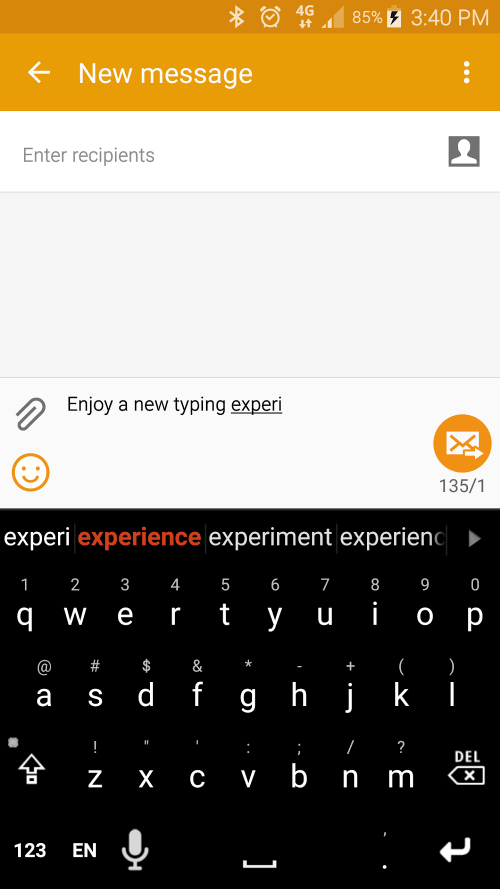
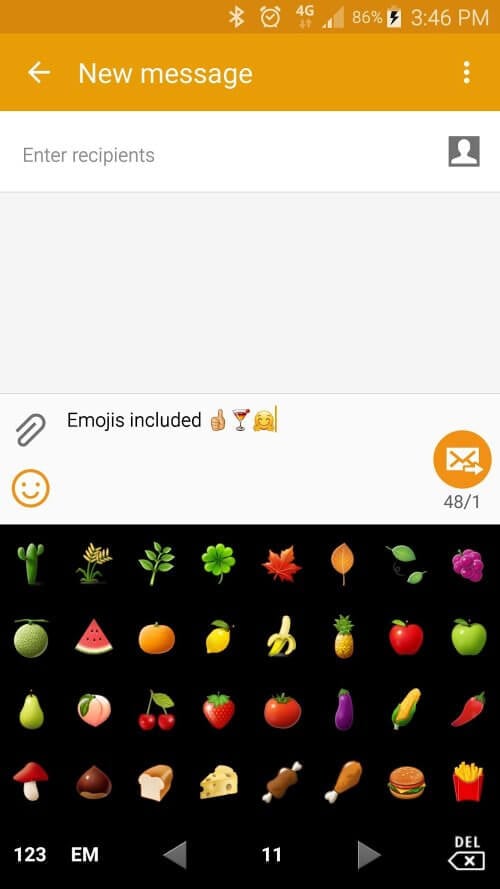
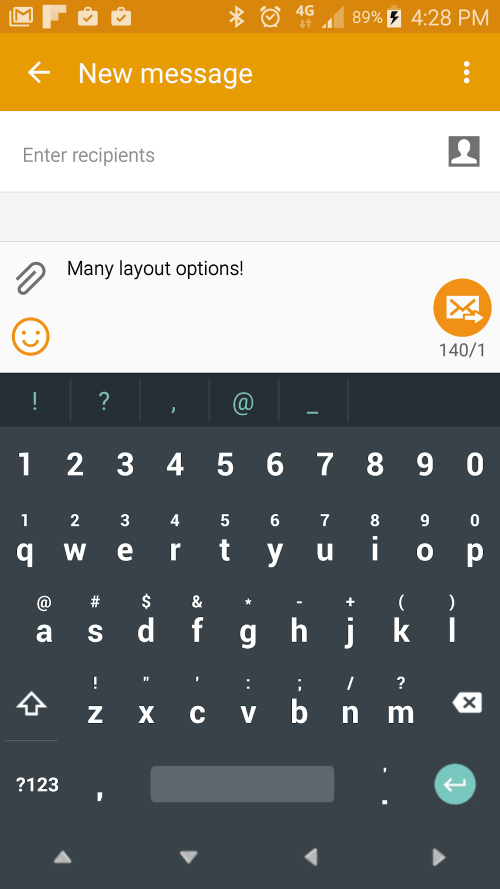
Smart Keyboard Pro is an efficient and lightweight international keyboard designed for Android devices. It offers a wide range of customization options that enhance the typing experience and supports multiple languages. Users can customize everything from the skins and layouts to the sounds, predictions, smileys, and even calibration!
 |
 |
UNMATCHED FLEXIBILITY IN CUSTOMIZATION OPTIONS
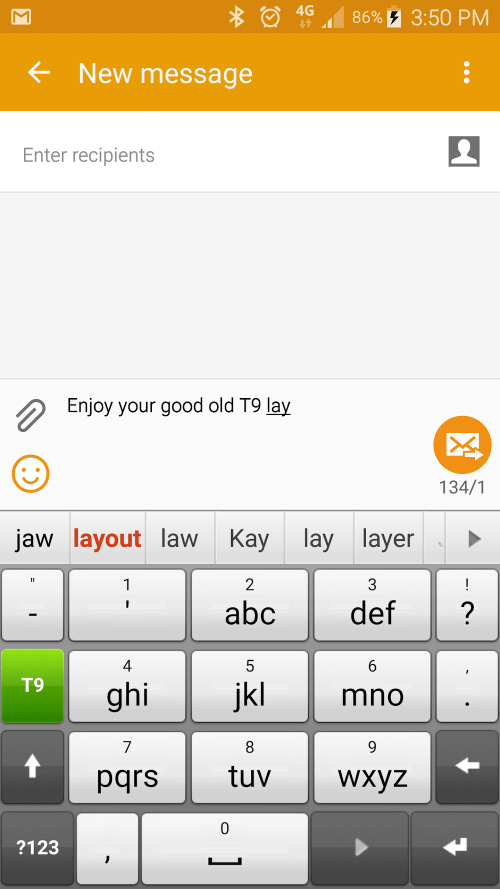
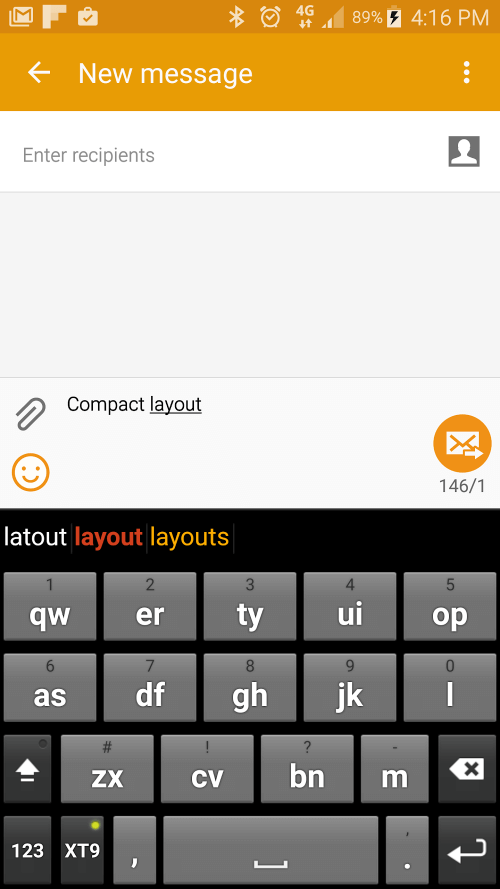
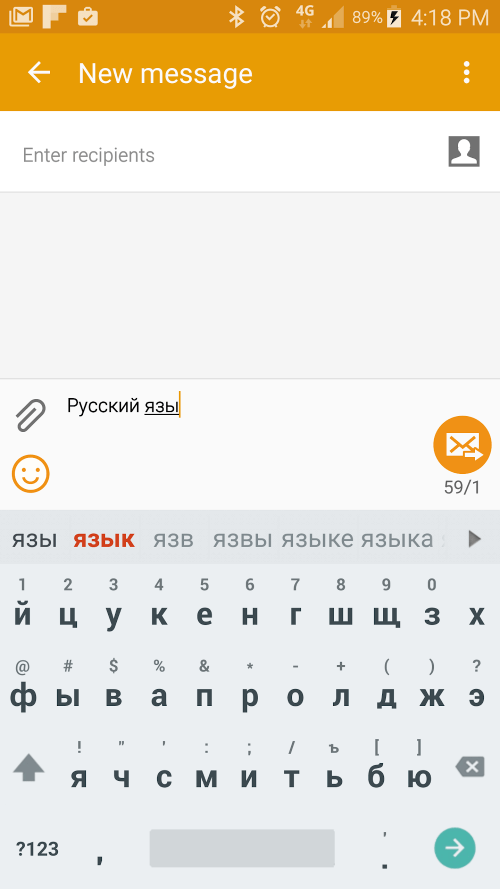
Smart Keyboard Pro stands out from its competitors due to its extensive customization capabilities. Users have access to numerous options to tailor the keyboard to their specific needs. These options cover skin, layout, sound, and much more. The app comes with a selection of pre-installed themes, and users can download additional skins (referred to as Open Skins) to further personalize the app's look. One of the most remarkable and practical features of Smart Keyboard Pro is its broad language support, offering T9 and compact layouts for most languages. Moreover, the voice input feature allows users to type hands-free and switch between languages, making it easier to communicate with friends and colleagues worldwide.
 |
 |
INTELLIGENT PREDICTION AND LEARNING
The smart dictionary and prediction features of Smart Keyboard Pro, when paired with a physical keyboard, facilitate accurate and efficient typing. The app learns from your typical keystrokes and offers relevant suggestions based on what you are typing. Additionally, you can speed up your chatting experience by creating abbreviations using custom text shortcuts, also known as AutoText. Smart Keyboard Pro provides users with a seamless typing experience through its user-friendly interface and intuitive features. It includes long-press actions, enabling users to easily access keyboard settings or smileys, and supports gestures. Furthermore, the app is regularly updated and enhanced, ensuring users have access to the latest improvements and bug fixes.
 |
 |
EMOJI
Installation Guide
More in tools


You May Also Like
More


