

Tap To Translate Screen

Tap To Translate Screen
Dictionary & Translate NH-Apps
MOD Features
App Information
About Tap To Translate Screen
Tap To Translate Screen is an advanced language translation app with practical and straightforward features. With its distinct set of tools, users can easily navigate languages they are unfamiliar with. You can start working, playing, and living in any language with just a few easy steps.
 |
 |
SUPPORT FOR TRANSLATING A VARIETY OF LANGUAGES
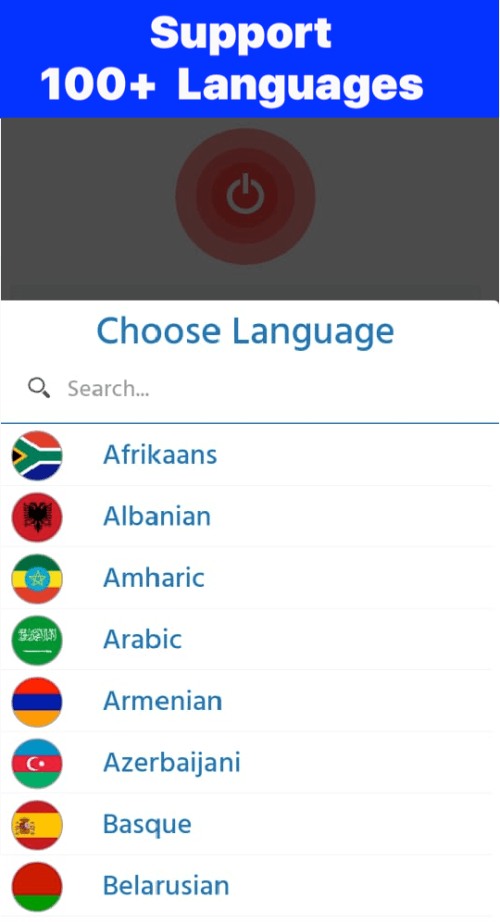
This app is capable of translating English and texts from numerous languages spoken in over 100 countries. Additionally, the language list of the Tap To Translate Screen is regularly updated, enabling you to translate any unfamiliar and complex language you encounter. Regardless of the language's intricacy, the app can still deliver the correct vocabulary to help you grasp its content. Furthermore, you can utilize the languages of many nations across continents, such as Japan, China, Germany, France, the United States, and more. Users can comfortably read content on their devices, and this translation tool will offer the best translations for any language.
TRANSLATE ANY TEXT DISPLAYED ON YOUR DEVICE
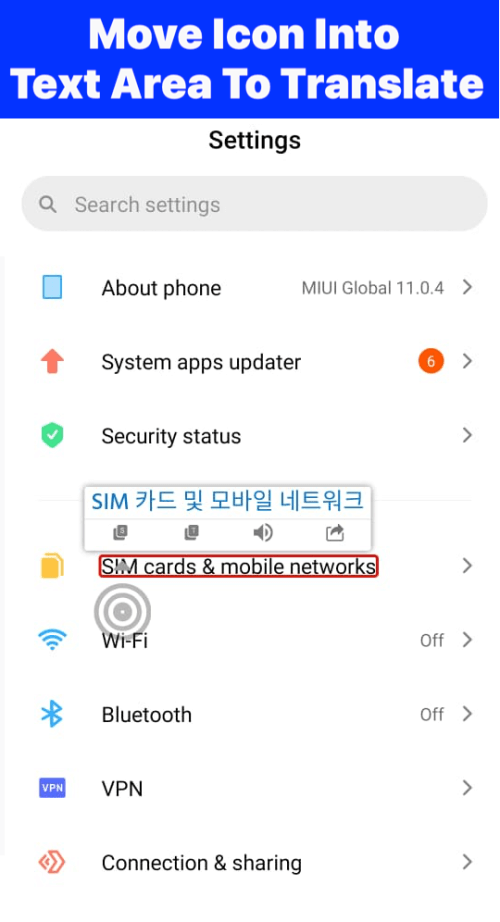
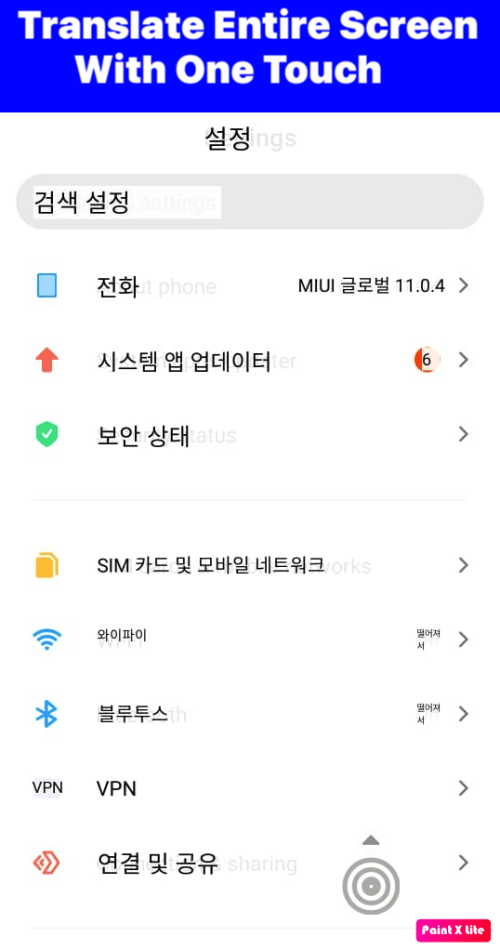
While browsing the web for news or viewing engaging articles through cover photos, you might encounter descriptions or images written in other languages. Traditionally, you would need to copy the text and visit translation pages to comprehend the article's content. Even captivating content may appear as images with words in another language that cannot be typed using a keyboard. Tap To Translate Screen is an excellent tool for translating anything on your screen. Thus, when using it, you don't have to spend much time understanding an article's content—just a few simple steps suffice. This is a superb and convenient translator app that can translate any text you see and help you understand it more swiftly.
 |
 |
THE SEPARATE TRANSLATION FUNCTION IS HIGHLY FAMILIAR AND BENEFICIAL.
This app can be used just like other interpreters to translate text displayed on your device's screen. You can input the content you want to translate into the blank box in translation mode, and the translation will appear in the box below. The standout feature of this function is its ability to automatically identify the language you input and then provide results in that language. Additionally, this tool can translate content recorded via microphone or content within images. Users can use the microphone to record words, which the system will then convert to text and translate. You can also use the camera to capture texts you wish to translate and easily upload photos from your device.
NUMEROUS FANTASTIC OPPORTUNITIES ARE WORTH EXPLORING.
Users can swiftly copy the translated text by clicking on the Copy icon on the Tap To Translate Screen. Moreover, the translations are comprehensive, including adjectives, nouns, verbs, and other meanings of the word
Installation Guide
More in tools


You May Also Like
More


