TapSlide

TapSlide
VIDEOSHOW Video Editor & Video Maker LTD.
MOD Features
App Information
About TapSlide
Music Video Maker - TapSlide is a versatile application that allows users to create a diverse array of original videos. Whether you want to craft short films or photo videos, this app provides numerous features to help you develop your skills as a video editor. Capture all your cherished moments in engaging videos with ease.
 |
 |
VIDEO CREATION WITH A WEALTH OF IDEAS
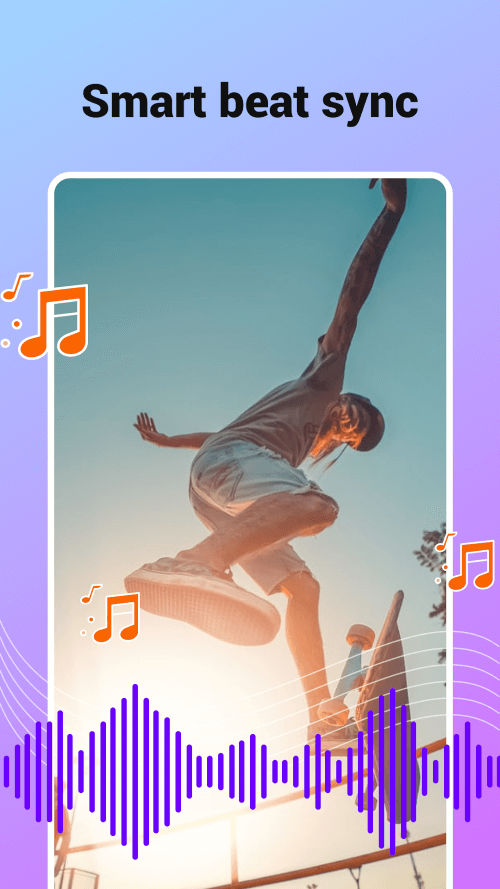
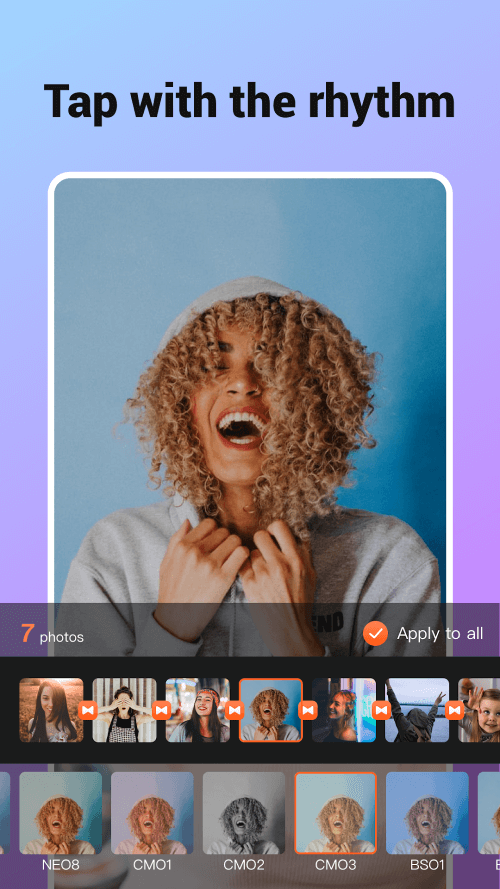
With Music Video Maker, you have full creative freedom over your photo edits and video creations. After selecting images from your gallery, the app applies various effects to each frame in your video, syncing them with your chosen background music. Choose from hundreds of songs across different genres to enhance your video's appeal and make it more engaging.
FLEXIBLE VIDEO CREATION AND EDITING
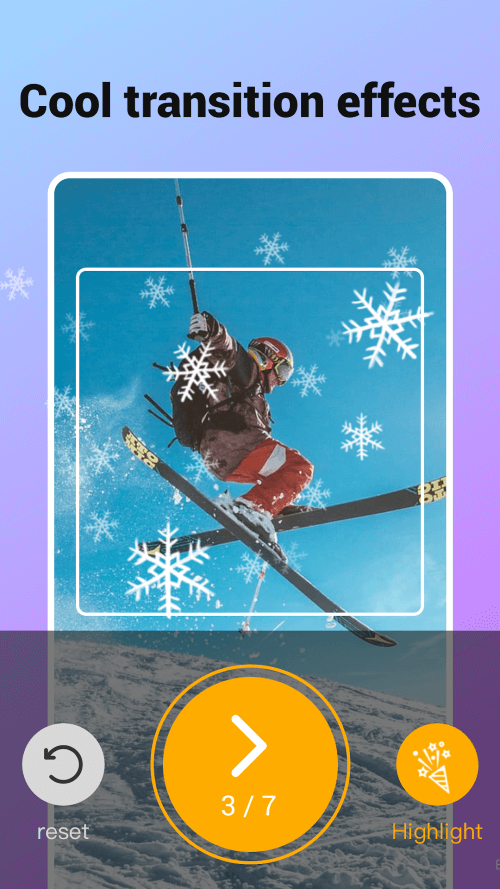
Music Video Maker offers features that allow you to have complete control over your video projects. Edit your short videos to enhance their beauty by adjusting brightness and adding effects for a more natural look. Easily trim unwanted parts and merge shorter clips into a longer video. The app guides you through creating detailed videos quickly and effortlessly.
 |
 |
INCLUDE TEXT WITH EASE IN YOUR VIDEOS
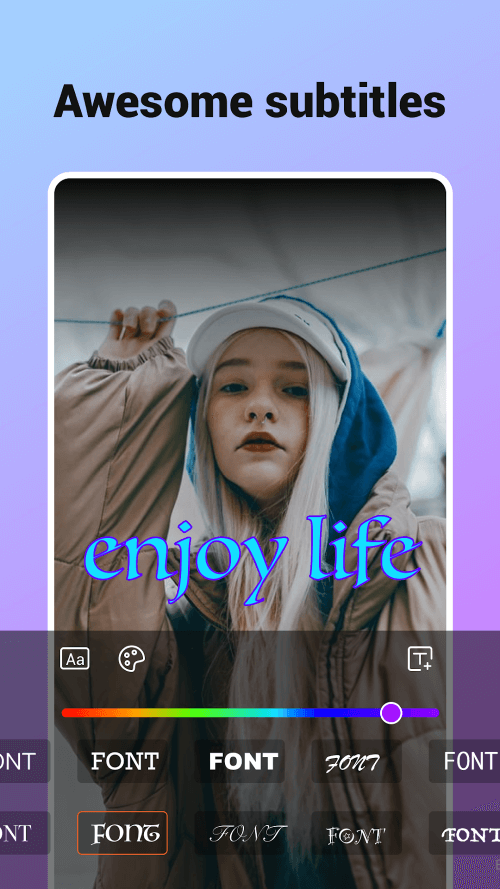
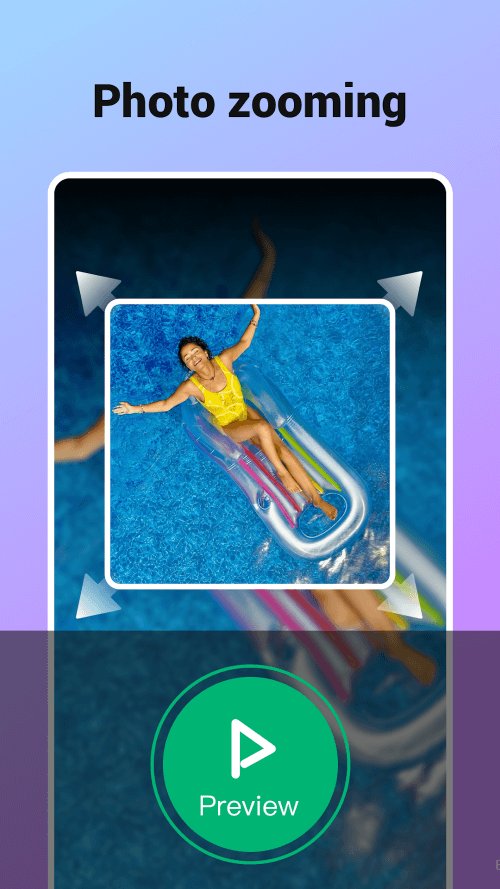
Add any text to your slideshows using Music Video Maker, as long as the video supports subtitles. Choose a clear and suitable font to convey the latest content to your audience. You can also customize the subtitle colors to harmonize with the video's theme. With dozens of colors available, select wisely to enhance viewer focus on specific details by zooming in and out as needed.
SIMPLE SAVING AND DRAFTING OPTIONS
Easily save your projects or draft videos during the creation process. Export and upload your videos anytime, ensuring sound clarity and image quality are maintained without blurring. Share your creations on social media platforms to showcase your editing prowess and inspire others to try your advanced photo editor.