

Time Until: Countdown & Widget

Time Until: Countdown & Widget
Bruno Schalch
MOD Features
App Information
About Time Until: Countdown & Widget
With the help of Time Until, you can create beautiful countdowns that are uniquely customized for any important event in your life. This application assists you in keeping track of the days until your next vacation, birthday, or other significant occasion. Due to its intuitive interface and extensive feature set, Time Until is the app to rely on for maintaining an accurate countdown to your next big event. This article will highlight the top five features of this software that make it stand out from its competitors.
 |
 |
ACCESS A COLLECTION OF FREE STOCK PHOTOS AND STREAMING VIDEO BACKDROPS FOR YOUR COUNTDOWNS
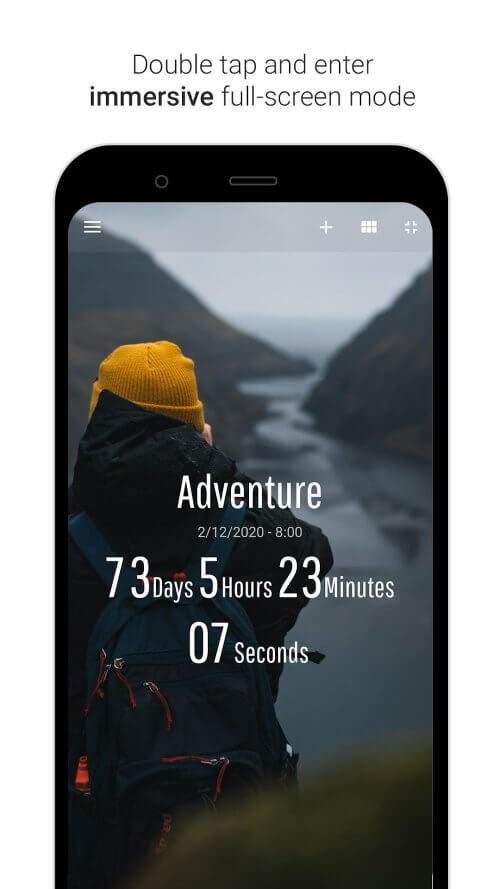
Time Until provides access to hundreds of free images that can be used as backgrounds for your countdowns through its online gallery, which is one of the app's standout features. You can choose images related to various themes such as holidays, events, and nature. Additionally, the app offers dynamic backgrounds that move in real-time, adding excitement and life to your countdowns.
EASILY CREATE CUSTOMIZED COUNTDOWNS AND VISUALIZE UPCOMING EVENTS WITH THE TIMELINE VIEW AND COUNTDOWN EDITOR
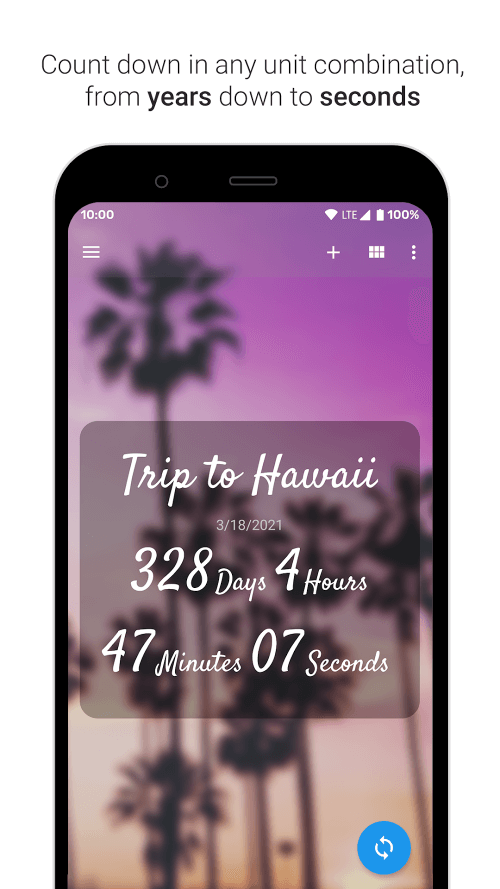
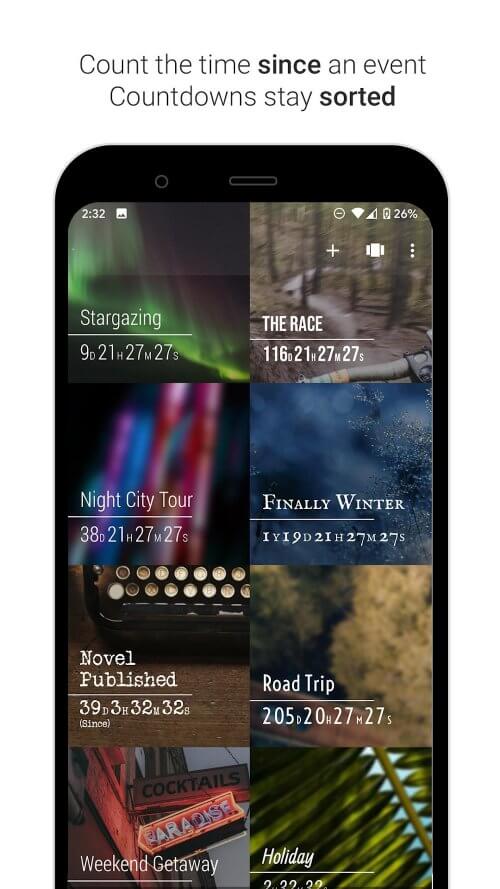
The countdown editor in this app is impressive, allowing you to tailor your countdowns according to your preferences. You can choose from several units for each countdown, including seconds, minutes, hours, days, workdays, weeks, months, and years. Furthermore, the app features a timeline view, making it easier to visualize events over time and keep track of countdowns.
 |
 |
SET UP RECURRING COUNTDOWNS FOR RECURRING EVENTS AND NEVER MISS AN IMPORTANT DATE
Time Until allows you to set notifications to trigger before or during an event, and its ability to create recurring countdowns for events like anniversaries enhances its flexibility and usability, helping users keep track of important dates effectively.
ADD TWO CUSTOMIZABLE WIDGETS TO YOUR HOME SCREEN FOR EASY ACCESS TO YOUR COUNTDOWNS
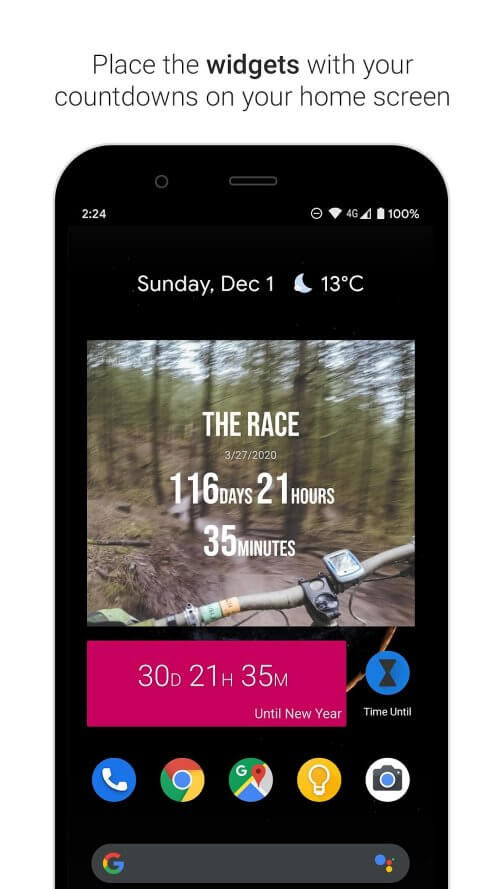
You can access your countdowns by adding two widgets from this app to your home screen. One widget displays countdowns exactly as they appear in the app, while the other shows a more compact version. You can choose which countdowns to display to make the widgets more practical and useful.


