

Ultra Lock

Ultra Lock
Mirage Stacks
MOD Features
App Information
About Ultra Lock
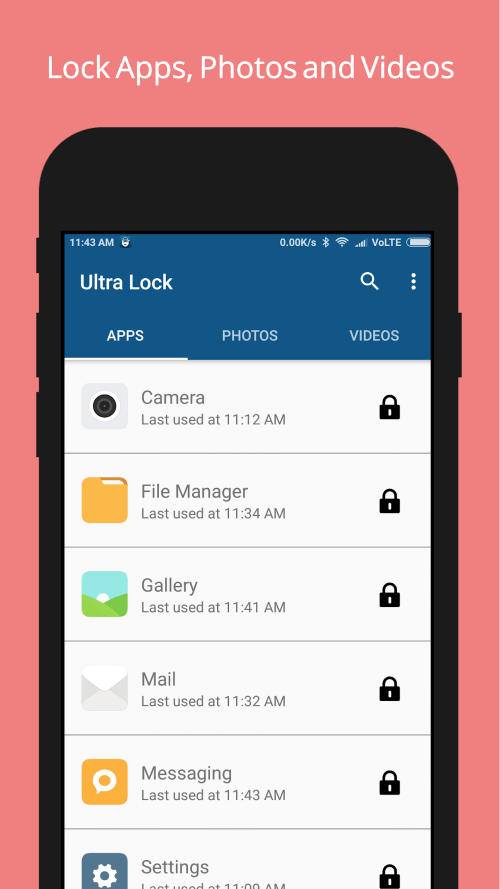
Ultra Lock is an all-in-one app designed to assist users in setting up PINs and passwords wherever necessary, offering unique password input options that are unmatched by other apps. The app's ability to adapt to user behavior and generate corresponding passwords sets it apart, ensuring optimal protection for every device.
CREATE PIN NUMBERS BASED ON LOCAL TIME
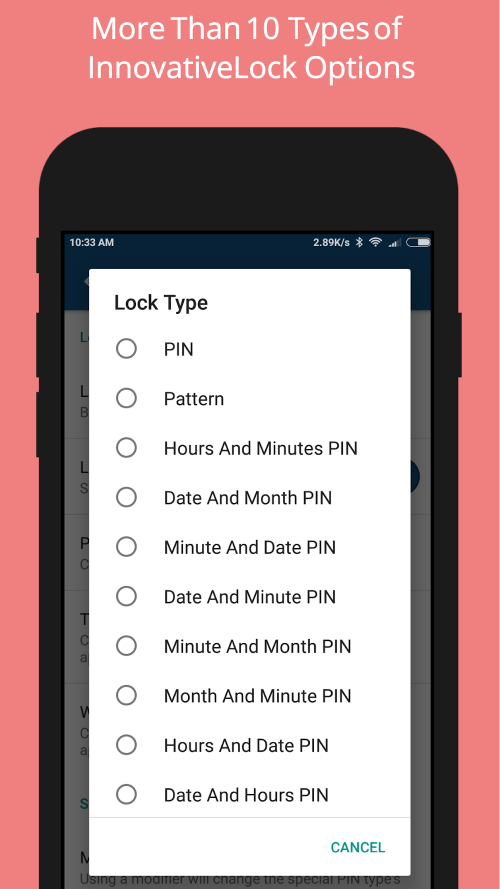
One standout feature is the ability to set up a PIN that corresponds to the time displayed on your screen, which becomes your lock screen password. For example, if it is 10:50 AM, your lock screen PIN will be 1050. As the time and date on your device refresh every minute, your PIN will update accordingly. The best part is that you don't need to remember the PIN, as it changes every time you use it, keeping your device secure even if you initially shared the password with someone.
 |
 |
CHANGE THE PIN BASED ON THE DATE
Alternatively, you can opt for a Date and Month PIN, avoiding the need to reset your lock screen PIN every minute if that suits you better. For instance, if the date is 06/05/2018 and the format is MM/DD/YYYY, the lock screen PIN will change according to the dates. The password is automatically generated based on date and time changes at various locations. This option is ideal for those who want to refresh their device automatically without others knowing, but it can be tailored to one's preferences for significant PIN changes.
SET A TIMER FOR TEMPORARY LOCK
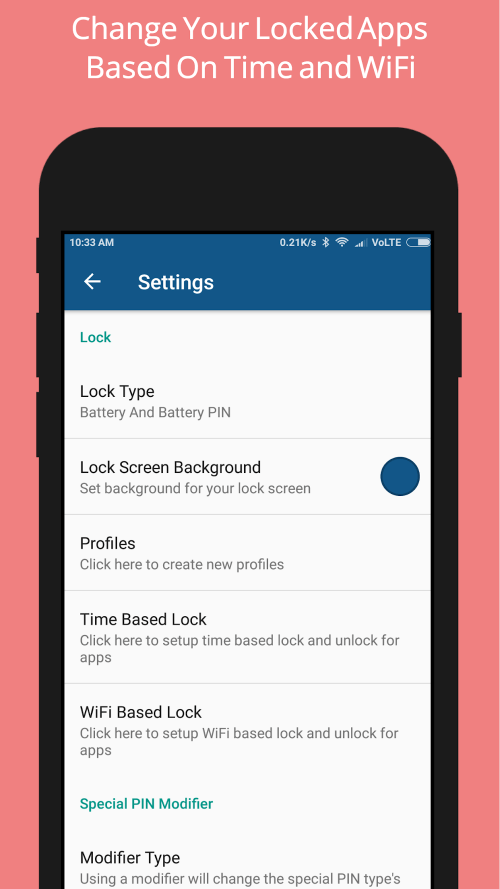
You can use a timetable to decide when the lock should be activated or deactivated for specific apps. For example, you could restrict access to social media apps from 9 AM to 5 PM, and then allow full access once you return home. This approach helps maintain productivity and prevents distractions from work. This feature can be set up at any time, and once activated, you cannot access certain apps or the entire device until the timer expires.
 |
 |
RECEIVE ALERTS WHEN SOMEONE ATTEMPTS TO BREACH YOUR DEVICE
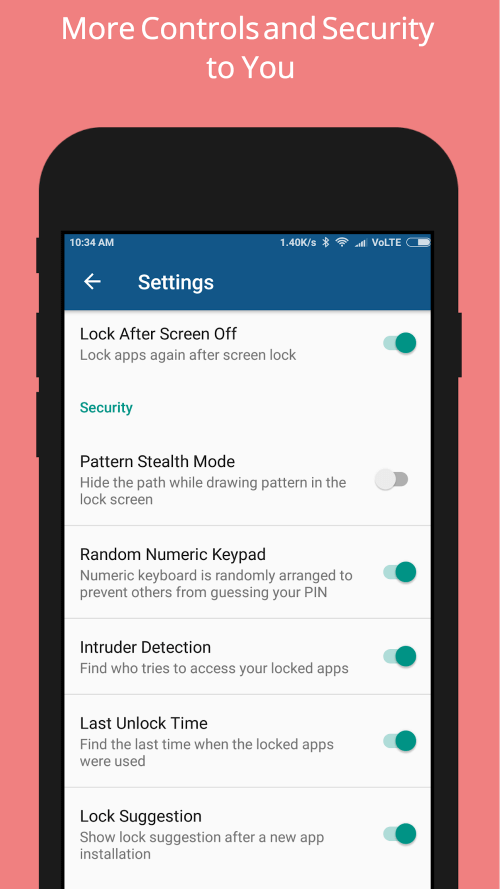
If someone tries to access your protected apps without permission, the app will capture an image using the front camera and notify you the next time you unlock the screen. This feature helps identify who has been tampering with your phone, providing solid evidence. It operates in the background with minimal energy consumption, ensuring your device remains protected.
RANDOMIZED KEYPAD FOR UNIQUE INPUT
When the Device Lock is enabled, the numeric keypad appears scrambled on the locked screen
Installation Guide
More in tools


You May Also Like
More


