

WeDJ

WeDJ
AlphaTheta Corporation
App Information
About WeDJ
WeDJ is an outstanding music creation app that offers a plethora of features and smart tools, enabling users to craft new music or edit existing tracks from scratch. This provides users with fresh ideas and advancements as they explore its unique features and advanced functionalities, which are seldom found in other apps. Additionally, the app supports a wide range of formats, enhancing user interaction and expediting the process of importing new audio files.
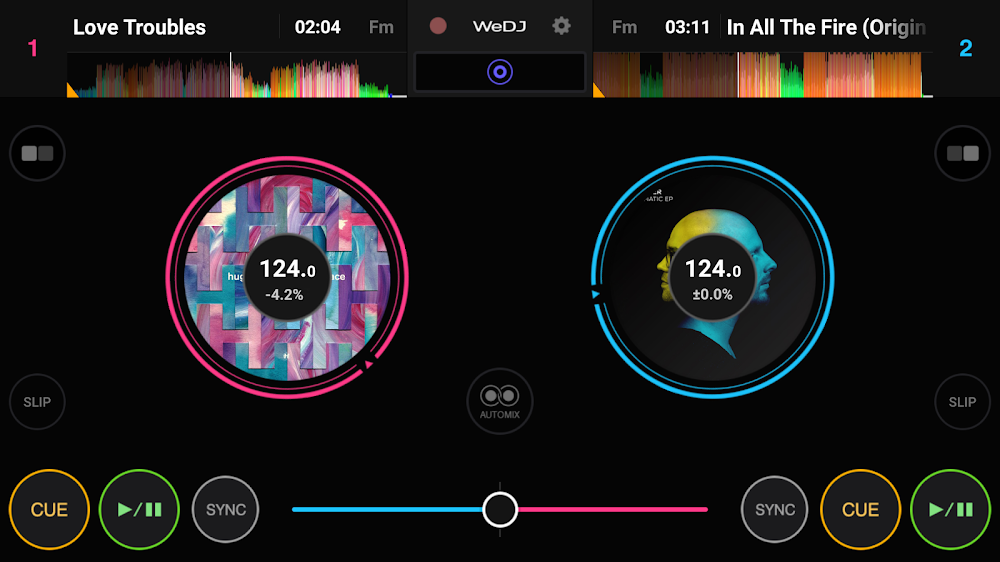
CREATE NEW SONGS WITH YOUR UNIQUE SOUNDS
FX stands for effects, and the app offers a wide array of them for audio editing. Modify the sound's sonic characteristics by applying various effects like echo and reverb. The sampler lets you experiment with different sounds, such as a horn or siren. With a three-band equalizer, you can individually adjust the volume of high, mid, and low frequencies. You can independently alter each song's tempo using the tempo slider, and the Master Tempo feature prevents the key from changing.
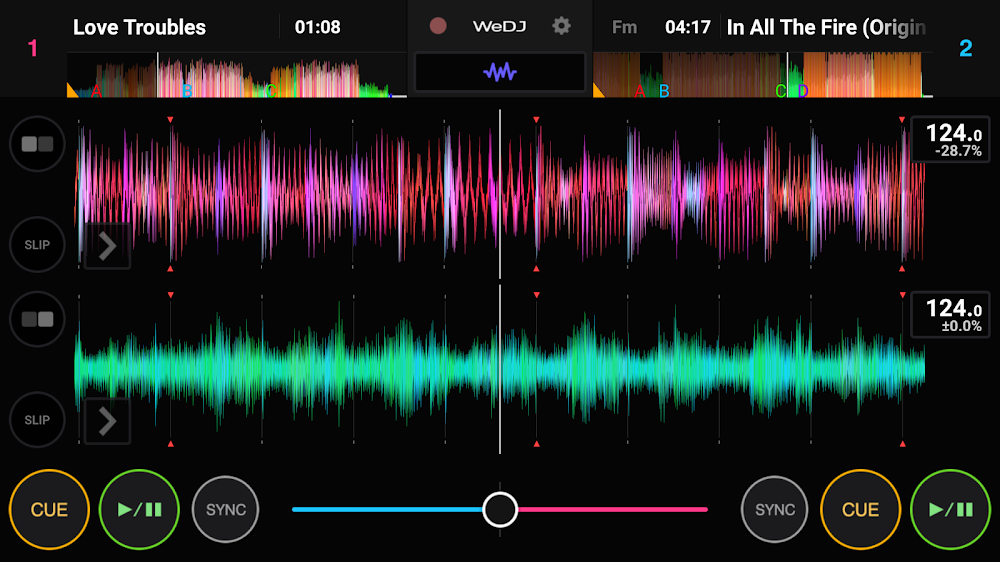
Furthermore, the app offers additional features to inspire you in crafting the best music for your taste. If your setup includes two channels, you can listen to two tracks simultaneously. By clicking the "Beat Sync" button, the tempo of the two tracks you are working on will automatically synchronize. You can adjust each track's relative volume using the crossfader. During the pre-cueing process, the stereo output is divided before each mix, allowing for separate evaluation of the monitor and master outputs.
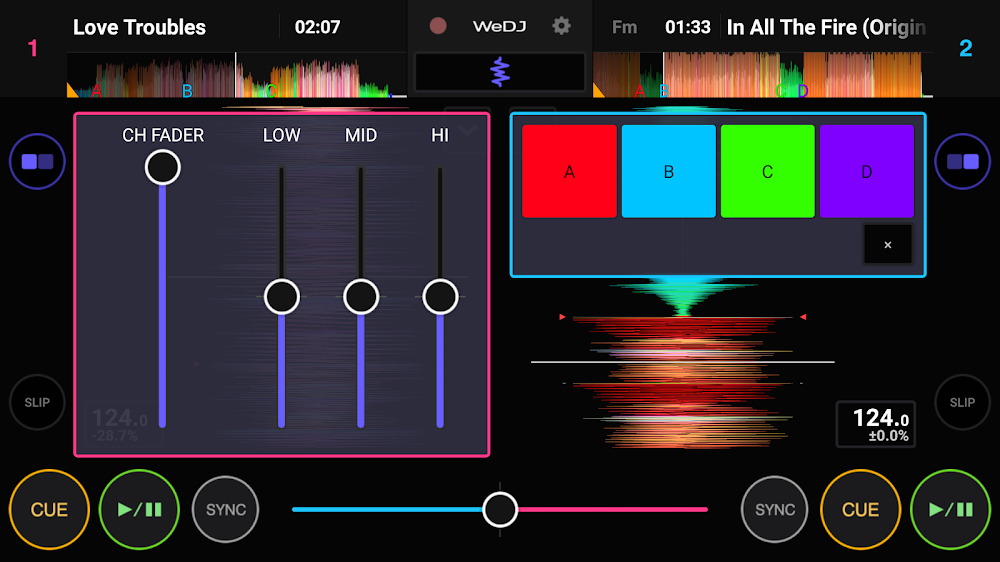
PLAY YOUR FAVORITE SONGS AT ANY POINT
To create a loop, select the desired portion of a song and repeatedly press the "play" button. The Hot Cue feature allows you to bookmark specific points in a song, enabling you to skip certain sections and directly play any part you prefer without manually adjusting or fast-forwarding. This saves time and demonstrates the app's efficiency. Additionally, you can let the app automatically create playlists and enjoy the music as it works its magic. You can replay everything you've recorded or saved, allowing you to assess how your soundscape turned out.
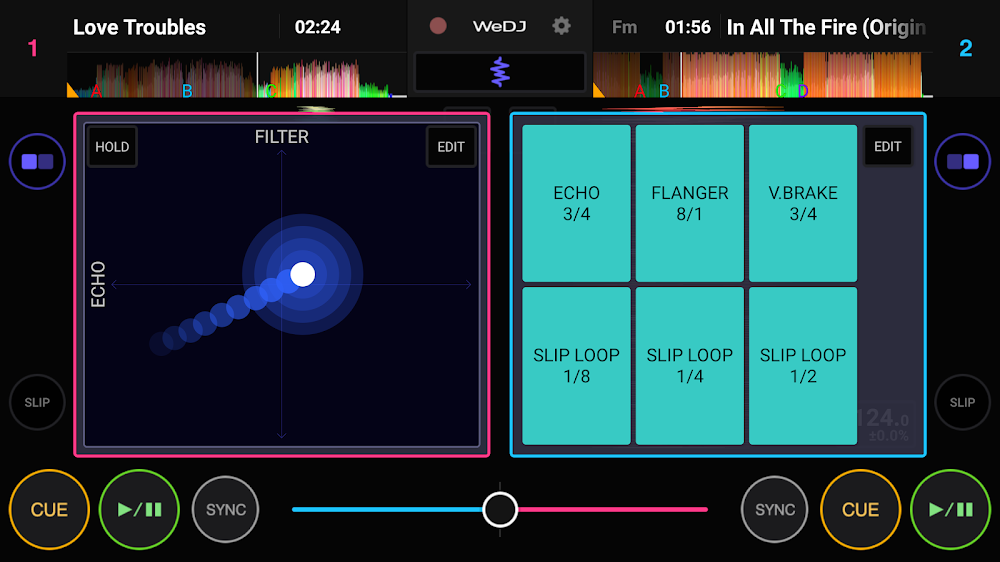
DESIGN AND CREATE NEW TRACKS
You can scratch audio tracks by interacting with the jog wheel displayed on the screen. By zooming in on the waveforms, you can view a more detailed representation of the track, and use touch controls to visually confirm your position in the music's playback. The app includes tools and features for directly inserting content or audio segments. Moreover, users can create and adjust multiple layers to edit music, altering various elements to make the song more captivating. The features are precise and user-friendly, and you can customize certain functions for enhanced listening and remixing experiences. The app's format compatibility also accelerates the music creation process.
Installation Guide
More in music & audio


You May Also Like
More


