

ePrint

ePrint
Pixster Studio
MOD Features
App Information
About ePrint
ANDROID APP STREAMLINES PRINTING WITH COMPATIBLE PRINTERS
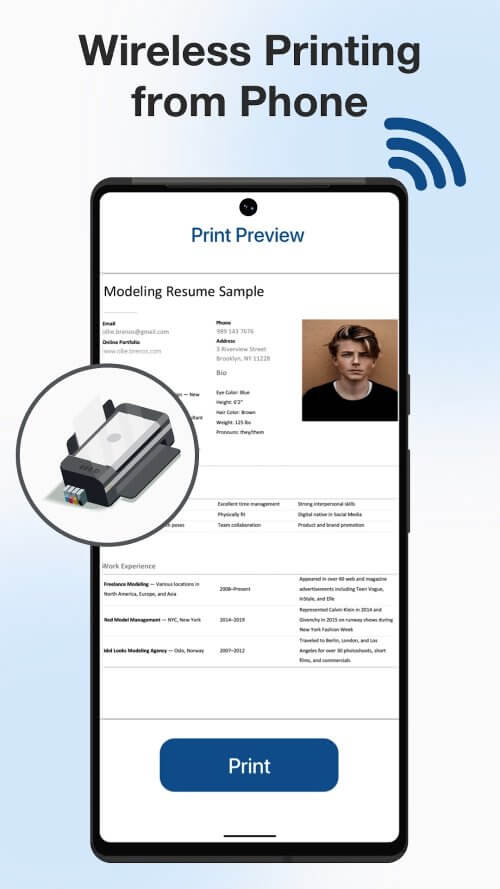
The ePrint app for Android is an innovative solution that makes printing from a mobile device effortless. When paired with a compatible printer like Canon, Epson, Fuji, Brother, or other inkjet, laser, or thermal printers, ePrint facilitates easy content printing from your mobile device. This wireless printing option saves time, effort, and money by removing the need for cables.
 |
 |
EASY PRINTING OF ALMOST ANYTHING FROM ANY LOCATION
Effortlessly printing nearly anything, anytime, and from anywhere is a major advantage of ePrint. With ePrint, you can print almost anything, including PDFs, Microsoft Office files, web pages, and email attachments. A wireless, Bluetooth, or USB-OTG connection between your mobile device and printer makes printing straightforward. If you need to print multiple photos at once, this feature's ability to print several images per sheet will come in handy.
SEAMLESS CONNECTION OF ANDROID DEVICE TO WIRELESS PRINTER
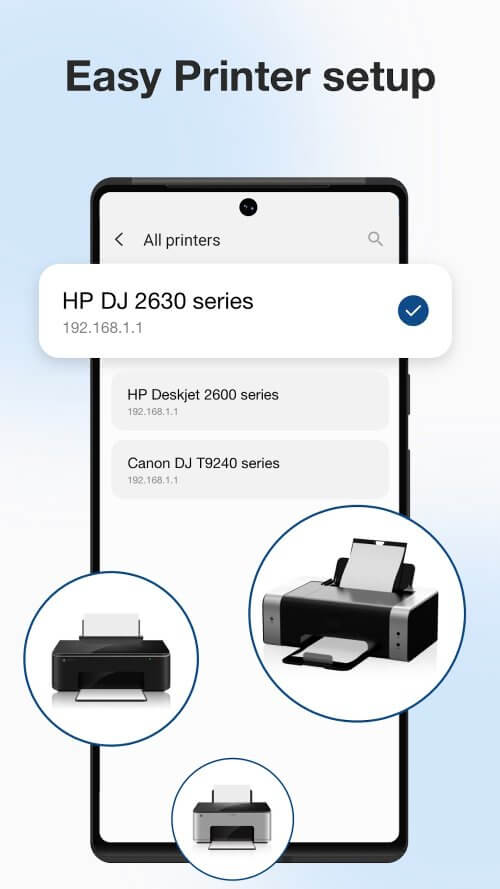
The app can effortlessly connect your Android device to any nearby wireless printer, whether at home, in the office, or on the go. You just need a printer compatible with ePrint and a wireless network connection. Once connected, printing any document becomes quick and simple. With ePrint, you can print from anywhere without searching for a printer, carrying cables, or setting up a computer.
 |
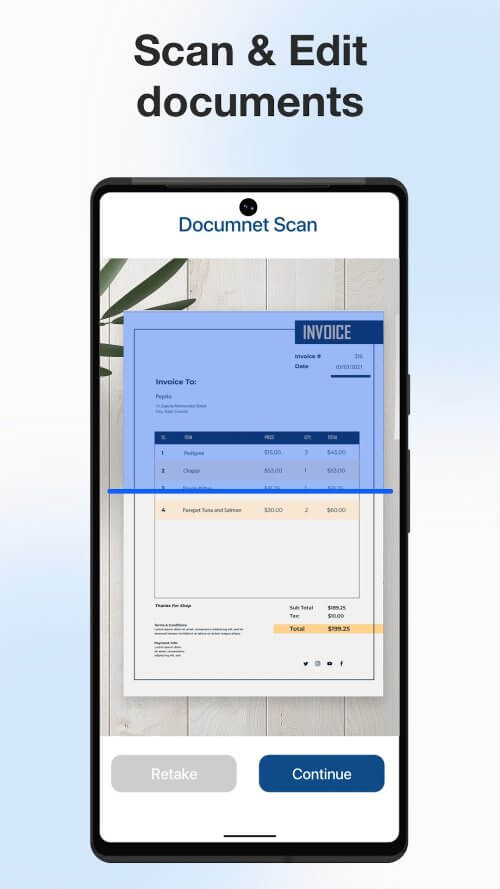 |
It's a simple and convenient way to print while traveling. With ePrint, you can do more than just print from your mobile device; you can also scan text and images. This feature is particularly useful for scanning paper documents or photographs in preparation for printing. The built-in scanner is easy to use and can be customized in terms of color, resolution, and page size. Once your document or image has been scanned, you can print it on the same device or any other device that supports ePrint.
EASILY IMPORT, EDIT, AND CUSTOMIZE FILES WITH ADVANCED FEATURES
You can import and edit your files in various ways before printing with ePrint. Files can be imported from the device's storage, Google Drive, the clipboard, or a website. If you need to personalize a form or checklist after importing it, you can add text, images, or signatures. You can save your work in progress or share documents with friends and family via email, text, or social media. ePrint's advanced settings allow you to tailor your print jobs to your needs. You can customize the dimensions, quantity, orientation, and quality of
Installation Guide
More in business


You May Also Like
More


