

Mirror Plus

Mirror Plus
Digitalchemy
MOD Features
App Information
About Mirror Plus
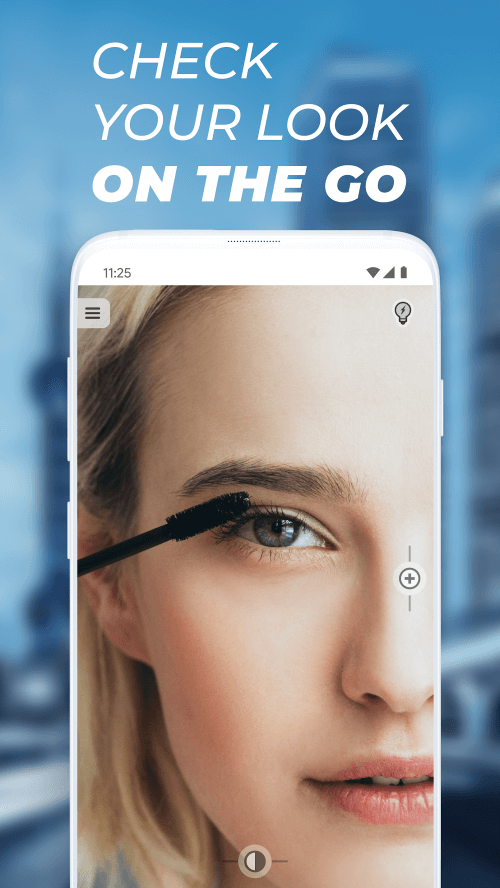
Having a mirror app on your mobile device has become crucial in today's world, and Mirror Plus stands out as one of the most intriguing and cutting-edge mirror apps available. The camera quality, classic design, and intuitive gesture controls of this mobile mirror app are exceptional. Mirror Plus integrates social media sharing directly into the app, making it easy to take selfies and share them with friends and followers.
A REVOLUTIONARY 3D FUNCTION FOR SHOWCASING YOUR LOOK TO THE WORLD
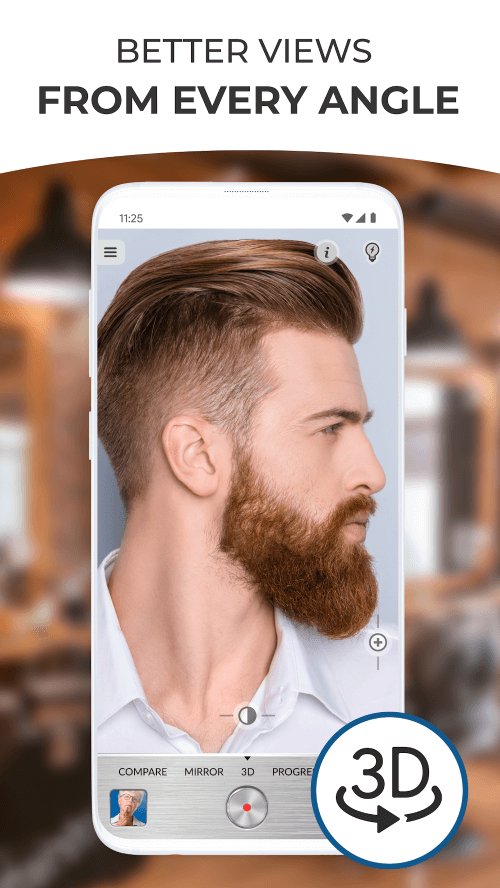
Mirror Plus boasts several features that distinguish it from other mirror apps. The 3D functionality is arguably its most impressive feature. This function specifically records your gaze either horizontally or vertically. It's perfect for flaunting your latest fabulous hairstyle or outfit to your social media followers. The 3D experience is exhilarating and enjoyable, making it ideal for a standout Instagram post.
 |
 |
VISUALLY TRACK YOUR PROGRESS AND TRANSFORMATION USING THE COMPARE MODE
The Compare function is another valuable addition to Mirror Plus. With this feature, you can create your own "before and after" picture effortlessly. It's perfect for tracking weight loss, muscle gain, or monitoring your baby's growth. This function allows you to document your progress and observe how your life has changed over time.
CREATE TIME-LAPSE STORIES IN PROGRESS MODE
Another powerful feature of Mirror Plus is the Progress mode. Use this setting to capture images of your development over time. In Progress mode, you can record a video of your journey and take pictures to preserve the memories. Leverage this feature to create time-lapse narratives that effectively convey your achievements. This mode allows you to take 3D pictures, visualize significant changes with a before-and-after collage, and select multiple moments to craft a compelling video showcasing your progress.
USER-FRIENDLY ON-SCREEN ZOOM AND LIGHTING CONTROLS
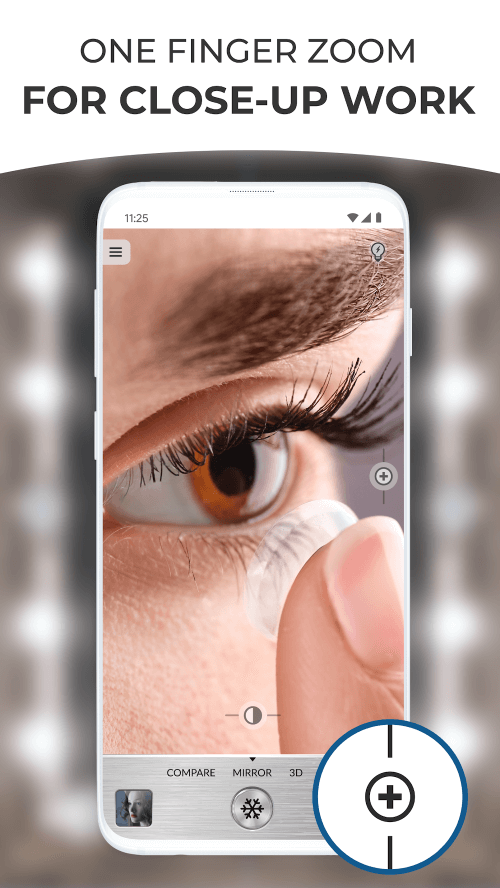
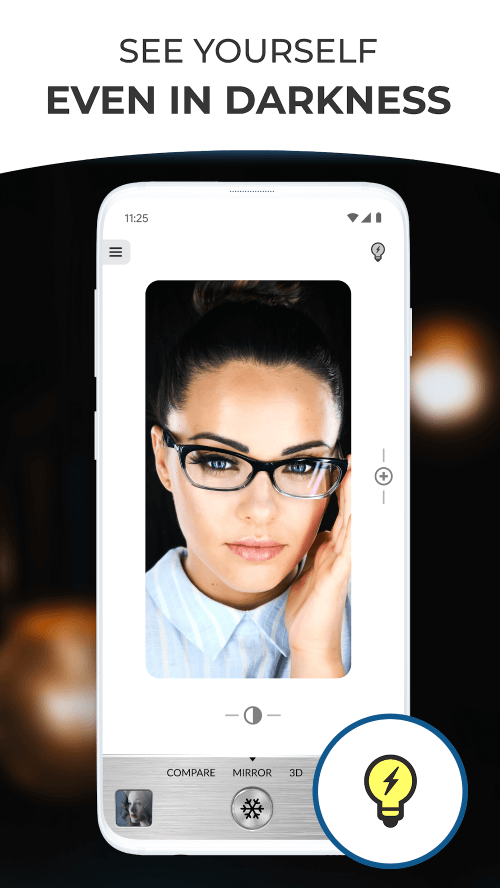
One of Mirror Plus's greatest strengths is its intuitive interface. It features a one-touch function that allows you to adjust the lighting, making it even more user-friendly than your phone's camera. Adjusting the lighting for any shot is straightforward. A built-in zoom feature lets users examine finer details without leaving the app. Another excellent feature is the app's ability to freeze images, allowing you to take pictures without opening your gallery after each one. All photos taken with the app are automatically saved in the app gallery.
 |
 |
EASILY SHARE PICTURES WITH FRIENDS AND FAMILY VIA EMAIL OR SOCIAL MEDIA
Mirror Plus simplifies the process of sending your selfies and other photos via email or social media. Sharing photos directly from the app is both
Installation Guide
More in beauty


You May Also Like
More


